
In Starfield, space travel is vital to exploring and advancing in the game. While manually flying a spacecraft is possible, it can be time-consuming. Grav jumping is the faster alternative for traveling between stars, but it has limitations. This guide explains how to increase jump range in Starfield.
How Do You Increase Your Grav Jump Range in Starfield?
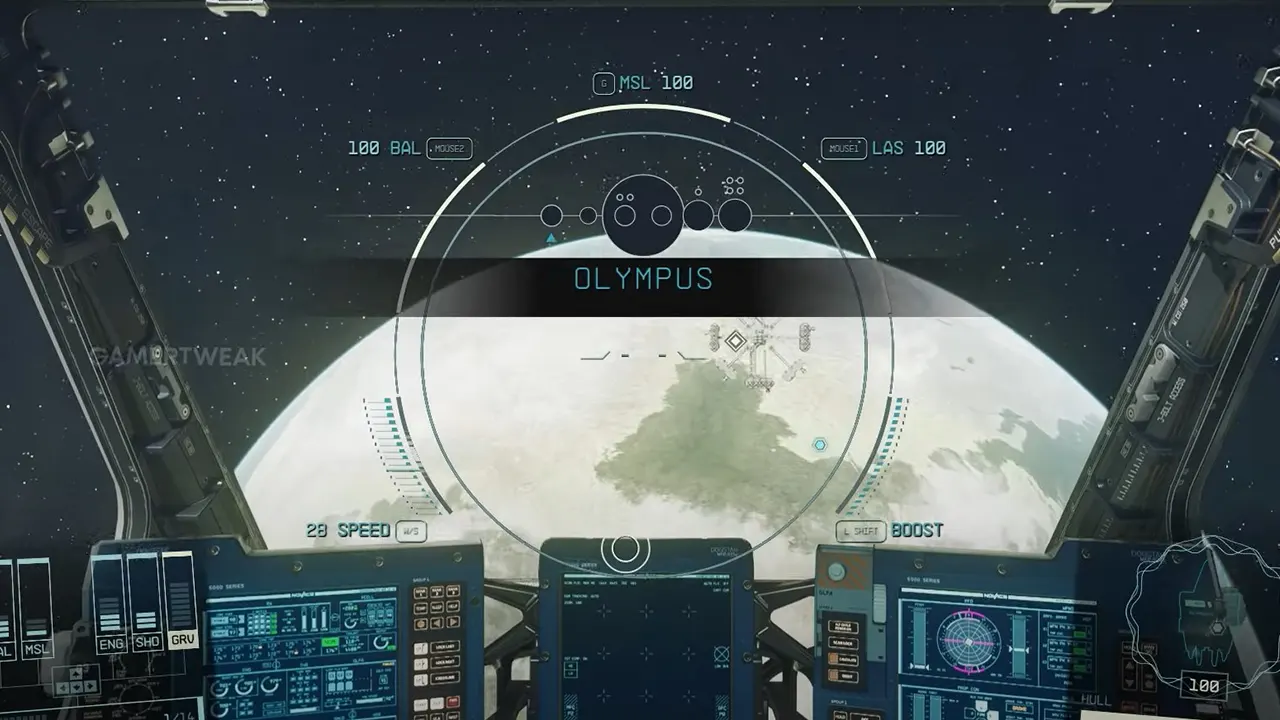
Grav jumping is one of Starfield’s main ways to travel between planets and systems. However, your ship’s jump range is limited to 30 light years. Here are some methods you can use to increase your grav jump range.
Upgrade Your Grav Drive
The grav drive determines how far your ship can travel in a single jump. Speaking to Ship Technicians at settlements, you can upgrade to a grav drive with a higher jump range rating. Make sure to check how the new drive affects your ship’s mass and mobility.
Reduce Your Ship’s Mass
Heavier ships have smaller jump ranges. Removing large cargo holds and upgrading to lighter engines can decrease your ship’s mass, allowing you to travel further. Customize your ship’s components in ship build mode to prioritize lower mass.
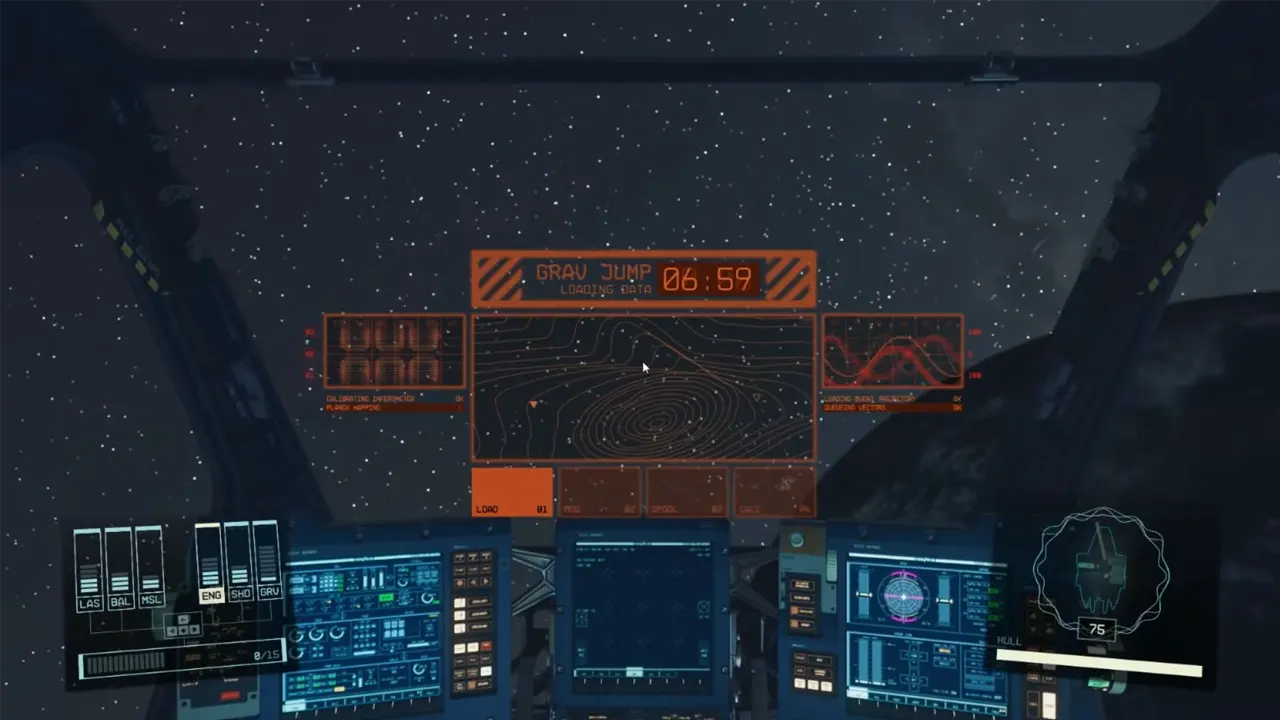
Expand Your Fuel Tank
Bigger fuel tanks mean you can make multiple jumps before stopping and refueling. Look for larger fuel tank modules to add to your ship in build mode. This won’t directly increase your max range but makes jumping farther distances easier.
Invest in the Astrodynamics Skill Tree
The Science skill tree contains perks that boost grav jump range and reduce fuel costs. Astrodynamics 1 increases base range, while levels 2 and 4 lower fuel consumption for each jump. Maxing this skill tree provides the biggest bonuses.
And that’s everything you need to know on how to increse jump range in Starfield. If you found this guide helpful, check out other such articles like how to build and customize a spaceship, or find here the best ship tier list. Moreover, you can take a look at our Starfield dedication section for such help guides.











