Even though Agent 47 has everything from Fiber Wire to Sniper Rifles, and heavy weapons in his arsenal but no other weapon is as fun to use as the Remote Explosives. We had a lot of fun with it in both previous installments of the World of Assassination trilogy. But even though it’s fun, you have to be very smart in the way you assassinate your target or use it as an integral asset in your mission. Here for all those who just picked up Hitman 3, we have the step by step guide on how to equip Remote Explosives and use them.
How To Use Remote Explosives In Hitman 3?
Just as in both previous games, you can utilize different weapons spread across various levels in maps and the same applies to remote explosives. In Berlin, you will find them in Level 5 & Level 20. You can level up ahead in the game to unlock the ability to begin a mission with Remote Explosives. Make sure to loot the bodies you subdued. The higher the status of guards, the better weapons you will be able to pick up from them.
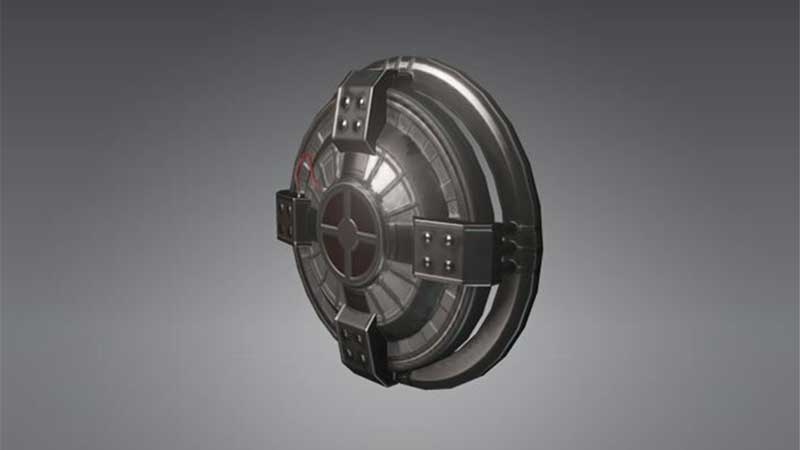
How to Equip
Once you have acquired them, you can equip them from your inventory by cycling through it by left/right D-pad on your controller. For PC players, press I to swap inventory items. As there is no dedicated button to place bombs or items in the game, you can work around this by dropping the object where you stand. This is unlike coins which, could be thrown from far away.
As soon as you equip the Remote Explosive, you can drop it at Agent 47’s foot by pressing the down button on D-pad. That’s Z on PC by default. Make sure to remember the location and move away from the blast radius and vicinity. The moment you drop the bomb, Agent 47 will automatically equip its detonator in his hands. You can either detonate the explosive by pressing R2 in PS & RT in Xbox. Once your target is near the explosive device, you can ignite the bomb and set it off.
If you change your mind and don’t want to use it just yet, you can holster the item by pressing up on D-pad and H/Mouse 3 on PC.
That’s all you need to know about equipping and using Remote Explosives in Hitman 3. For more information and tips on Hitman 3, make sure to check out our other Hitman 3 guides too. Keep reading: