
How to use flashlight on shoulder in Phasmophobia? If you’re already aware this will let you see in the dark bringing some sort of illumination to your game and find clues easily. If you do not know how to do it, well then you’re at the right place as we’ve discovered just how you can do it and you can read about it below.
How To Use Flashlight On Shoulder In Phasmophobia
The flashlight is probably your second-best ally in Phasmophobia after your teammates, this will allow you to see in the dark, and not only that but you might be able to find hidden clues and solve riddles faster just because you can see things in the dark.
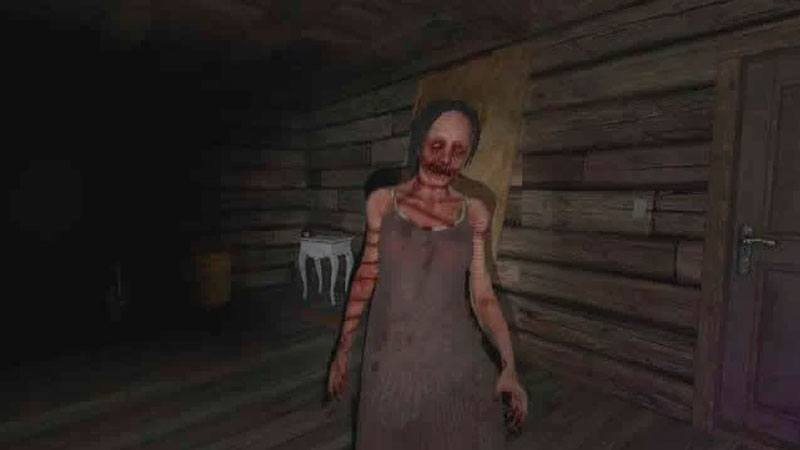
Phasmophobia is a horror psychological game that brings a ton of creeps and frights along with it, and you will need to make sense of where you’re going and what you’re doing in the game.
If you’ve found the flashlight in Phasmophobia, you already know that as soon as you equip another item it goes back to your inventory and the game does not suggest how to use the flashlight on your shoulder.
Well, all you need to do is make sure that you have the flashlight in your inventory in Phasmophobia, as long as there is a flashlight in your inventory, all you have to do is press T and the flashlight will be instantly placed on your shoulder and turned on.
Also Read: How To Turn Off Car Alarm In Phasmophobia
This gives you the ability to equip other items and not be in the dark while doing so, keeping the flashlight on your shoulder also helps you to look more tactical giving you a more professional outlook about you and the rest of the squad.
Communication is key in Phasmophobia so make sure that you can see and hear things properly in Phasmophobia and you will be solving each mystery quicker than ever before. This is all there is to know about how to use flashlight on shoulder in Phasmophobia.
There are tons of elements in Phasmophobia that help it to become of the best team-based psychological horror game in recent years. Make sure to check out if you can play Phasmophobia on a Mac right here on Gamer Tweak.
Do not forget to check our Phasmophobia Wiki guide for more ghost hunting tips.











