Car alarms in Phasmophobia can be an annoying thing that can easily derail your investigation and lead you astray from your objectives. Disabling car alarms will help you listen to clues carefully and solve the mystery easily. If you want to know how to disable car alarms in Phasmophobia, you’ve come to the right place.
How to Turn Off Car Alarms in Phasmophobia
Phasmophobia’s gameplay can be really intriguing and scary as you will never know what comes next in this ghost-busting adventure. Ghosts will be up to no good and will try their best to deter you away from completing your tasks and solving the mystery.
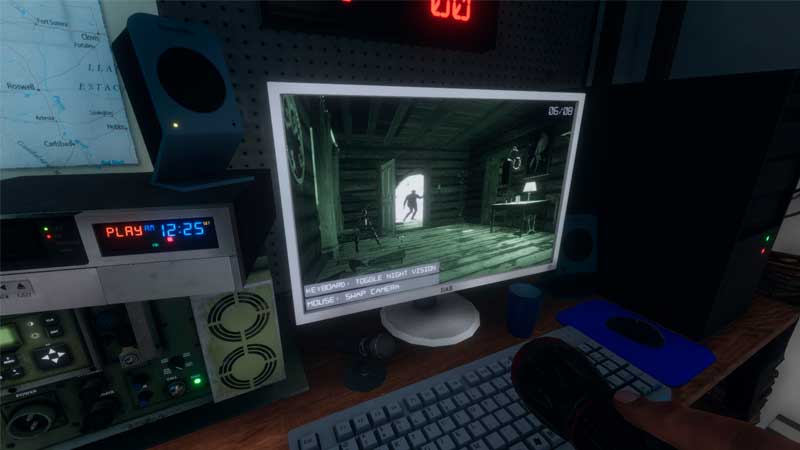
Disabling the car alarms in Phasmophobia is easy but there are a few things that you have to keep in mind before you rush outside to stop the blaring and alarming sounds of the car. You have to make sure that you have the car keys with you as only then will you be able to get access to the car and turn off the sound, without the car keys, turning off the car alarm sound is impossible.
Also Read: How To Set Up Microphone In Phasmophobia
You can find the car keys in the house, make sure to check every nook and corner of the house and search for clues that might lead you towards the car keys. You will need to have the car keys on you to disable the car alarms so even if you stumble upon the keys early in the game. Keep them with you can do not discard them away.
While you rush out to turn off the sound, be cautious as the Ghost may be around and you will need to be aware. So check your surroundings and only then proceed to turn off the car alarm in Phasmophobia.
Once you turn off the car alarms, you will be able to hear things better without any distraction and will prompt a Ghost Interaction EMF Level 2.
This is all there is to know about how to turn off the car alarms in Phasmophobia. This game brings the chills and fright that only a few games have been able to do so, make sure you check out how to use the Ouija Board in Phasmophobia to uncover secrets and clues right here on Gamer Tweak.
Do not forget to check our Phasmophobia Wiki guide for more ghost hunting tips.