
Home > Valheim > How To Transfer Items Between Worlds

How To Easily Transfer Items Between Worlds In Valheim

Updated Date :

transferring items between worlds in Valheim can be a pain and a real effort as you can only take a handful of things, luckily we’ve found a way that makes the process a tiny bit easier and you can even take and store a lot of things with it. If you want to know how to transfer items between worlds in Valheim, read this guide.

How To Transfer Items Between Worlds In Valheim

Valheim is a vast game with many biomes and you will need to explore everything before you get to have a verdict on the game. While you can only carry items that are in your inventory, to transfer items between worlds in Valheim make sure to carry things that are absolutely necessary. When you get to the other world, create a home or a hut for yourself, once done keep the items there, and then repeat the process.
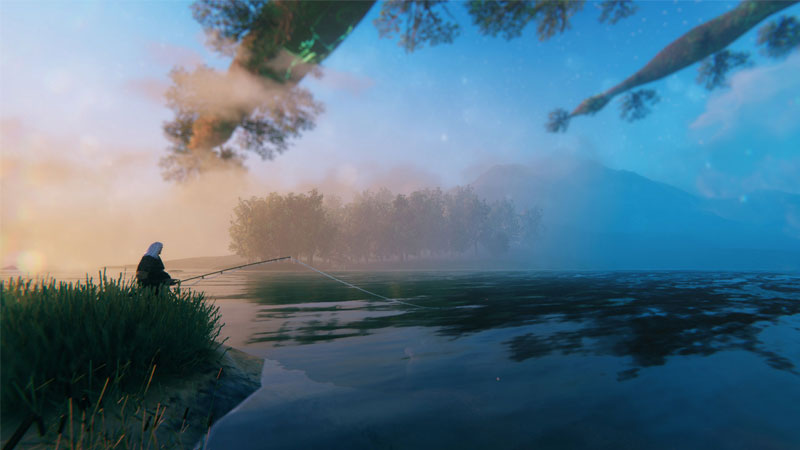
how to transfer items between worlds in valheim
If you transfer items between worlds Valheim you won’t have to go back and forth every time

While this can be a tiresome activity, this is the only one that works in the game. If you think you do not have enough space to store all the items from one world to another, you can check out our guide on how to stack chests in Valheim. This will immediately increase your storage space and there will be more room for other things.

Also Read: How To Build A Shelter In Valheim

Each world is significantly different and offers a bunch of variety, there’s the swamp, mountain, meadows, and more. Make sure to visit each world or biome as they’re called in the game and you can easily take all of your things with you over there.

As it was true for Vikings, voyages were part of their lives and so should be yours when you’re playing Valheim, but be sure to check out the best weapons that you can craft in Valheim so that you’re never caught off guard and always have something sharp and good to mow down your opponents.

For more details do not forget to visit our Valheim Wiki Guide for cheats, boss fights, rare resource locations, etc.


  • Grandblue Codes (August 2026)

    Grandblue Codes (August 2026)

    Published Date :

    Grand Blue is a Roblox pirate adventure where you can explore islands, fight powerful enemies, master different fighting styles, and hunt for Cursed Fruits with special abilities. As you get stronger, you’ll also need to improve your character and prepare for tougher battles. Luckily, Grand Blue codes can give you free rerolls to help with… Read More

  • Can You Date Lucia in GTA 6? Here’s What Rockstar Revealed

    Can You Date Lucia in GTA 6? Here’s What Rockstar Revealed

    Published Date :

    GTA 6’s latest gameplay reveal has answered one big question about Jason and Lucia: their relationship will play an important role in the game. In the Netflix footage, we saw plenty of clips and cutscenes that indicate that they will spend a lot of time together. But can players actually date Lucia, or is their… Read More

  • Chasing Codes (August 2026)

    Chasing Codes (August 2026)

    Published Date :

    Chasing is a where you play as a survivor or killer – if you’re a survivor, your goal is to complete all objectives and stay alive until 6:00, and, if you’re the killer, you’re tasked with killing every survivor. While you’re at it, you can redeem all new and active Chasing codes that can provide… Read More

  • Will GTA 6 Have First-Person Mode? Latest Footage Leaves Fans Wondering

    Will GTA 6 Have First-Person Mode? Latest Footage Leaves Fans Wondering

    Published Date :

    GTA 6’s latest extended look has given players a closer look at the game’s action, story, driving, exploration, and open world. However, the gameplay steers away from one familiar feature: first-person mode. The new footage shared by Rockstar has brought back questions about whether GTA 6 will let players switch between third-person and first-person perspectives… Read More








