There is a new Error Code that is terrorizing the Valorant Community. VAN 1067 is a very recent code that has appeared to many players after they have updated their Windows OS. For some unknown reason, Windows have disabled certain options which Valorant requires to work on. Here in this guide, I will show you how you can fix the VAN 1067 Error Code in Valorant.
How to Fix VAN 1067 Error Code in Valorant
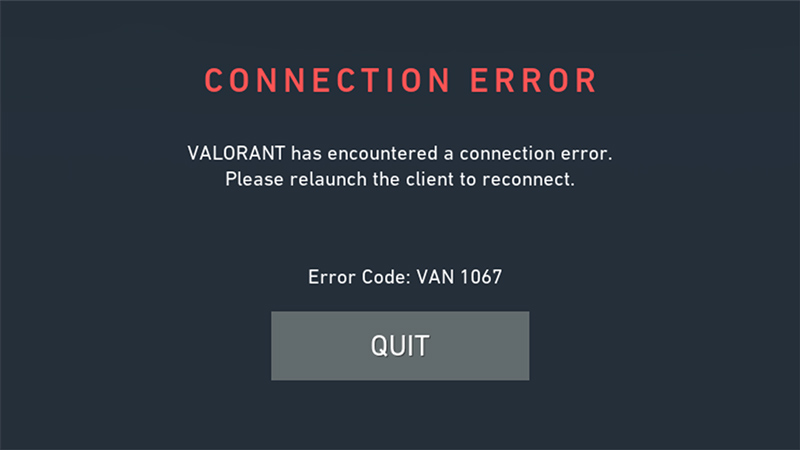
Like I mentioned before, the VAN 1067 Error Code is a relatively new error that has appeared after the player base has upgraded their Windows OS from 10 to 11. The issue lies in the BIOS settings of your OS. Below I have listed the ways you can fix this issue.
- On Startup, Open your BIOS Settings. Click the F10 and F12 keys to open the BIOS Settings.
- In your BIOS Settings, go to the Advanced Options and find “Secure Boot”. If you can’t find it right away then the sequence of finding it is Advanced Options -> Boot Options -> Secure Boot.
- In Secure Boot, select the Window UEFI Mode Option. If this option is not available then select the UEFI option from the choice of options you have.
- Once you have performed all of the above steps you should be able to play the game.
If the Error Code 1067 persists then keep restarting the game or your system. Another thing you could try is to restart the “vgs” Service in your Task Manager. Go to your Task Manager and then click on the Service Tab and then finally right-click on vgs Service and Restart. Note that this Service will only be visible if you Valorant running or installed. Depending on what Device System you have, your method to get to your BIOS settings will be different.
If even then the Error persists, then get a Support Ticket from Riots Support Service. It shouldn’t come to that but it is the last resort if your error doesn’t get resolved. Hopefully, this guide has helped you in solving the VAN 1067 Error Code in Valorant. You can also check out our guides on Best Team Comps and how to Submit a Ticket in Valorant.