
Losing your favorite items in Valheim? or just annoyed with missing items or things in the game then here is what you have to do. Players have reported disappearing buildings, chests, etc in Valheim. The game is massive and it requires a lot of grinding. So losing important items can destroy the gameplay. Here are some quick tips on how to fix Valheim disappearing items bug.
How to restore disappearing Items like Buildings, Chests, etc.
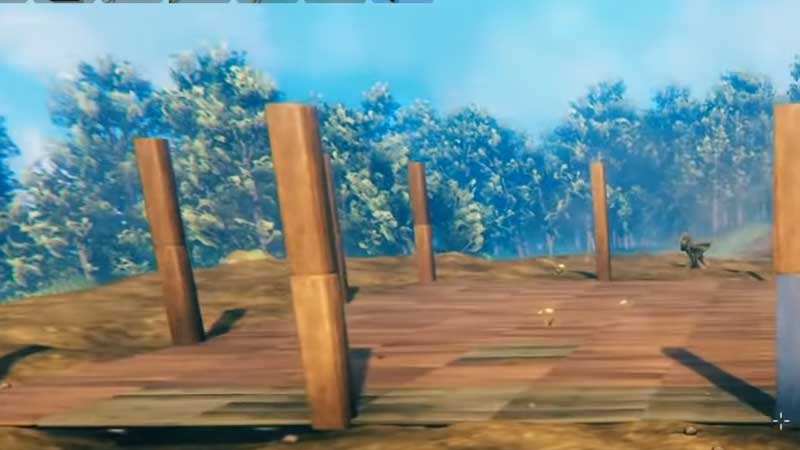
Valheim is going through some bugs for a long time. Recently players have gone through the loss of save data bug, game crash, incompatible version error. But for disappearing items glitch is standard and it can be resolved by a simple restart. Start with backing up the save game files first. Before doing any changes copying the saved file will help you to preserve all your progress. Refer to the link to find out how to copy save game files and later press Alt + F4 to terminate the game if you are unable to find any structure.
Load the game again and verify the locations of missing items. Players have also reported they are unable to some of the major structures in the game. If you are using Valheim Mods then they are one of the main reasons causing the problem. Due to changes in the game files, some of the main game files get damage, and restoring them will fix the issue.
- Launch Steam > Right Click on the Game.
- Click on Properties > and then go to Local Tab.
- Click on Verify Game Files.
Steam will check all the missing game files and restore the damaged ones. Check after running the file verification scan. This is the only working fix right now, and yet there is no patch for the same. One of the major reported issues is the disappearance of the main character which is rare but if you are going through this re-install the game once.
Avoid using any third-party mods and do not forget to exit the game properly. Alt+F4 shutdown can be used only to troubleshoot game loading, freezing, issues. It is not a permanent solution. Hopefully, some of the basic things are enough to resolve the disappearing Items bugs in Valheim. Till then hit our Valheim Wiki to check out more latest, tips and tricks about the game.










