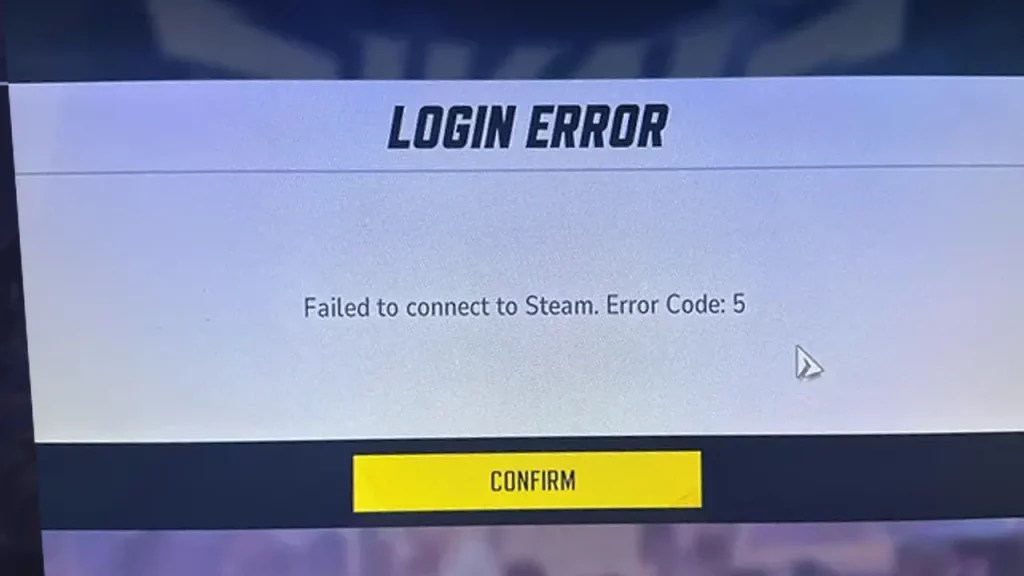
Apart from the more common error codes 10 and 211, players may also come across the error code 5 in Marvel Rivals. It mentions a login error and can indicate login issues that will prevent you from accessing your account. Since it has multiple causes, take a look at all the troubleshooting tips to narrow down the reason and potentially solve it.
Marvel Rivals Error Code 5 Troubleshooting Tips
The first thing to do would be to keep retrying because players have managed to get the game running after about 5 tries. If that doesn’t work, try the steps below.
Check for Server Issues
Occasionally, Marvel Rivals’ servers may experience downtime, leading to login errors. Check if the game is undergoing an outage or planned maintenance through the official social media sources and if yes, you should be able to log in after it’s fixed from their end.
Check for Network Connectivity Issues
Unstable internet connections or incorrect network settings can cause a roadblock in the communication between your device and the game servers. Reset your router if required, use an Ethernet cable if you’re using Wi-Fi, and check if slow internet was the problem.
Also Read | Best Custom Crosshair Codes for Marvel Rivals
Fixing Corrupted Licenses
On consoles like the PS5, corrupted game licenses can trigger Error Code 5. To restore Licenses:
- Navigate to Settings > Users and Accounts > Other.
- Select Restore Licenses and confirm.
- Once completed, restart the game.
- Note: Restoring licenses won’t affect your data.
Restart Your Device
Power cycle your console or PC to refresh system processes because it can often resolve temporary glitches.
For PlayStation users, go to Settings > Network > Set Up Internet Connection.
- Select your network and choose Advanced Settings.
- Set DNS settings to manual:
- Primary DNS: 1.1.1.1
- Secondary DNS: 1.0.0.1
- Save and restart your console.
Verify Game Files (For PC Users):
- On Steam, locate Marvel Rivals.
- Access the game’s properties and select the option to verify integrity of game files.
- This process will repair any corrupted files.
If the issue persists, reach out to Marvel Rivals’ customer support for personalized assistance.