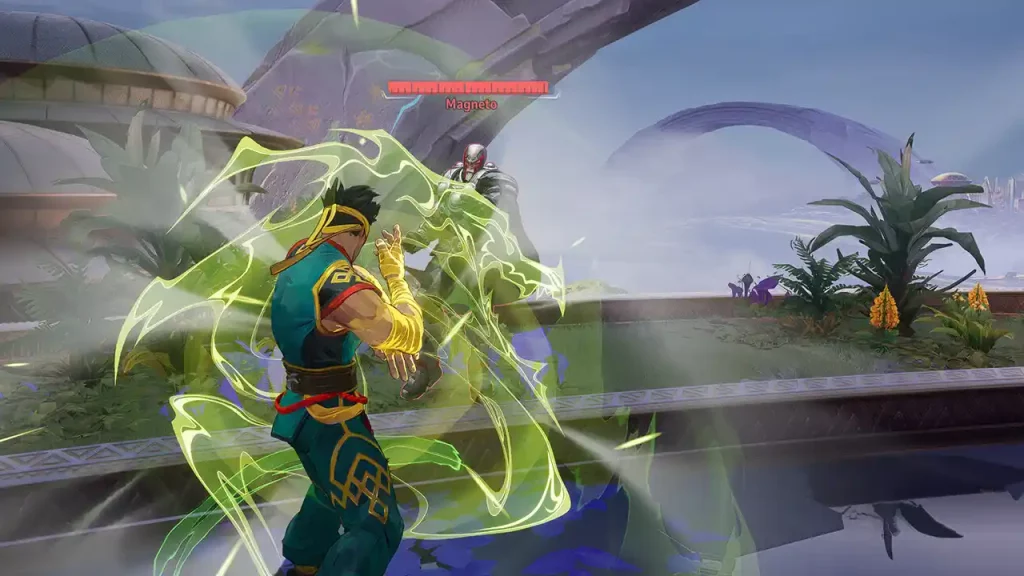
Errors in Marvel Rivals can come up due to a variety of factors, both on the player’s end and on the game’s servers. One such error, Marvel Rivals error code 211, typically signifies an issue with your internet connection. Here’s a breakdown of troubleshooting steps to potentially solve the problem.
Marvel Rivals Error Code 211
Check Your Internet Connection:
- Power cycle your modem and router: Unplug them for 30 seconds, then plug them back in and wait for them to restart fully.
- Run a speed test to ensure you have adequate upload and download speeds for online gaming.
- Contact your internet service provider (ISP) to inquire about any known outages in your area.
Check for Network Interference:
- Ensure your router is placed in a well-ventilated area, away from other electronic devices that might interfere with the signal.
- If you’re using Wi-Fi, try connecting via an Ethernet cable for a more stable connection.
Verify Game Files:
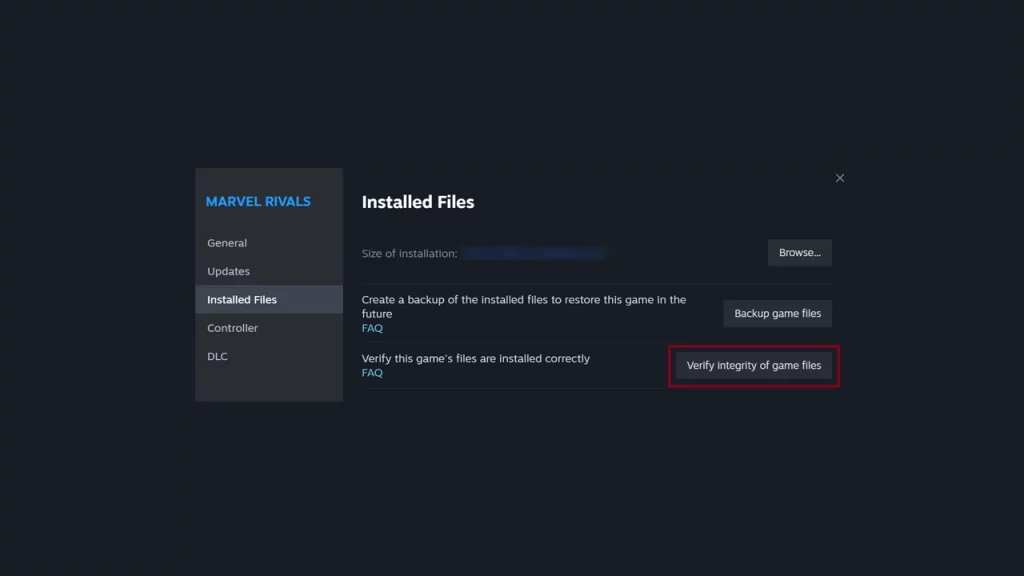
If you’re playing through Steam, right-click on Marvel Rivals in your library, select “Properties,” then “Local Files,” and finally “Verify Integrity of Game Files.” This will check for any corrupted or missing game files in case the issue isn’t related to the internet connection.
Disable VPNs and Proxies:
If you’re using a VPN or proxy, temporarily disable them and try launching the game again. Some VPNs can interfere with game connections and turning them off may help.
Update Network Drivers:
Ensure your network card drivers are up to date. You can usually find the latest drivers on your motherboard manufacturer’s website or through your device manager.
Contact Support:
If the issue persists, contact Marvel Rivals or NetEase Games support for assistance. They may have specific troubleshooting steps or be aware of any known server-side issues.
This was everything you can do to potentially resolve the Marvel Rivals error code 211 on PC. If you’d like to know the best custom crosshairs and reticle codes to use in this game, check out our linked guide right here.