Nvidia’s DLSS is available for Palworld and enabling it will help you enhance the survival crafting and monster-catching gameplay experience. And while it provides better performance for you to enjoy a world full of mysterious Pals at its best, it might not be accessible for some of the players, leaving the option greyed out in the settings for most of the players in the game.
Since at the time of writing, only Steam players will be able to access and enable DLSS in the game, Xbox Game Pass players might want to wait till it becomes available for them. In this guide, we will explain everything about Palworld DLSS from how to enable it and finding out why is it greyed out in the settings for you.
Why is DLSS Greyed Out in Palworld?
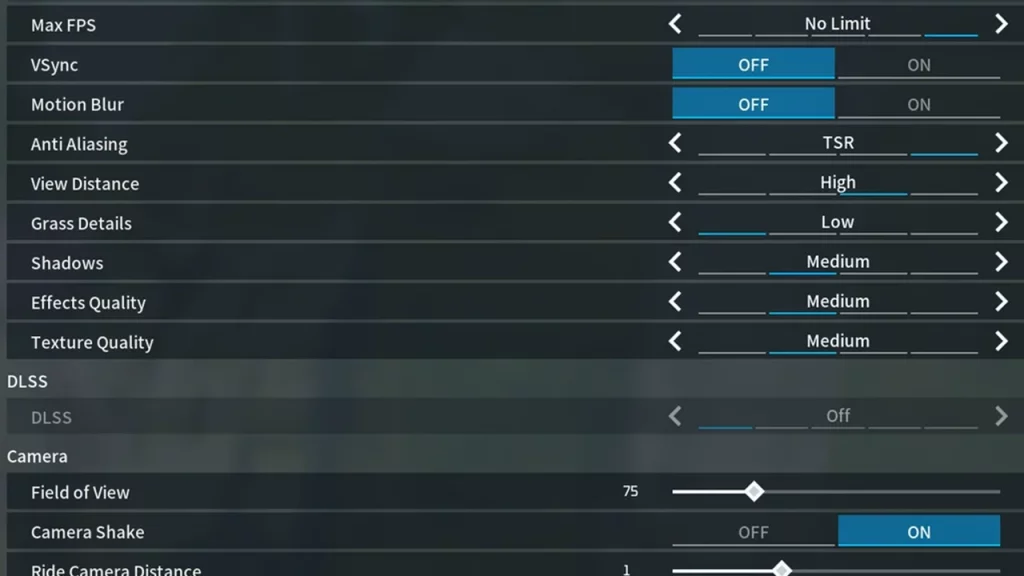
If you are wondering why the Palworld DLSS option is greyed out in your settings, then simply put it has something to do with the version of your game. As mentioned before, the DLSS option is only available for Steam players and not for Xbox Game Pass. The reason is that the Xbox Game Pass version is older than Steam’s. So if you are someone playing Palworld through the Game Pass, you won’t be able to access the option.
That said, you will need to have a Geforce RTX graphics card for the DLSS to be made available for you entirely. In the official Palworld discord server, one of the community managers stated that the reason behind the mixup between the Steam and Xbox versions is that the updates have to go through the Microsoft Certification Queue. The developers have stated that it might take some time before you will see the same versions on both platforms.
Players who have DLSS greyed out in Palworld will have to wait for official updates. You can track all the updates on the official X page (formerly known as Twitter).
How to Enable DLSS in Palworld
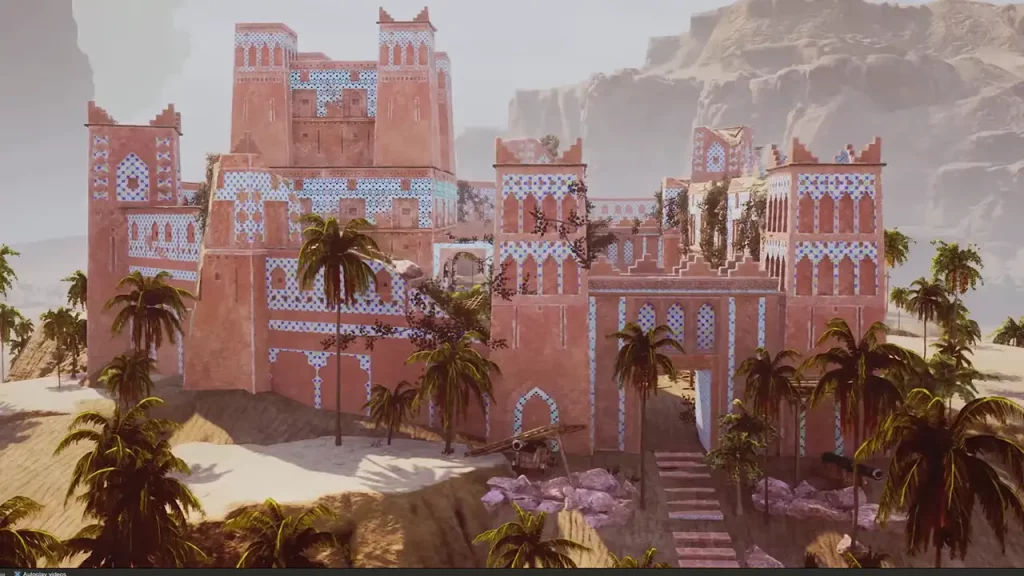
For Steam players wanting to enable DLSS in Palworld, players will need to access the graphics settings in the game. You might want to update your graphics driver to the latest version before accessing the option. Once done, here are the steps you can follow:
- Launch Palworld and select Option from the game’s main menu.
- Head towards the Graphics Tab where you will come across the DLSS option.
- You can then enable it and set its settings accordingly.
We would suggest setting it according to the RTX graphic card at your disposal in the game. If you have a more powerful graphic card, you can toggle the Quality mode on. However, if you have a lower-end one, we might suggest that you have it on performance mode.
That’s everything covered in this guide. If you find this guide helpful, here are our guides on how to move base, what is kindling, and the elemental type chart in Palworld, right here on Gamer Tweak.