If you have encountered the Helldivers 2 GameGuard Initialize Error Code 114, you would have realized how difficult it is to bypass this error. There are hardly a few players who have managed to get around this using troubleshooting tips. The error seems to be related to the anti-cheat system of the game which does not let you run Helldivers 2.
Although the usual potential fixes are working for a few, most players have given up on this issue and are waiting for a response from Arrowhead Game Studios. Given that the developers have provided fixes for numerous errors, it shouldn’t be long before we can expect one for this. In the meantime, here are some troubleshooting tips for this issue.
Helldivers 2 GameGuard Initialize Error Code 114 Troubleshooting Tips
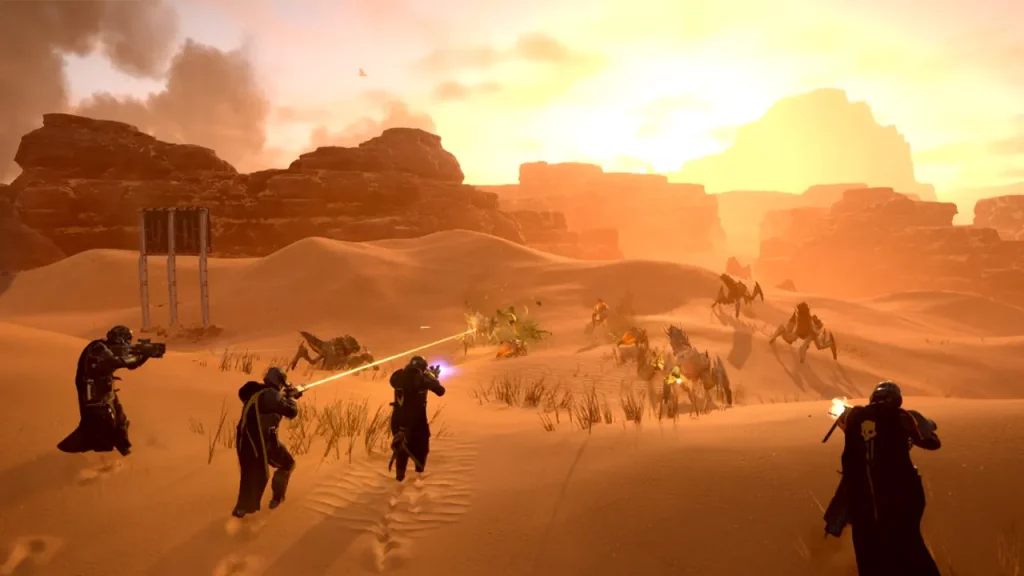
At the time of writing, there is no permanent fix to the Helldivers 2 GameGuard Initialize Error Code 114. However, some of the troubleshooting tips have been helpful for players and we have compiled a list of those. It seems that the anti-cheat is facing issues from the antivirus software on many players’ PC which is why this error pops up. Although we don’t guarantee that it will resolve the issue, there is no harm in trying it.
Remove Antivirus Software and Reboot Helldivers 2
PC players have to keep the best security for their PCs. However, Windows Defender does exactly that and you don’t actually need a new Antivirus software just for that. It might be that the Antivirus is finding something in the anti-cheat software of Helldivers 2 that it does not like.
As a result, it blocks the anti-cheat from functioning and causes this error while you try to play the game. You can try removing your Antivirus Software and reboot Helldivers 2. Hopefully, it should fix the issue for you now. If not, you can move on to the next one.
Remove GameGuard and Whitelist in Antivirus
If you don’t want to remove your Antivirus Software, you will have to at least whitelist GameGuard in it. However, first, you will have to remove it since the components have already been tackled by the software. Here’s what you need to do:
- Head to the Helldivers 2 folder on your PC, and click on the bin folder inside.
- Now, locate and delete the existing ‘GameGuard’ folder there.
- After that, run the base Helldivers 2 program as a .exe file, and a new version of the GameGuard folder will be created.
- Next, head to your Antivirus Software and look for this new GameGuard folder from the file explorer option, and add it to your Antivirus whitelist.
- Now, start the game and you should have resolved the Helldivers 2 GameGuard Initialize Error Code 114.
Run Helldivers 2 as an Administrator
Running the game as an admin is one of the known ways to resolve the Helldivers 2 GameGuard Initialize Error Code 114. Although it has not worked for many, there is a chance that it might work for you so it’s worth trying out.
Although there is no outright support page for Arrowhead Game Studios yet, you can try contacting them on the game’s official X (Twitter) Page.
That’s all we have on the Helldivers 2 GameGuard Initialize Error Code 114. If you found this guide useful, do check out our other Helldivers 2 guides here at Gamer Tweak.