
It has been almost 9 years since we last got a Tekken game. Now that Tekken 8 is here, it comes with more than just improved graphics. Not only have the rage arts and some movesets changed but the game has also added a new mechanism known as the heat system. This changes how you will play in many ways as it promotes an aggressive approach. However aggressive doesn’t mean reckless, while it is powerful enough to let you corner your opponent, one who knows how to play around it can turn it on you just as equally. So here is how the Tekken 8 Heat system works.
Street Fighter 6 players can think of it as similar to the Drive system. However, while they might share some similarities on the surface the two have quite a lot of differences. So here is how you can activate Heat Burst and how you can use Heat Dash, and Smash, along with its other moves.
Tekken 8 Heat System Basics
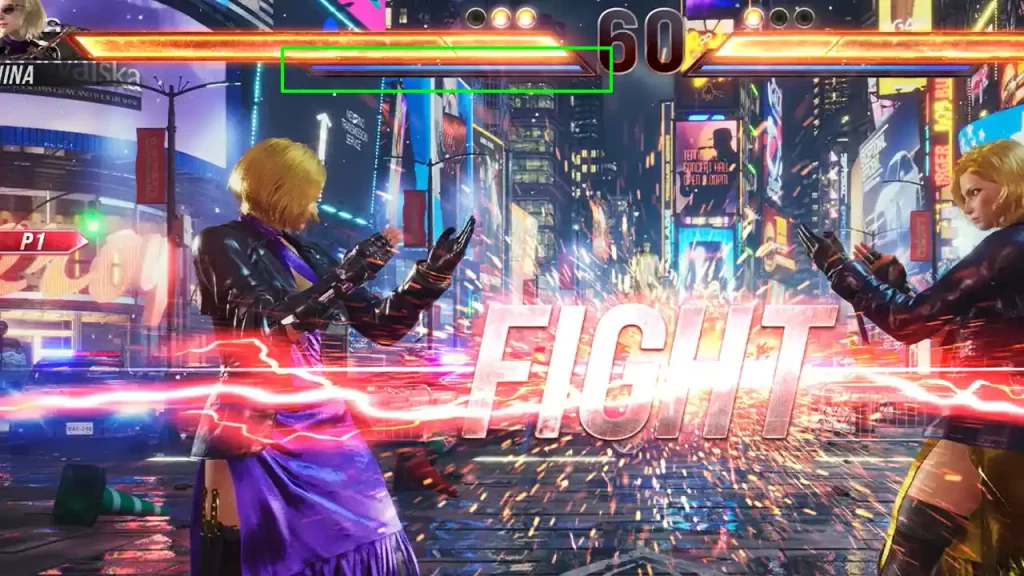
Whenever a round starts you can spot a blue bar just below your Health bar. This is nothing but your Heat meter, when you activate it you enter the heat state and will have a steam-like effect emanating from your character. This can also be seen as the Heat bar starts glowing. While you are under the Heat state, you get a buff to the properties of some of your moves. This varies from character to character.
There are two important things that you should know about the heat state. The first is that this state lasts for 10 seconds once activated. However, it does stop reducing temporarily while you are attacking. The next thing is opponents that block its attack receive chip damage. This turns part of their health bar a shade of gray or white. This health is recoverable if they return damage to you or attack you.
How to You Enter Heat State in Tekken 8
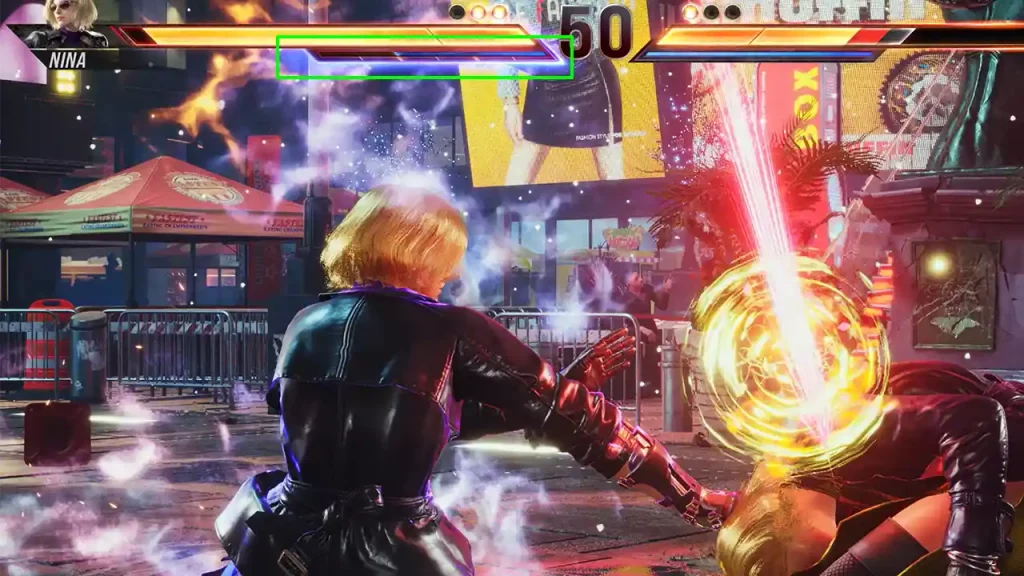
There are two ways through which you can activate your character’s heat. The first is by using Heat Burst, this is the easier method and beginners should use it. Simply press R1 or RB on your controller.
The second method to enter this state is by using Heat Engager. This way to activate the Heat state is tricky as it is character specific, so depending on who you main you will have to learn the button combinations to activate it.
You might be wondering why to use Engager when Burst exists. Good question and one of its uses is to add a bit of unpredictability. Using Heat Burst can make your opponent aware of your possible next moves. But since Heat Engager activates in the middle of a combo, it can be harder for them to guess what your next attack can be.
How to Use Heat
Just activating heat isn’t enough, to make the most of it you should make sure you use it before you run out of it. There are two ways to use Heat in this game. They are Heat Dash and Heat Smash.
You can use Heat Dash to follow up on a combo. So in a way, it lets you chain one combo after another when done right.
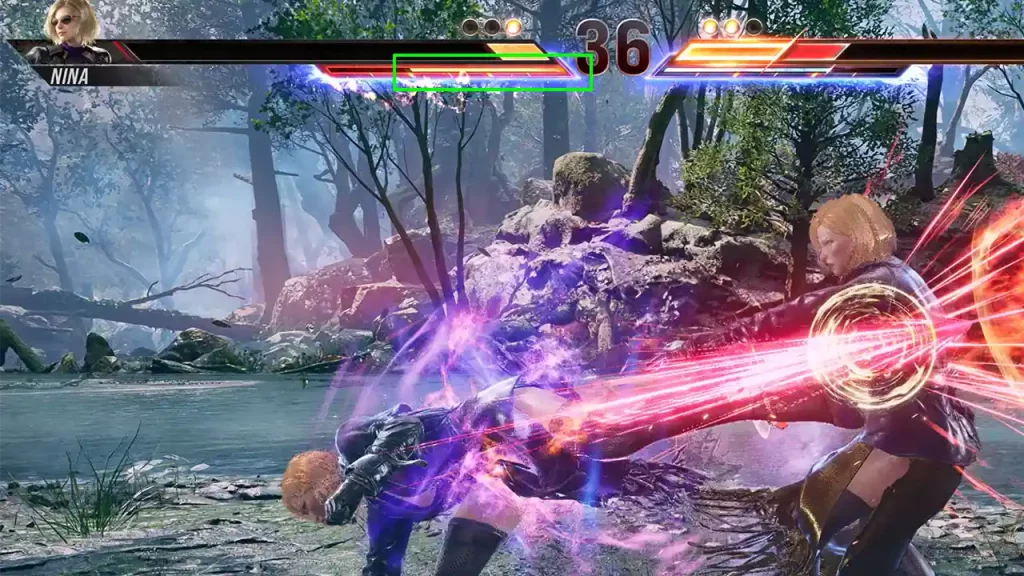
As for Heat Smash think of it like a mini Rage Art, this is easier for beginners to use. Simply Press R1 or R2 again while you are in the Heat state while your enemy is off guard. If your Heat Smash connects your character will attack them with a unique move. You can see your Heat bar turn yellow before it depletes. This happens regardless of whether you connect it successfully or if your opponent blocks your attack.
So no matter if you use Dash or Smash, once you use it the rest of your Heat bar gets completely depleted. Just like Rage Arts, you will be able to use it again in the next round.
Now, you know how the heat system works in Tekken 8. If this is your first game of the series I highly suggest you check out our controls guide for it. Here you can learn all the essential basics like how to block, low parry, throw, perform basic combos, and more. While you are here you might also want to check out how players are using cheats to unlock all characters in the Demo.











