
GreedFall is an amazing action-RPG developed by Spider Games. Since GreedFall is an action-packed game, players must know how to use weapons and take down enemies before getting injured by their moves.
If you have been playing action-RPG for a long time then you must know what important role guns play in a game. Unlike other action-RPG, players can use weapons in GreedFall at the beginning of the game. However, there are certain guns in GreedFall that players can only use after fulfilling certain requirements.
In this guide, we will teach you how to use a gun in GreedFall. Without any further ado, let’s go through the guide.
GreedFall: How To Use Guns On PC and Controller
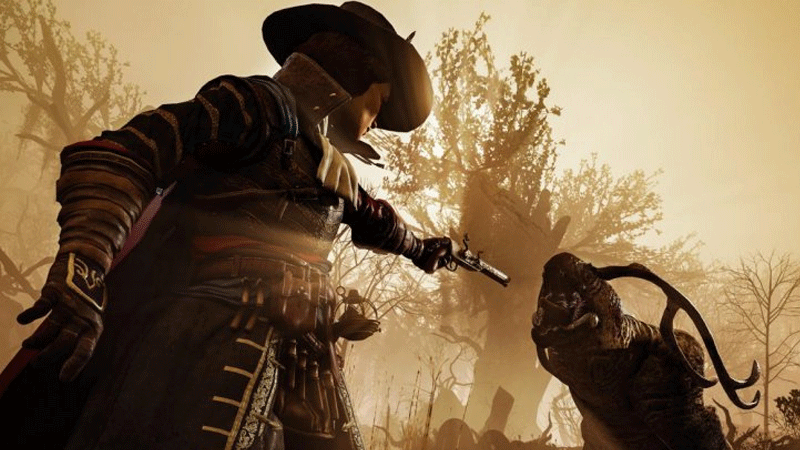
To use a gun in GreedFall, you will need to go into inventory and put the gun that you want to use in the firearm slot. As we have mentioned above, there are some funs in GreedFall that require you to have specific skills to use. For example, you can only use rifles in GreedFall after unlocking the Rifle Skill, which is the fourth skill in the Firearms skill tree.
Once you have fulfilled the requirements, the name of the gun will turn white from red. Once a weapon turned white, you can use that gun through the Firearms section of the equipment menu. Once equipped, you can use the gun during the combat.
PC
For those playing GreedFall on PC should use a keyboard and mouse, the firearm will automatically be assigned a number button, which you can see on the screen. To fire off a shot, you will need to press that button.
Consoles
For those playing GreedFall on the console will need to pause the game and select their firearms skill from the bottom of the screen. From there, they will have to assign it a shortcut like left or right on the D-Pad. Use the selected shortcut to shoot the target.
That’s everything you need to know about how to use guns in GreedFalls. While here, ensure reading about how to craft consumables and how to Save Wilhelm in Greedfall.











