Over the years, Snapchat has grown to become one of the most popular social media platforms and with each passing year, users have got to experience a new version of the app with brand-new features. However, with increasing popularity, the instant messaging app has also been prone to many errors and issues. And similarly many have come across the annoying Snapchat Support Code SS06 error making them unable to login into their account. Not to mention, the error also stops users from creating new accounts from their devices.
While there is a specific reason why the error keeps occurring on your device, it can be quite confusing to deal with. So if you are having trouble logging into your Snapchat account and the error keeps flashing on your screen, then here is a guide you should check out further to know more about the issue.
Fix Snapchat Support Code SS06 Error
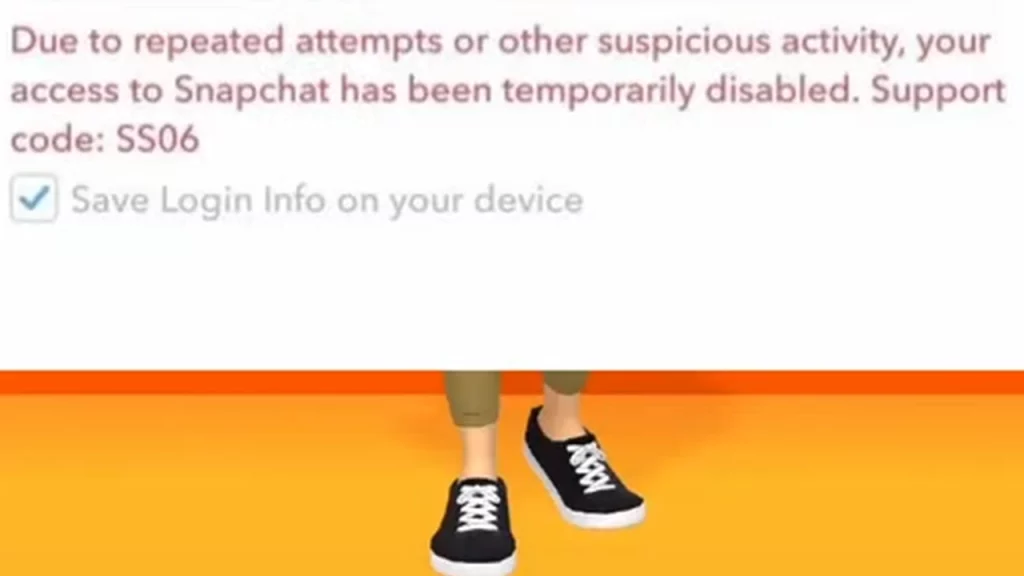
Unfortunately, there are no dedicated fixes available to resolve the Snapchat Support Code SS06 Error. The error occurs when Snapchat has banned the device you are using due to some suspicious activity. This includes abuse, repeated logins, or violations of the social media platform’s community guidelines. According to the support page, this is to make sure to protect the Snapchat Community from any harm and is only implemented when suspicious activity is detected.
Since Snapchat has banned your device, you won’t be able to log in to your account and access the app on the specific device temporarily. You can always switch to another device to access the app. However, if you haven’t violated any community guidelines in the first place and the issue persists, then there are some troubleshooting tips that you can try out to resolve the issue on your device.
We would suggest that you wait for another 48 hours first before logging into the Snapchat account again. And if the issue persists, here are some of the workarounds that you can try out:
- Check Snapchat Server Status: Sometimes Snapchat Servers can go through outages or maintenance due to their popularity. Make sure to check if there are any going on currently and if it is waiting for the devs to resolve it. You can do this by heading towards the dedicated Downdetector page for Snapchat.
- Turn Off VPN: If you are using any kind of VPN while logging into Snapchat the SS06 Error can occur. Users will need to turn off their VPN service before accessing the app to log in correctly without the error.
- Update Snapchat: Outdated versions can cause several errors and bugs on your device. You will need to update the app to its latest version to resolve any temporary bugs.
- Uninstall & Reinstall: If the issue persists, we suggest that you uninstall the app and reinstall it.
If none of the above workarounds resolve the issue, we would recommend that you contact the official Snapchat Support. You can submit a ticket and the team will get back to you.
That’s everything covered in this guide. For more interesting guides like these, check out our dedicated Tech section, right here on Gamer Tweak.