Sometimes the Packet Burst issue in MW2 is just unbearable and not that easy to fix. It usually appears whenever the player is surrounded by enemies and is ready to clutch. The Packet Burst or Loss issue is the main culprit behind lags, delays, and freezes. If you’ve been facing the same problem during your grind, then let us help you get rid of it. For your convenience below we have listed all the possible solutions that may fix the Packet Burst issue in Modern Warfare 2.
How to Fix Packet Burst Issue in MW2
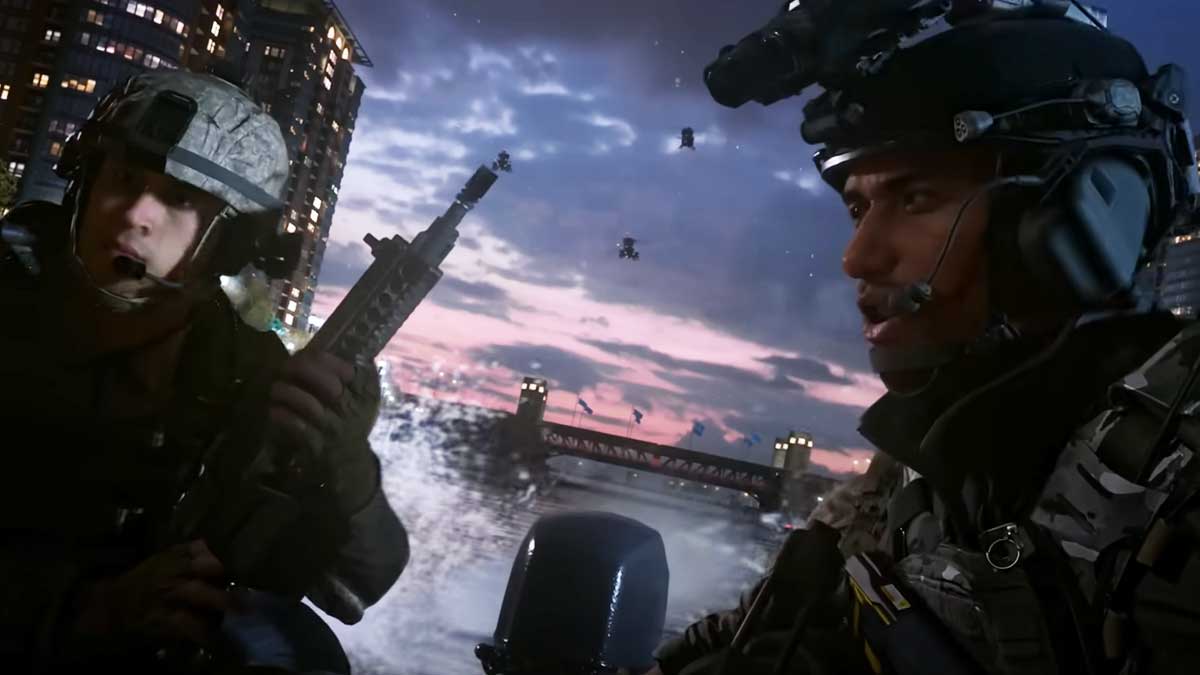
Players can fix the MW2 Packet Burst issue using various possible solutions. But before doing that, ensure there is no ongoing server maintenance, or else your efforts may go to waste. If there’s no such issue with the servers then let’s start with the fixes.
- Disable On-Demand Texture Streaming
- Ensure the Internet is Stable
- Close Apps Running in Background
- Use Ethernet Connection
- Update Modern Warfare 2
These are the workarounds that have helped many players get rid of the Packet Burst and Loss problem. Scroll down to check out more about the above-mentioned methods.
Disable On-Demand Texture Streaming
The very first fix we recommend you try out is simply turning off the On-Demand Texture Streaming setting in MW2. This setting downloads various resources simultaneously in order to provide you with good graphics. But by doing that it surely uses a chunk of your internet and slows it down.
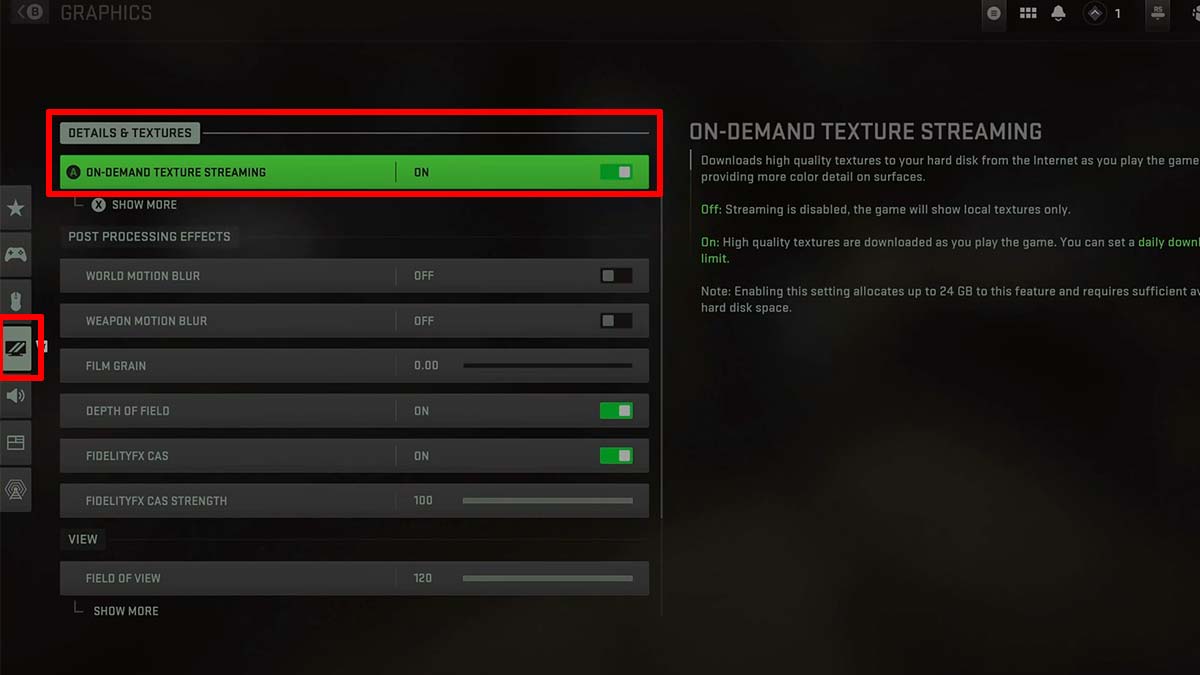
- To disable it first, launch Modern Warfare 2 and go to Settings.
- Next, select the Graphics option and head to the Details & Textures tab.
- There simply turn the toggle off for the On-Demand Texture Streaming setting.
Ensure the Internet is Stable
Another thing that you need to make sure is that your internet connection is stable and running without any hiccups. That’s because a faulty connection can surely cause such issues and other errors. If your internet is working fine, then simply give your Router a restart and see if it helps.
Close Apps Running in Background
Lagg and delays can also occur when there are several applications running in your background. In this case, simply end all the background tasks, restart the game and this might fix the Packet Burst Issue in MW2.
Use Ethernet Connection
If your internet is stable but you’re still having trouble with the game, then it’s time to switch to Ethernet Connection. A wired connection is far more reliable than the wireless one and tends to provide uninterrupted gaming sessions
Update Modern Warfare 2
Last but not least, checking for pending updates is very important in such multiplayer games. Running on an outdated game version is usually the culprit behind various errors and bugs. So don’t forget to update the game whenever a new patch is out and you’ll be good to go.
If the issue persists then we advise you to reach out to the Activision Support Team for further assistance. And wait patiently for them to help you resolve the problem.
That covers all about how you can fix the Packet Burst issue in MW2. If your problem is resolved then check out how to get Double XP Tokens easily. Also, take a look at the most overpowered guns in the game.