
Sometimes playing Minecraft doesn’t go the way you want to. The game will either crash or not even start. In such cases, this guide will help you solve the issues of Minecraft Crashing.
How to Fix Minecraft Crashes
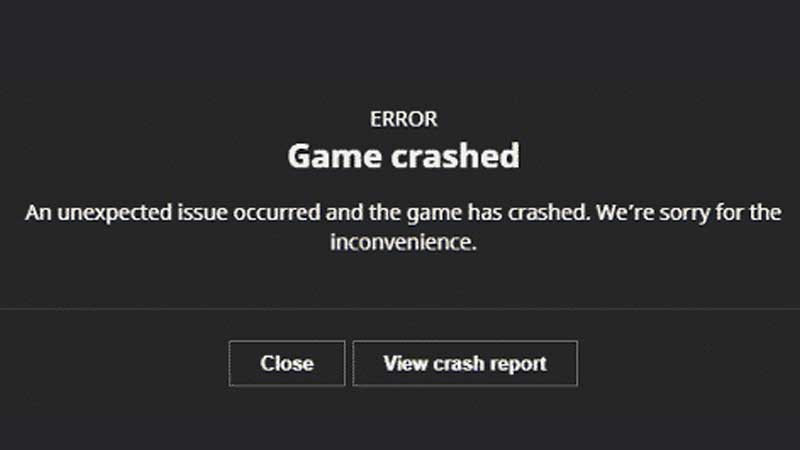
There are multiple reasons for Minecraft to crash. It could be your Internet Connection, Server-side Error, system failure, and such. Below I have listed the ways you can fix this issue.
- First of is the easiest one is to either restart your game or restart your system. It’s the oldest trick in the book but is usually the most effective one.
- Another way could be is to check if your drivers are up to date. Minecraft requires a bit of graphic processing so keeping a check on your GPU will come in handy.
- If the game is still crashing them check your Internet Connection. Due to poor network games like Minecraft won’t work and will keep crashing.
- Another way you can fix it is by clearing some cache data from your system. Also in your game files under Appdata->Roaming->.minecraft, there will be two folders, webcache and webcache2, delete them. You will be able to see these folders only after you enable hidden files in your File Explorer. After that go to the Minecraft Launcher and go to its properties. There will be a Compatibility tab and under it, there will be an option as Run this program in compatibility mode for: and select the latest version. Then just restart your system and it should work.
- Mods can also be the reason why Minecraft keeps crashing. The version mismatch of mods and the server could cause the crashes. Make sure both are up to date or at least are on the same versions.
- If all hope is lost then you will have to wait until the server is functioning again or the Admins have fixed the server. This could also be a major issue where the Devs might have to patch up. So sit tight and wait.
These are the things you can try if Minecraft keeps crashing. Hopefully, this guide has helped you in fixing the issues. You can also check out our guides on a Can’t Connect to Minecraft Server and Breeding Cats in Minecraft.











