
While Discord users are not really new to any errors or issues, they woke up to a new problem this week. With Discord Embed not working, they could not link any Twitter or many other websites. While it seems to be a temporary issue that can be fixed with a patch or an update, there are a few troubleshooting tips for those who want to embed their Twitter links.
Although there is no particular troubleshooting for other websites, Twitter Links can be added after making a small tweak in the link. While it has been straightforward for most part of it, users will have to a bit more to embed links in the application. Here’s everything you need to know.
Discord Embed Not Working Troubleshooting Tips
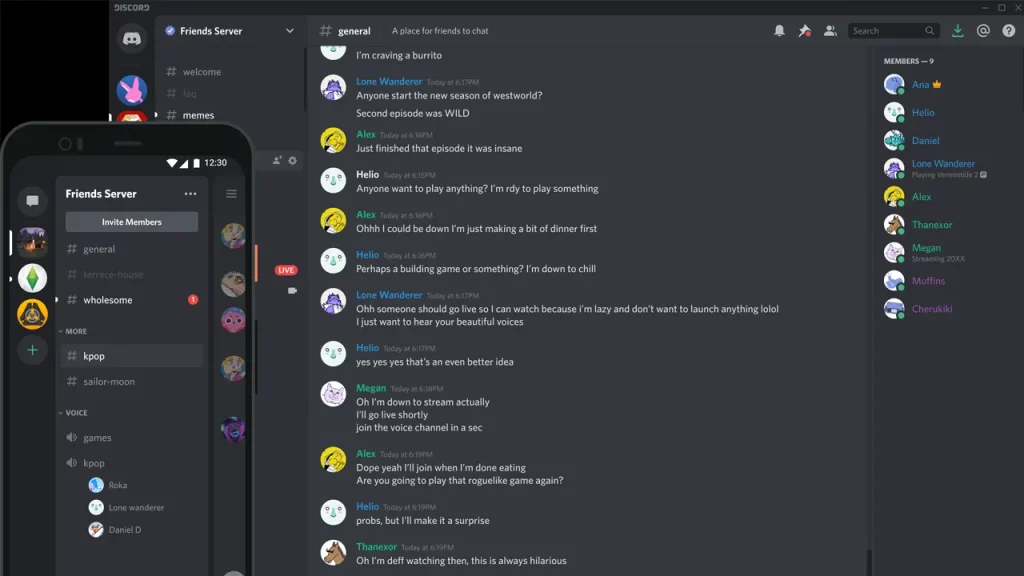
While this embed issue is nothing new, it usually would last only a few hours at best. However, users still cannot embed their links and need a working solution. Fortunately, there is a way that you can embed Twitter links in Discord without triggering the issue.
For instance, earlier users had to simply paste the link like this to have it embed in Discord: https://twitter.com/gamer_tweak. However, now they will either have to go with https://vxtwitter.com/gamer_tweak or https://fxtwitter.com/gamer_tweak. Once you try to put your links with fx or vx at the start, you should get rid of the Discord embed not working issue. While it’s not a guaranteed fix, many users have found that they can embed Twitter links this way.
Check Discord Server Status
It’s quite possible that the error appears when the Discord servers are down. The best course of action is to check the Discord Server Status and that should give you a clear idea whether the issue is from your end or the developer’s.
Check Internet Connection
If your network connection is not working properly, that might be one of the reasons why you are facing this error. Make sure your connection is working perfectly via a Speed Test. Also, if there are any ongoing downloads on your devices, pause them before trying this out.
Although we tried embedding other links this way, it did not work for us. However, you are free to try it out considering it might work for a few users. If you want to a raise a ticket, you can contact Discord Support for some professional help. However, there is no guaranteed success with that either.
That’s all we have from this guide. If you found this guide useful, do check out our other Discord guides while you are here at Gamer Tweak.











