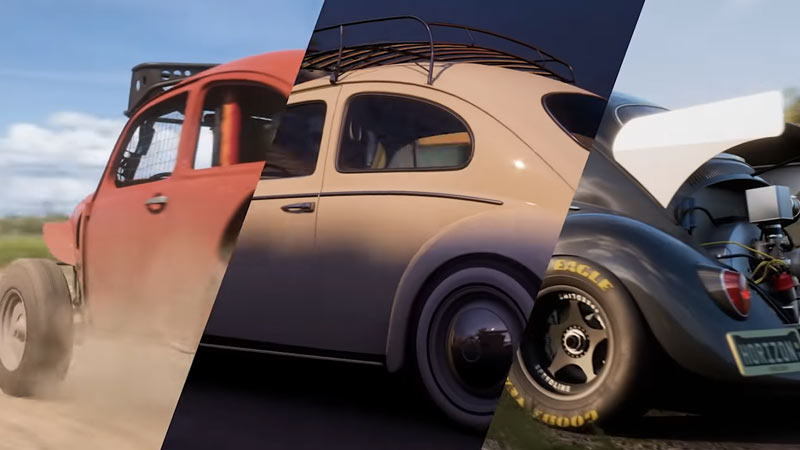
VIP Membership in Forza Horizon 5 offers you a ton of benefits that makes you look different from the crowd. And these benefits include 3 VIP exclusive cars, 2x credits for every race, Vanity Items, weekly bonus Super Wheelspins, and more. But all of these benefits are for naught when the VIP feature doesn’t work despite the purchase. So in this guide let us take a look at how to fix VIP membership not working in Forza Horizon (FH5).
How to Fix VIP Membership not working in Forza Horizon 5
While there is no official fix for this problem yet you can try some of these general fixes.
- Log in to Xbox console: The first fix on this list has a high chance of working but requires a console. You need to log in on your Xbox console or will have to ask the help of some friend in order to log in. Open the game and play around for a few minutes and try using all the VIP features. If it worked on the console, log in back to your PC and there is a high chance of these features working again.
- Verify game files integrity: You can verify the game files on Steam by doing these steps:
- Launch Steam and right-click on the game from your library.
- Click on properties and choose the local files tab.
- Finally, click on Verify game files.
- Restart the game: Just close the game wait for a few seconds and launch the game again.
- Restart your PC: Press Alt + F4 and choose to restart your PC. Once the PC restarts then run the game again to see if VIP features start working.
- Reinstall the game: This fix should be kept as a last resort as the size of this game is too big for you to install each time you encounter a bug.
That covers everything you need to know about how to fix VIP Membership not working in Forza Horizon 5 (FH5). If you enjoy playing this game then be sure to check our other guides on how to fix the treasure map not working and how to play with friends in Forza Horizon 5.