Encountering the Error code 1016 in-game? Like any online game out there, Diablo 4 too can go through some technical issues once in a while. As the game is still in the early stages of its release, players can come across some errors and such is the case with error 1016. The error indicates a problem with your connection to the game servers and typically occurs when the game client is unable to connect to the servers. Here is our guide on all the reasons why this issue may occur and how you can fix error code 1016 in Diablo 4.
How to Fix Error Code 1016 in Diablo 4
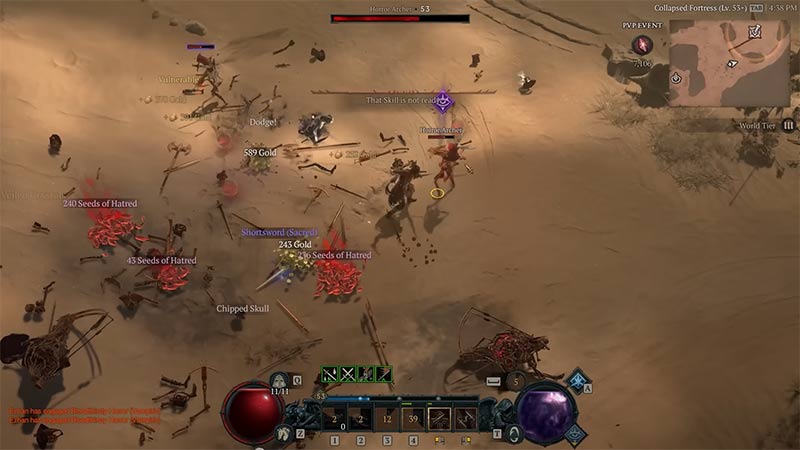
Here is a list of issues and how you can resolve them to fix error 1016 in the game
Check Internet Connection
An unstable or bad internet connection can cause the game client to not connect to the servers properly. As you won’t be able to access the servers properly, you can encounter this error. To resolve this error, ensure that you have a proper internet connection on your pc device or console, and also check the network. You can try switching to other internet networks if you keep encountering the error again and again.
Check Server Status
Server outages and maintenance issues are common in online games like Diablo 4. If you come across this issue there might be a possibility of server outages or maintenance going on. You can check for server status and reports on the official Twitter of Diablo. If there has been a server outage you will get to know as many players will come across the same error as you. You will have to wait for the server outage to get resolved or for the maintenance to be completed.
Update the Game
There is a safe bet as to why the developers released a new update to the game. An outdated version of the game can cause some issues and errors in-game. Players should always have the latest version of the game running on their devices. You can check for the latest updates or even update to the recent versions of the game. Console users can update directly while PC users will have to do it through the game client.
That is everything on how you can fix error code 1016 in Diablo 4. If you are encountering other error codes such as 395002 or 316719 you can check out guides to help you resolve those issues.