Sons of the Forest is a sequel to the iconic 2014 video game Forest developed by Endnight games. Like its predecessor, you are stranded on an isolated island and must survive through the deep forests. You will build several items, structures, tents, and buildings as you progress into the game. What about destroying or dismantling them? You might have heard that it is easier to destroy rather than create. But removing placed things has got several players confused as not many in-game features are explained. So, check out our guide on how to dismantle or remove built things in Sons of the Forest to find out.
How to Remove Built Things in Sons of the Forest (Dismantle)
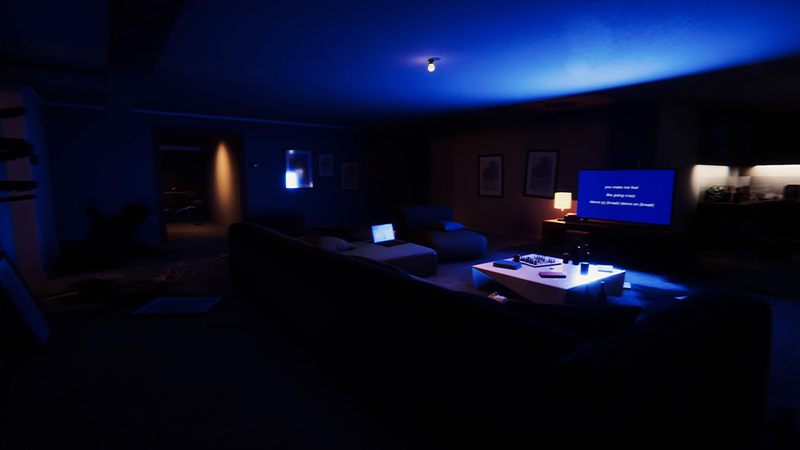
- You can remove the things you have built by pressing and holding the C key button on your keyboard.
- For that, move closer to the things or structures you have built.
- Then, press and hold the default keybind to remove the built thing instantly.
- You can hit the default keybind to remove several other things including the buildings, tents, log cabins, chairs, and more.
- You can also press this control to remove and dismantle the campfire or logs you may have built.
It is of utmost necessity to dismantle the items to allow space for more things to come. As you will keep on moving in this survival adventure game, it’s crucial to stock up with resources. So, you might have to leave things behind gradually to have more items and resources. While discovering new areas, you might also want to reposition. During such times, dismantling the built things is the best alternative.
Although there can be several reasons to remove the things you have built, letting go is more important. Think of it as recycling or rebuilding new things for increased resources!
That’s everything covered about how to remove or dismantle built things in Sons of the Forest. If you liked this guide, check out our guides on how to play Multiplayer with friends, how to cook and eat food, how to get a Log Sled, and more Sons of the Forest Guides on our dedicated section right here on Gamer Tweak.