
Home > Lords of the Fallen > Lords Of The Fallen Dark Crusader Class Not Showing Up Fix

Lords Of The Fallen Dark Crusader Class Not Showing Up Fix

Published Date :

Those with Lords of the Fallen Deluxe or Collector’s Edition are not able to access their Dark Crusader Class. There are endless complaints on the Internet regarding this problem and players are not happy with it. Even after downloading the LOTF Crusader DLC, the Class won’t simply show up at all.

For now, the developers haven’t acknowledged this issue, so you will have to resolve it on your own. If your Dark Crusader Class is not showing up in Lords of the Fallen, then you should try the fixes mentioned below.

How to Fix Lords of the Fallen ‘Dark Crusader Not Showing Up’

Firstly, let me tell you that the rewards and bonuses are tied to your local time zone. So if you are someone who has pulled the ‘New Zealand’ Trick, then there are chances that your game just got bugged. And that’s the reason why the Dark Crusader Class is now showing up in your game.
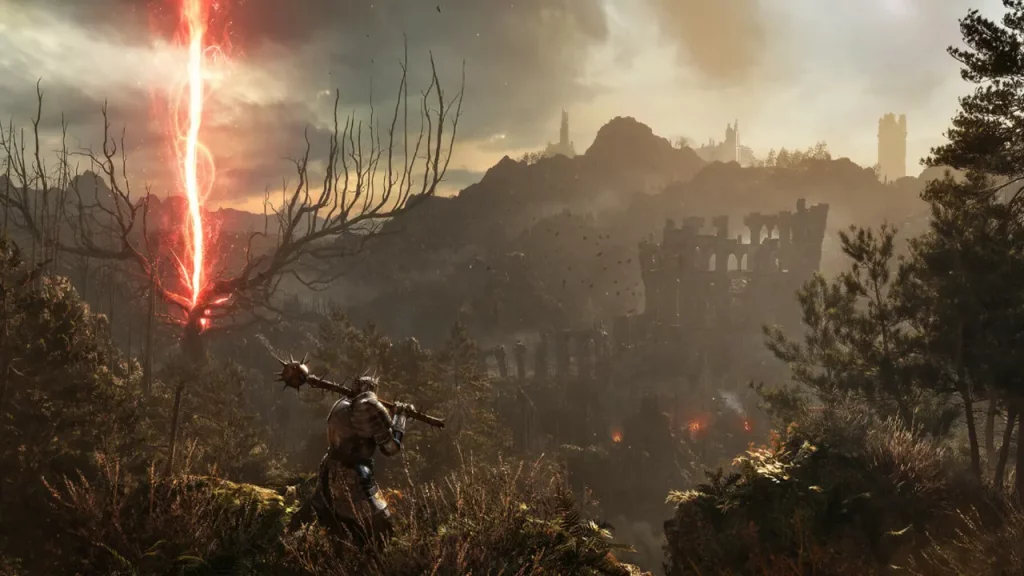
How to Fix Lords of the Fallen 'Dark Crusader Not Showing Up'

Note: The NZ Trick means to change the timezone to NZST and make the game playable before time. For those who don’t know, New Zealand is one of the first places to witness a new day and hence, it is ahead of most time zones.

Anyways, to fix this bug, you must delete and install the Lords of the Fallen again. This time, set your timezone to your local standard time. While downloading, make sure you have manually selected the Dark Crusader DLC pack. This will allow the system to read all the files properly and provide you with your bonus Dark Crusader Class.

If the Dark Crusader DLC is still not showing up in Lords of the Fallen, then I suggest you register a complaint on their Support Website. The developer’s team is pretty active and they should reach out to you soon.

As of now, that’s all you can do to fix this Dark Crusader Class issue in Lords of the Fallen. Other than this, if you have issues with crossplay or if your game’s crashing, then feel free to browse through our LOTF Guides on Gamer Tweak. We have covered solutions for these issues along with plenty of other helpful content.


  • Heal your Injuries Codes (August 2026)

    Heal your Injuries Codes (August 2026)

    Published Date :

    Heal your Injuries is a JJK-inspired game, where you need math to heal yourself as you get hit by bombs, weapons and more. While playing, you will need EXP and Energy to progress, and thankfully, Heal your Injuries codes drop exactly that! Here’s a complete guide with all the latest rewards and how to claim… Read More

  • Steel Crossfire Codes (August 2026)

    Steel Crossfire Codes (August 2026)

    Published Date :

    Steel Crossfire is a thrilling PvP robot-fighting game inspired by Transformers, so yes, you can change into a vehicle, get into Jet mode, and get into some explosive battles. To make things interesting, you can unlock more characters and skins using Shards, which is what Steel Crossfire codes frequently drop! Here’s the complete list of… Read More

  • CookieRun: Crumble Codes (August 2026)

    CookieRun: Crumble Codes (August 2026)

    Published Date :

    The Devsisters Corporation is back with another Cookie adventure, and like other games, there is a code redemption system in CookieRun: Crumble too! This means we can expect to get regular rewards as drops to help you assemble a team of adorable yet powerful Cookies. Here’s a list of everything currently available. Last checked for… Read More

  • Smiles Codes (August 2026)

    Smiles Codes (August 2026)

    Published Date :

    Smiles is a multiplayer survival mascot horror game where you join other players, complete objectives and survive the dangers lurking in the dark. To make the game more interesting, you can unlock emojis, animations, and more that require in-game currency (Fluff), but it can be quite a grind to earn. Don’t worry, you can redeem… Read More








