
New to the Azoria and trying to construct & craft in Fae Farm. This crafting guide has got you covered. There are two types of crafting in this game. The first is what we see as construction, and the second is crafting with the crafting stations. Construction is further divided into Indoors and Outdoors. And has separate sections for different types of items. As for the crafting station, we use Construct to make crafting stations and then use those crafting stations to craft other items needed for quests.
Now that you know the difference between both types of crafting, you might be wondering where to start and how to use these methods in Fae Farm. No need to worry, as we have given steps for both of them, so keep reading and craft everything you need.
How to Construct and Craft in Fae Farm
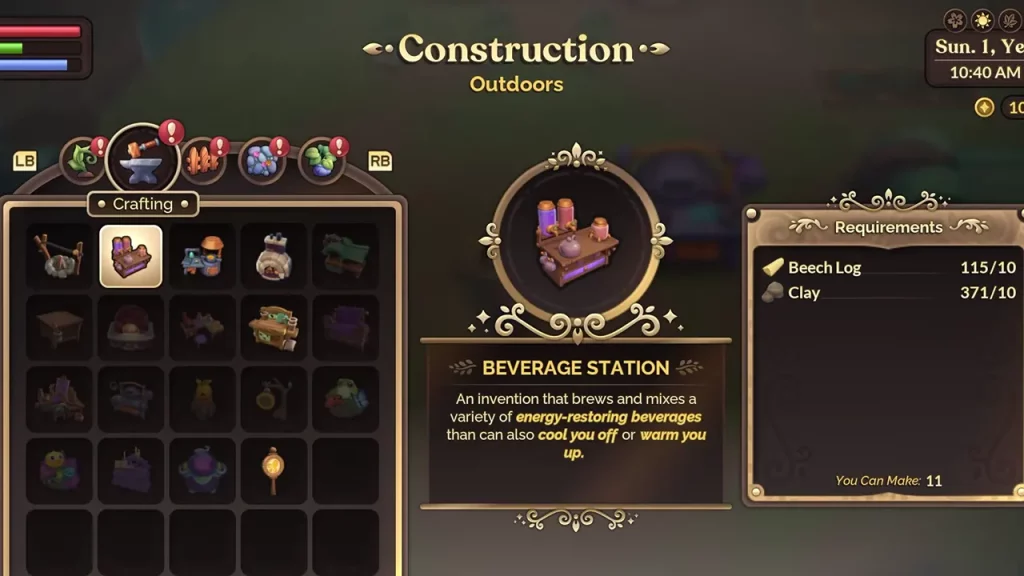
How Do You Craft in Switch Fae Farm?
- Depending on where you want to craft and place items, go to the Indoors or Outdoors.
- Now, press the D-pad down button to access build mode.
- You will see all the recipes that can be created and placed.
- Check different lists by scrolling with LB and RB.
- Select the item to construct with A.
- Place it wherever you want and confirm.
How Do You Craft Furniture in Fae Farm PC?
- Similar to Switch, go to Indoors or Outdoors.
- Press the C button to access the build mode.
- Scroll between lists with R and T keys.
- Left-click on the item you want to place.
- Place them where you want and confirm.
All Crafting Stations in Fae Farm
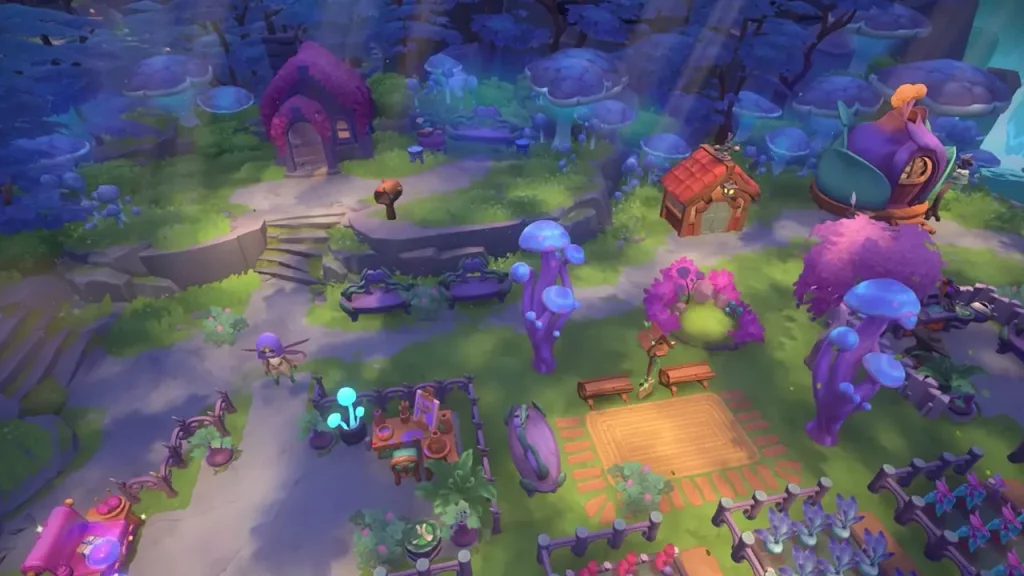
- Cooking Fire: This can be used to cook basic food.
- Beverage Station: You can craft drinks to counteract weather conditions debuffs.
- Food Prep Table: Cook advanced meals.
- Cooking Hearth: Advance cooking recipe with buffs.
- Artisan Table: Forage resources.
- Seal Crafting Station: Crafts seals to activate Wayshrines.
- Stone Forge: Use this to turn mined resources into Ingots.
- Lumber Station: Craft Planks.
- Garden Bench: Make Fertilizer and turn crops into seeds.
- Loom: Use this to turn foraged items and animal products into resources.
- Animal Lure: Lure animals.
- Lowlands Critter Conservatory: Keep Critters to get items like Flutter Dust.
- Fae Critter Conservatory: Get useful items from Critters
- Mountain Critter Conservatory: Get useful resources from the Critters.
- Honey Hive: Get honey.
- Propagation Hive: Get tree saplings.
- Decorating Table: Use this to craft decorative items for your Homestead.
- Gem Polisher: Use this to increase the value of mined Gems.
- Potion Ingredients Station: Make ingredients for Potions.
- Potion Brewing Cauldron: Brew Potions.
How to Craft With Crafting Station
- Once you have placed the Crafting Station, go near it and Interact using the X in Switch and the left mouse button on the PC.
- Select the Recipe and start crafting.
- Now, you can go and perform other activities till it’s crafting.
- Collect once it is done.
How to Get Recipes for Crafting
- Discovering new resources
- Skill level up
- Recipe Scrolls
- Completing quests
Hopefully, this helped you craft in Fae Farm. If it did, and you are looking for more quest, item, and mechanism guides, you should skim through our Fae Farm list. We have covered topics like how to upgrade Critter Net, Staff, get Wings, and more.










