Players have been wondering if Chromatic Aberration in Assassian’s Creed Mirage can be turned off or disabled. This visual effect was originally added to the game to create a rugged and cinematic experience for the player. Most games these days omit this and usually go for much stiffer and well-structured graphics when it comes to visuals. However, this was not the case for AC Mirage, players were really excited about this special effect until it started to get over the top. They started to feel a little gray continuously staring at the distortion of colors appearing in each frame. In this guide, we will discuss whether there is an option to turn off Chromatic Aberration in AC Mirage.
AC Mirage: How to Turn off Chromatic Aberration?
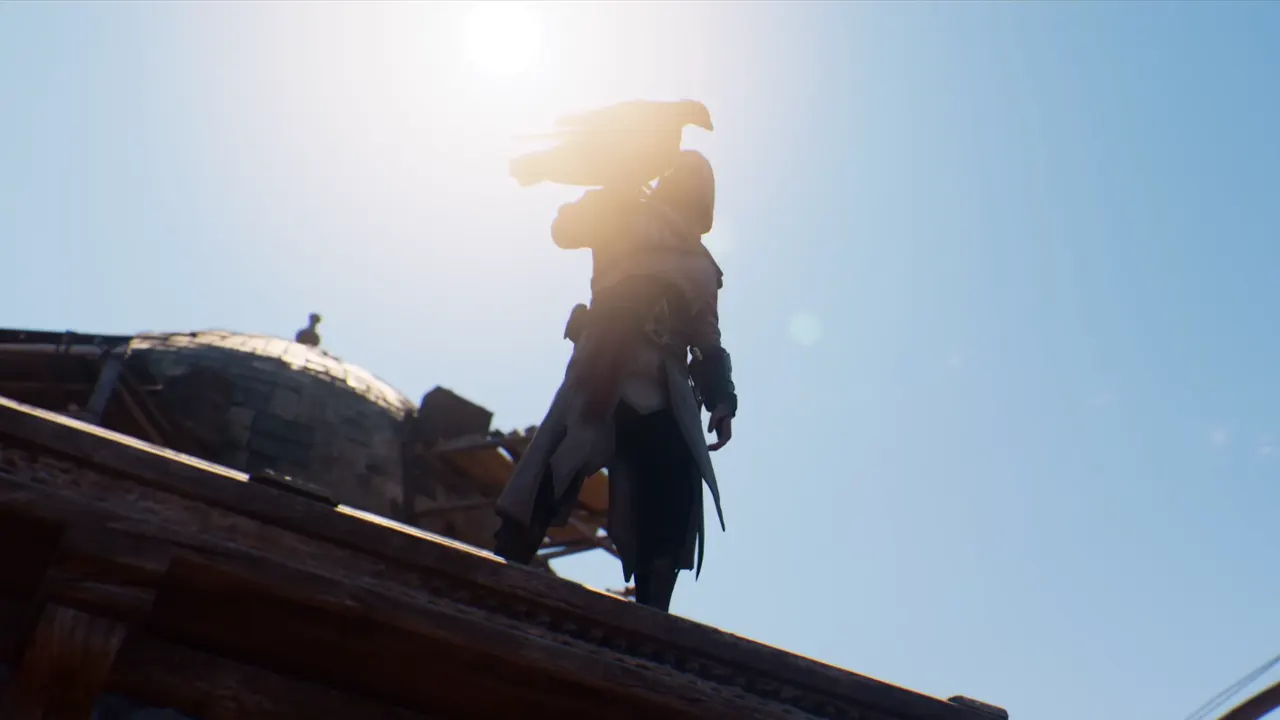
The positive reactions for AC Mirage being set in Baghdad, quickly faded after players experienced the extreme color explosion and blurring effect that was caused due to this visual effect. It caused a lot of frustration among fans and players started sharing their opinions on different social media platforms, directly addressing Ubisoft about this issue. Currently, there is no in-game option to turn off or disable it. Usually, other games offer customization settings so that you can adjust it according to your liking, sadly that is not the case in this game.
What are other options you can use?
Many players noted a mild difference when they used the Assassian’s Creed 1 Filter. You can try and apply it to see if it helps to alter a few aspects, visually.
Will Chromatic Aberration in AC Mirage be disabled soon?
The developers haven’t given out any statements regarding the customization of this effect or whether we will be able to turn it off and on. However, always keep checking the game’s official social media handles to get any new announcements and updates.
This is everything we know about Chromatic Aberration In AC Mirage and how you can turn it off. If you are interested in the game, check out Photo Mode Guide, all Main and Side Quests, and other AC Mirage guides, here on Gamer Tweak.