
Wondering what are the camera controls for Baldur’s Gate 3? Well, don’t worry, since this game supports both Keyboard Mouse, and controller options. The way camera works changes quite a lot. Since BG3 is a turn-based strategy RPG, knowing your surroundings is a must. No matter if you plan to scout the territory for looting or to check the area for enemies, you will be using the game’s camera a lot. So here is how the camera controls work for Keyboard Mouse and Controller in BG3.
All Camera Controls in Baldur’s Gate 3
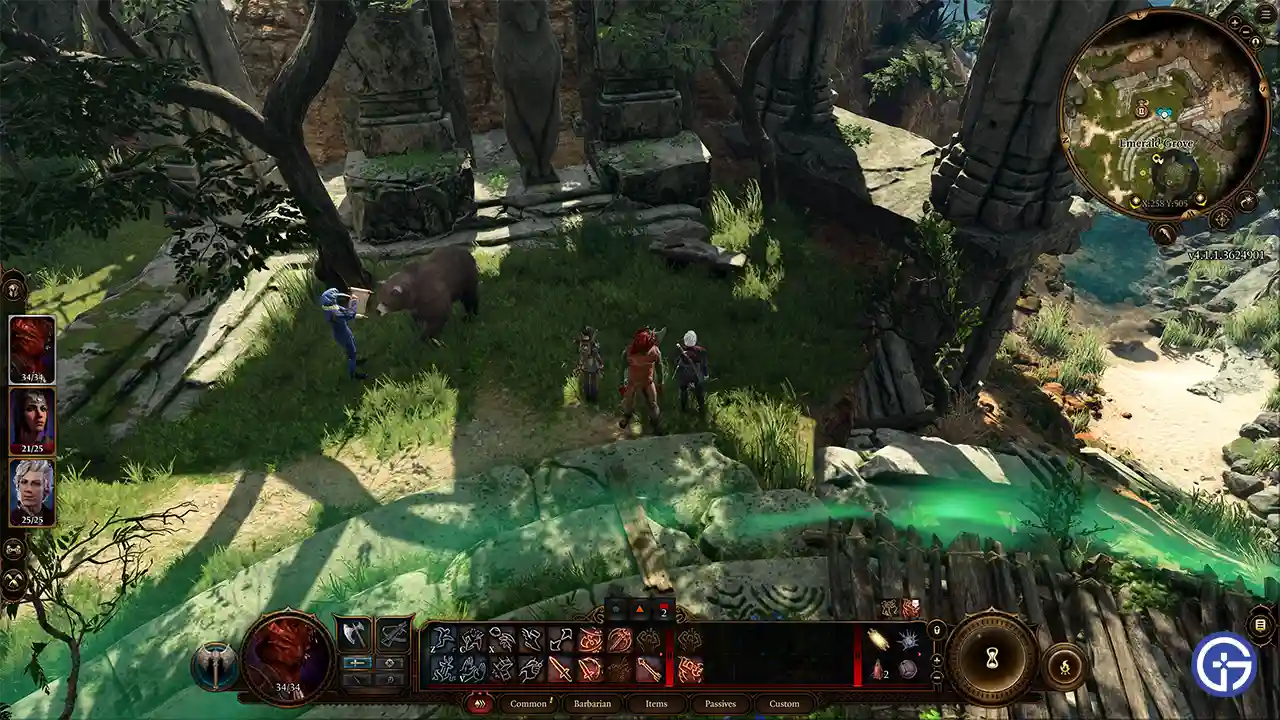
| Controls | Keyboard and Mouse | Controller |
| Move Camera Up | W / Up | – |
| Move Camera Down | S / Down | – |
| Move Camera Left | A / Left | – |
| Move Camera Right | D / Right | – |
| Enter Tactical top-down View | O | Pan Right Stick Down |
| Exit Tactical top-down View | O | Pan Right Stick Up |
| Rotate Camera Clockwise | E / End | Move Right Stick Right |
| Rotate Camera Anti-Clockwise | Q / Delete | Move Right Stick Left |
| Re-center on character | Home | Left Stick / L3 |
How Camera Works in BG3
The camera works very differently based on whether you choose to use a Keyboard & Mouse input or a controller.
When using the KBM, you get a lot more camera control as opposed to the controller. This is especially true if you chose to go to the Tactical View also known as the Bird’s eye perspective. Not only can you move the camera freely around to a lot of extent irrespective of where your character is but you can also rotate it around as per your needs. The biggest advantage of playing on a Keyboard is you get to change your keybinds as per your choice and comfort.
When it comes to playing with a controller you can get more of a third-person feel from the game. Unlike using W/ A/ S/ D or Up/ Down/ Left & Right your camera is very much connected to your player. You do get to rotate the camera using the right stick but there won’t be many instances when you will have to recenter it. Your controller’s D-pad is also programmed to control your character and lock targets instead of moving the character around. And unlike KBM controls you cannot change the button keybinds for your controller. At least not at the time of writing this guide.
How to Look Up (Move & Rotate Camera)
If you plan to look in front of you then there are multiple approaches that you can take to go about it. One is to press the scroll wheel button to rotate the camera you can also use Q & E keys for the same. They should help you look in front of you. Aside from that you can also connect a controller to get something third-person perspective. Lastly, you can try zooming in or zooming out to better scout ahead. And for a top-down view press the O key.
That covers all the camera controls in BG3 for both Keyboard Mouse and Controller inputs. If you are interested in this game and would like more help on other topics then you should check out our Baldur’s Gate 3 section. Here you can find everything from bug fixes like the character stuck in dialogue to resource locations on how to get infernal iron and more.










