
For the hard-working Patrons, you will need to build a Tavern in your fortress to avoid any Grumpy Dwarves. The purpose that Tavern serves is to socialize your Dwarf. Also, you can customize it the way you want. Hence, for the players curious to know how to build Tavern in Dwarf Fortress, look no further, as this guide provides everything needed.
How to Build Tavern in Dwarf Fortress?
Here are the five steps to Building a Tavern:
- Dig Out the Rooms
- Smooth and Furnish the Rooms
- Create Stockpile
- Setup Tavern and Dormitory
- Assign Tavern Keeper and Performer
Dig Out a Room
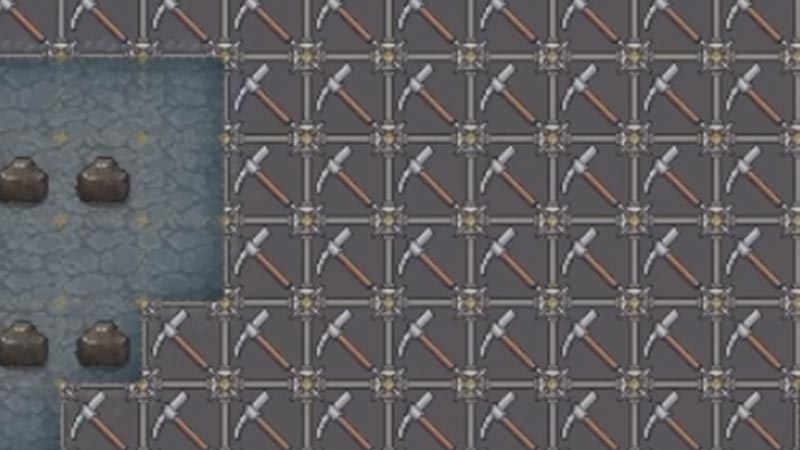
As there is no restriction in space for building a Tavern, you can Build it the way you want. To make a Tavern, you first need to Dig a room with your assigned Miners. Also, you will need a Dormitory where your Drunken Dwarves can rest. Even if you are constructing a small Tavern, We recommend creating at least 16 x 12 size rooms and attaching a Dormitory of 7 x 5 rooms. This is because you will need to Place a few Tables, Chairs, Chests, and Beds. Also, there must be enough space for the Patrons to accumulate. In Dormitory, you need space to have enough beds for your Dwarves to sleep.
Smooth and Furnish the Rooms
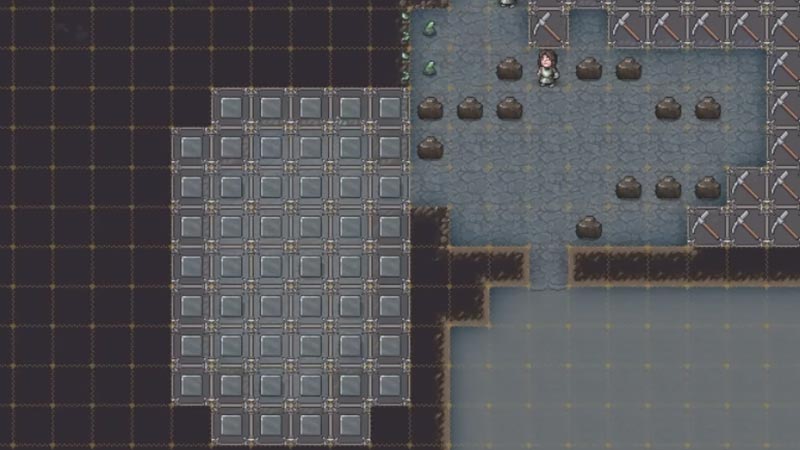
After digging the rooms, you will need to Smooth them. To Smooth the rooms, Highlight the rooms and press on the Grey Square found at the bottom of the screen. Also, add two doors to connect the Tavern with the rest of the places. After this, you will need to add Furniture in your rooms, such as Tables, Chairs, Chests, Rock Mugs, and Beds. Beds are placed in the Dormitory, whereas Tables, Chairs, and Chests are placed in the Tavern. You will also need to add doors to connect the rooms. Also, Rock Mugs are kept inside the Chests. You can add all of them by crafting them in Carpenter’s Workshop and then Placing them by clicking on the Placement icon at the bottom of the screen.
Create Stockpile
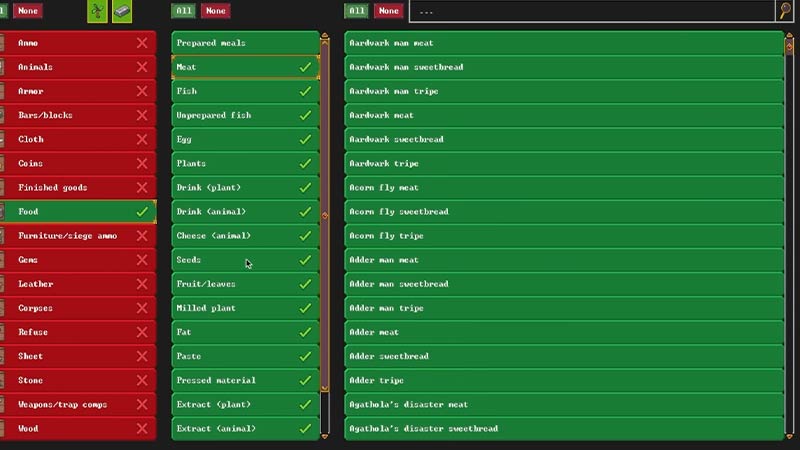
You can create a Stockpile by clicking the Stockpile icon at the bottom of the screen. Click on it to customize it. Although there’s no compulsion to customize Stockpile in Tavern, you can customize it and add the food type you want.
Set up the Tavern and Dormitory
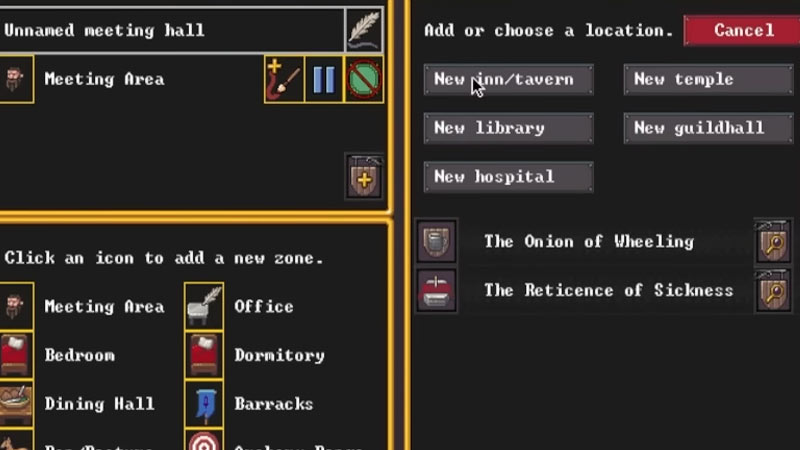
You should set up a Meeting Area by highlighting the room and clicking on the Zone icon before setting up a Tavern. Click on the Meeting Area, and a menu will appear on the side of the screen. Click on the Shield with Plus Sign icon and click on New inn/tavern. After you set the selected area as Tavern, it will be randomly named, and you can change it later by clicking on the Meeting Area and then clicking on the name of Tavern and typing the name you want to keep. Repeat these steps for assigning Drormitory too.
Assign Tavern Keeper and Performer
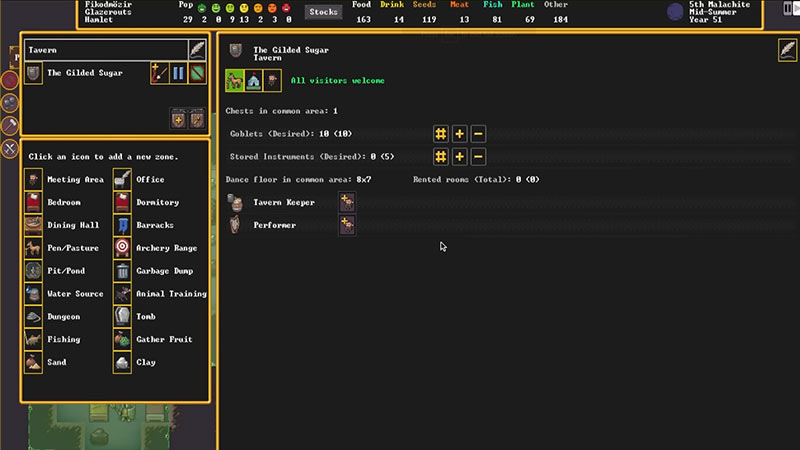
This step is not mandatory, but you can use it to customize your Tavern. Click on the Zone icon to open the Menu and Select the Shield with Magnifying Glass icon, and from here, you can assign a Tavern keeper or Performer. Also, in this menu, you can customize your Tavern by allowing whom you want to choose to enable in the Tavern. This helps to control the Brawl and unnecessary fights that may kill your Dwarves.
In Taverns, you might lose your Dwarfs due to alcohol poisoning. To prevent this, you might choose not to have a Tavern Keeper or Performer. Also, Adding a Dormitory next to the Tavern helps your drunken Dwarves to sleep in a bed. This prevents Tavern Keeper from giving extra drinks to your passed-out Dwarves.
That’s all you need to know about how to build Tavern in Dwarf Fortress. Also, check out our guides on building Temple or finding Iron in Dwarf Fortress.










