Home > Baldur’s Gate 3 > Best BG3 Steam Deck Settings

BG3 Best Steam Deck Settings

Updated Date :

If you plan on playing Baldur’s Gate 3 on your Steam Deck then you should know its best settings. Many players already faced the issue of it not launching for them. But forcing compatibility was the easy solution for that. Now, starting the game isn’t as much of a problem, as running it smoothly is. Luckily, by changing some in-game video settings you can quickly fix that as well. So here are the settings you should use for BG3 on your Steam Deck.

Best Steam Deck Settings to Use in Baldur’s Gate 3
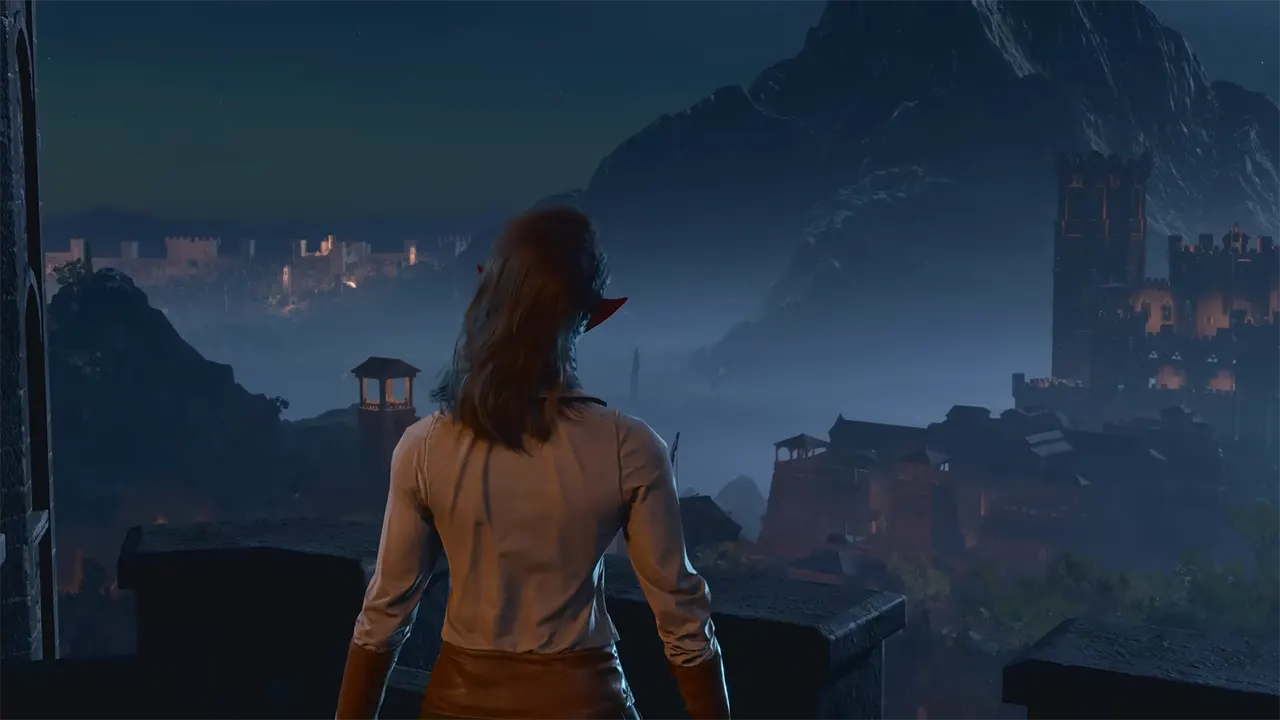
best Steam Deck Settings to use for BG3

You can get 60 FPS in Baldur’s Gate 3 on your Steam Deck but it won’t be consistent. With the below settings, you should get an average of 30-45 FPS in your gameplay and during cutscenes. Also remember that since this game is fairly new it might be buggy, but after some optimizations, it should be more compatible with the Steam Deck. But for now, you should use the following settings:

Video

  • Aspect Ratio – 16:9
  • Resolution – 1280 x 720
  • Display mode – Fullscreen
  • VSync – Disabled
  • Framerate cap enabled – On
  • Framerate cap – 60
  • Gamma correction – Based on your choice
  • Overall preset – Custom
  • Model quality – Low
  • Instance distance – Low
  • Texture quality – Low
  • Texture filtering – Trilinear
  • Animation Level of Detail – Low
  • Slow HDD Mode – Off
  • Dynamic Crowds – On

Lighting

  • Light shadows – Off
  • Shadow quality – Low
  • Cloud quality – Low
  • Animation LOD detail – Low
  • AMD FSR 1.0 – Ultra Quality
  • FidelityFX Sharpening – Off
  • Sharpness – Based on your choice
  • Anti-aliasing – TAA
  • Ambient occlusion – Off
  • Depth of field – None
  • God rays – Off
  • Bloom – Off
  • Subsurface scattering – Off

In case you don’t like the graphics then you can turn up some settings to Medium but that would result in FPS drops and you can expect the game to run anywhere between 15-30 FPS.

That’s it for the best Steam Deck Settings for Baldur’s Gate 3. If you want to find out more about this game, then check out our topics on how to edit and lock the hotbar, the best Wizard subclasses, and how to find Mol.

  • Aura Monster Simulator Codes (July 2026)

    Aura Monster Simulator Codes (July 2026)

    Published Date :

    Climbing an endless staircase might sound simple at first, but the higher you go, the more Aura you’ll need to keep progressing and unlock stronger upgrades. Thankfully, Aura Monster Simulator codes provide free Gems and Aura Boosts, helping you strengthen your character and reach new heights. More specifically, you can use these Gems to unlock… Read More

  • 100 Days At Sea Codes (July 2026)

    100 Days At Sea Codes (July 2026)

    Published Date :

    Surviving in the Bermuda Triangle is a challenging task because you need to keep searching for supplies, expand your raft, and defend yourself against dangers lurking in the ocean. 100 Days At Sea codes can make the journey a little smoother by rewarding free Pearls, giving you the chance to unlock Classes and Companions faster.… Read More

  • +1 Muscle to Arm Wrestle Codes (July 2026)

    +1 Muscle to Arm Wrestle Codes (July 2026)

    Published Date :

    Love those Roblox games where you start small and weak but work toward becoming a more powerful, stronger version of yourself? This one’s for you! Winning arm wrestling matches is easy when you build up your Muscle, collect stronger pets, and unlock more Win boosts and +1 Muscle to Arm Wrestle codes help you get free… Read More

  • Giant Simulator Reborn Codes (July 2026)

    Giant Simulator Reborn Codes (July 2026)

    Published Date :

    If you want some free Gold, you definitely need to redeem these Giant Simulator Reborn codes! These rewards will help you upgrade your giant much faster as you defeat enemies and grow stronger. Since this game revolves around training your character, collecting pets, and increasing your size to take on tougher challenges, every extra bit… Read More