
In every game, information is key. With FIFA 22, having eyes on the whole field is very important. So today I will discuss the best Camera Settings in FIFA 22.
Best Camera Settings in FIFA 22
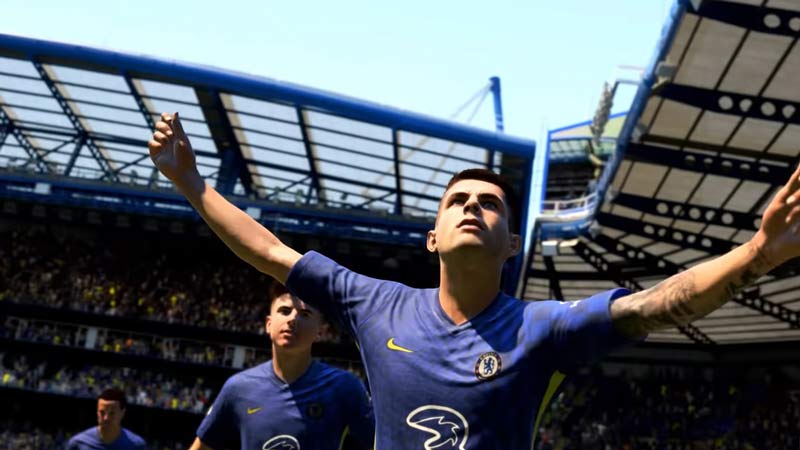
As mentioned above, having the whole field in your Field Of View (FOV) is important as it will be easier to read what is happening on the field. This will reduce the need to look at the Mini-map every other second. The Best Camera Settings are as follows:
- Single Player Camera: Tele Broadcast
- Multiplayer Camera: EA SPORTS GameCam
- Locked to Player Camera: EA SPORTS GameCam
- Pro Clubs Camera: EA SPORTS GameCam
- Be a Keeper: Pro
- Camera Settings: Custom
- Camera Height: 10
- Camera Zoom: 0
Tele Broadcast option is the best one you can have for Single Player. It is widely used by Pro players so you won’t go wrong with this option. If you want you can use Co-op view in Single Player if you have a Passing-oriented style of gameplay. In the Camera Settings, upon selecting Custom you gain the options of Camera Height and Zoom. Camera Height at 10 and Zoom at 0 is optimal as the whole field will be in view. You can try putting the height at 20 but this will give a helicopter view so do mess around with it in a custom match. The other options in this Settings can be kept as default.
Things to Keep in Mind
These are Settings That I have found easy to use. No one’s preference is the same so you don’t have to use the exact settings. Rather use these settings as a frame of reference for when your tweaking with your settings. Also, check for different values in Camera Height and Zoom. There will be a setting that will be fit for you. The Camera Height and Camera Zoom is only available under the Custom option in Camera Settings.
This was all about the Camera Settings in FIFA 22. Hopefully, this guide was helpful. You can also check our guides on How to score goals against strong Goalies and How to change languages in FIFA 22.











