
New World is an MMO game that allows you to do many things like build, craft, explore, and more. And while you are doing that you will often find yourself in Corrupted Breach events or Corrupted Areas. These give you time-limited quests that you can choose to take or ignore. But if you do ignore it and leave the area you can get a popup that says Abandoning Event. And sometimes this popup gets stuck. So in this guide let’s take a look at how to fix Abandoning Event Stuck on Screen in New World.
How to fix Abandoning Event Popup Stuck on Screen
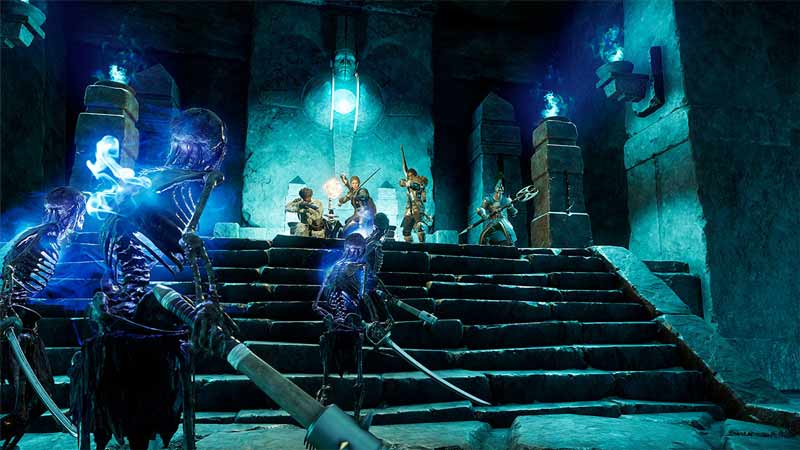
Since there is no official fix, these are the possible fixes to help you get rid of the error. You can try one of these or all of them until the problem is resolved.
- Wait in the same Area: You can wait in the same Corrupted Area or Corrupted Breach where the popup and event first occurred. This is an easy thing to do as you literally have to do nothing except wait in the same area. Once a new Corrupt event begins the popup should eventually go.
- Find a new event: Find a new Corrupted Breach event or Corrupted Area event to spawn. Once you find a new Corrupted Area simply go there and the popup should disappear.
- Return to the same Area: This method is quite simple as all you have to do is move away somewhere in the map and return to the Corrupted area on the map where the popup initially appeared. You can do this irrespectively if an event is ongoing or not.
- Exit the game: This fix is almost guaranteed to work every time. All you have to do is log out and exit the game. While logging in again might take some time, but once you are in, you most likely shouldn’t see that popup again.
How to prevent the Popup from appearing
There are two ways you can prevent the Abandoning event Popup from appearing and they are:
- Don’t enter an event that you won’t be able to complete. Because if you do enter and are forced to leave then you will receive the popup. Chances are that popup can get stuck.
- If you did enter an event then stay inside the corrupted Area and complete all the given objectives.
If you do the above two things then you shouldn’t get the popup at all.
That covers everything you need to know about how to fix Abandoning Event Popup Stuck on Screen. If you like playing this game then be sure to check our other guides like how to get salt and how to get void metal in New World.











