Left or Right analog stick drift on Xbox One and Series X/S can seem to be the most frustrating thing to fix if you are out of the warranty. Even though you can pry open the controller to do the fixes, there are ways you can fix this without even opening your controller. This is useful even if your controller is within warranty but you don’t wait for it until a new one reaches you from the service center. So we will look at how to fix your Xbox controller drift without opening it.
How to Fix Controller Drift on Xbox One and Series X/S Without Opening Them?
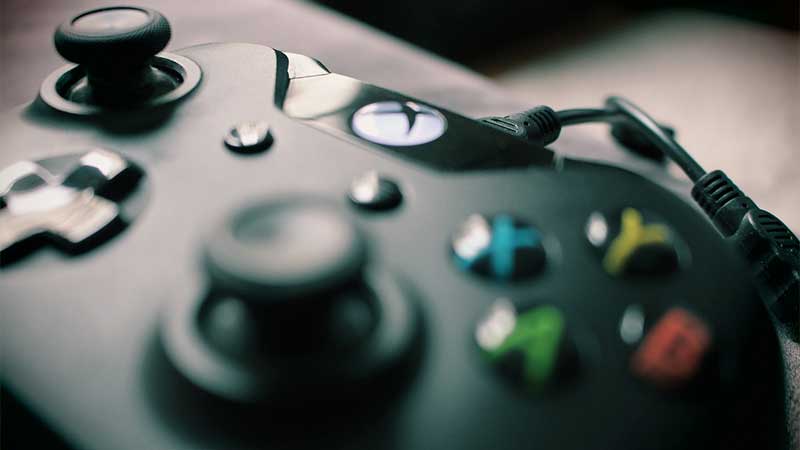
To fix Xbox One and Series X/S controller drift without opening them, you need to use cotton swabs to rub isopropyl alcohol on the rounded surface of the left or right analog stick. Then keep it for 30 sec aside, repeat the process 3-4 times, and your Xbox controller drift will be fixed now. This method will work for almost 85-90% of all users facing this issue. If you wanna know how to do this in detail, here’s how:
- First, you need the following items:
- 70% Isopropyl Rubbing Alcohol
- 3-4 Cotton Swabs
- Remove the batteries from your Xbox controller.
- If you are using an Xbox Elite controller, make sure the controller is powered down.
- Pour some isopropyl alcohol on tip of a cotton swab.
- Make sure to use a generous amount and let the cotton soak all of it.
- Push back the left or right analog stick with the drift issue.
- Use the cotton tip to rub the isopropyl alcohol on the rounded surface.
- Make sure the base edge of the entire analog stick gets enough isopropyl alcohol.
- Now keep the controller aside for 30-40 secs.
- Now repeat the process again with another cotton swab.
- Avoid using the old one to not put back the minute dust particles.
- Continue this process with 3-4 cotton swaps and keep the controller to rest for 30-40 secs each time.
- Now once done, put back your batteries, and test out your drift status in any of your games.
- The controller drift on Xbox One and Series X/S should be fixed now.
- If you are still facing the issue now or in the future repeat the process.
YouTube Video Showcasing this Entire Process
This entire process is shown in this YouTube video from masai29. We tried this method and it worked for our controllers with drifting issues. Hope this helps you too. Here’s the original video:
That’s everything you need to know about how to fix controller drift on Xbox One and Series X/S. Meanwhile, if you are facing drifting or other issues on PlayStation or Switch console controllers, make sure to check out our guides on How To Fix Drift On PS4 & PS5 Controller and How To Fix Nintendo Switch Joy Con Controller Not Working. Also, check out other Xbox fixes related to games and other service errors.