Is the Xbox Cloud Gaming feature not working on your device? Don’t worry, you have arrived at the right place as we are here with some troubleshooting options to get this issue fixed. There may be several reasons for this issue to pop up and we will be listing them one by one. Hence, make sure to go through this fix article thoroughly for all the possible solutions.
How to Fix the ‘Xbox Cloud Gaming Not Working’ Issue?
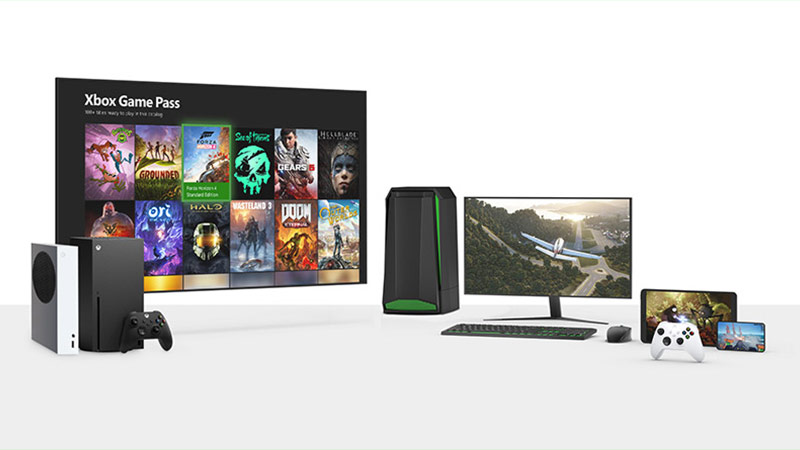
Before we move any further, make sure that the Cloud Gaming service is available in your region. For your reference, here is a list (link) of all the countries where Xbox Cloud Gaming is supported. If it is supported in your Region and still your facing this issue, then here are some possible fixes for you:
Check your Internet Connection
Ensure that you are having proper internet connectivity. Cloud gaming services are totally dependent upon a strong internet connection. So, I would recommend rebooting your device and router as a quick fix. If you are playing on an Android Device, try deleting your Cache as well.
Check your Browser
Xbox Cloud Gaming works on a supported number of browsers. Here is a list of all the compatible browsers for all the platforms:
| Operating System | Supported Browsers |
| Windows 10 version 20H2 or later | Microsoft Edge & Google Chrome |
| iOS 14.4 or later | Safari |
| iPadOS 14.4 or later | Safari |
| ChromeOS 79 or later | Google Chrome |
| Android 6.0 or later | Microsoft Edge & Google Chrome |
Download any Pending System Updates
If a black screen appears right after the Xbox Cloud Gaming booting screen, then there is a chance that you are having a possible pending update. Make sure that you are updated to the latest version of the application.
Check if the Game Supports Cloud Gaming
Not all the games on Xbox supports the Cloud Gaming feature. And hence, there is a chance that the game you are trying to stream is not compatible with Cloud gaming. You can always check if a Game supports the Cloud Gaming feature by looking at the Cloud Icon on the game tile.
HDR Gaming is not Supported
As of now, the HDR video quality is not supported for Xbox Cloud Gaming and this can be the reason why it is not working.
Also, make sure that you are having an Xbox Game Pass Ultimate Subscription. This is the only Xbox Subscription plan with which Cloud Gaming feature is supported.
That is pretty much all you can do to fix the issue wherein Xbox Cloud Gaming is not working. While you are here, make sure to check out our Video Game Guides Category for all the gaming-related content on Gamer Tweak.