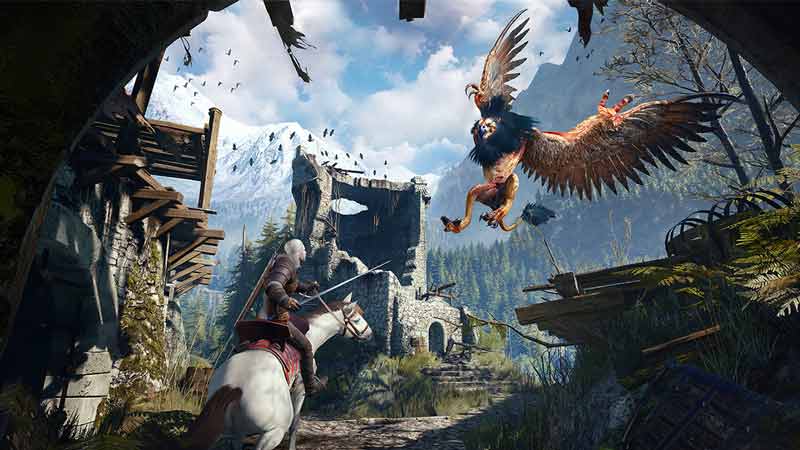
The Next-Gen update of Witcher 3 is here but many players are facing crashing issues. This update not only improves the game visually but also adds some new content to the game. And while we did get some new quests, we also got a lot of performance issues in this new update. Thankfully though there are some workarounds that you can try for fixing them. So in this guide check out how to fix Witcher 3 Next-Gen update from Crashing.
How to Fix Witcher 3 Next-Gen Update from Crashing
These are the fixes that you can try for resolving crashing issues for this game.
- Run the DX11 version of the game: The Next-Gen update of Witcher 3 offers many features like Ray Tracing, DLSS, HDR, and more with the DX12 version of the game. But the problem is it isn’t properly optimized. Thus if you run the DX12 version of the game there is a high chance it will crash. Meanwhile, the DirectX 11 version is working properly and doesn’t have such problems. So the easiest way to solve crashing is by switching to the DX11 version of Witcher 3.
- Turn off Ray Tracing: If you are still insistent on running the DX12 version of the game, then this is the next best fix. This might help you enjoy other features aside from Ray Tracing. Disable ray tracing and restart your game.
- Update the Game: This exactly isn’t an immediate fix but something that will help you solve the problem in the long run. Since the next-gen update is out, the developers should be working on patching any bugs they come across. Once they release an update or some patch, make sure you apply it to your game. After that, the game should start working properly and shouldn’t crash any longer.
That covers this guide on how to fix crashing in the Witcher 3 Next-Gen update. If you are facing stuttering, a black screen, or low FPS, I suggest you check out our guide on how to fix bad performance. And for more help on this game, you might find our guides useful on how to get the Netflix Armor, get to Kaer Morhen, and transfer saves.