
Tired after the day of hard work you and your Pals took a bed as soon as nightfall. But what happens when you can’t wake up the next day? No matter what you do or try, you just can’t leave the bed. Usually, when we select Sleep, our character lays down and the screen goes black for seconds, after which you can just move and exit the structure to start a new day.
Sleeping not only helps you pass the time but also recovers your health. Though there are many Pals that only appear during the night, you might not feel the need to hunt them. Besides the Pals are asleep, so they wouldn’t help you in building. With all these advantages, not being able to use the feature can be quite bothersome. Understanding this, we went through the issue and brought these fixes for you.
How to Fix Palworld Can’t Wake Up and Leave Bed Issue
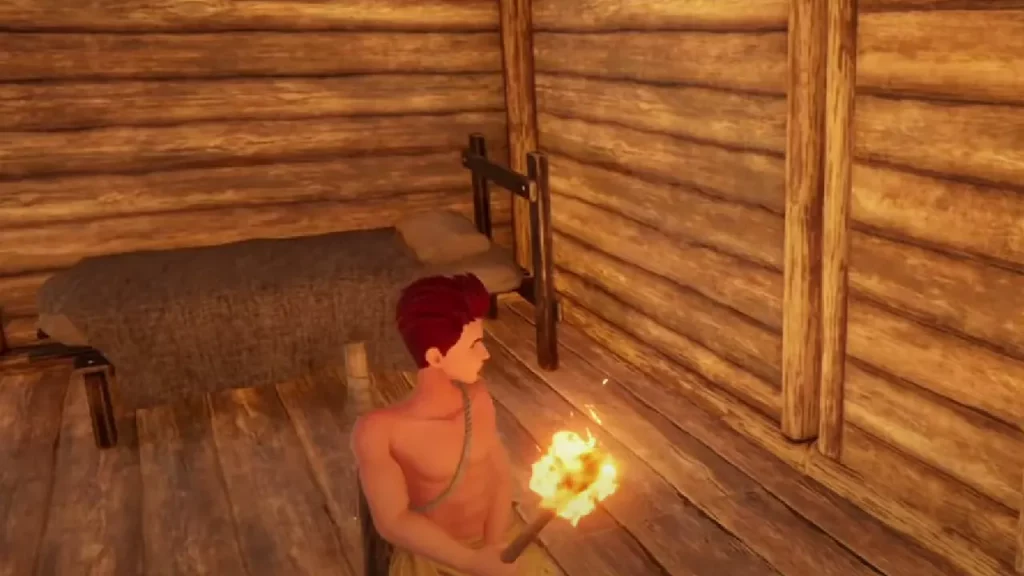
There are no official posts regarding this issue, and it doesn’t seem to be frequent or faced by many. The two scenarios where you face the problem are while leaving the bed and during the blackout. If it is the first one, where even using the WASD keys doesn’t let you wake up, then the two general fixes working for you are restart and respawn. If you can still access the Options, you should respawn.
Once you have rejoined and left the bed, you should change its place. Currently, the game doesn’t let you move structures, so you’ll have to build a new one. Some players weren’t able to use the Sleep, as the way they placed the bed was causing the issue. Similarly, there is a possibility that its placement is making it difficult for you to move.
If your screen goes black and stays like that for minutes, you might be stuck. In such cases, restarting or logging out and then logging in after a few minutes should fix the problem. However, if this keeps happening every time you use the Sleep feature, you should fill out the in-game bug form and report it. You can reach out to the developers through Discord Server as well.
Hopefully, this helped you wake up from sleep in Palworld and let you leave the bed to start a new day. If it did, then you should skim through our dedicated section to resolve any such issues.











