
The “waiting on another update” error has been faced by a number of OW2 players. As far as we know, this issue is known to affect PC users only. Even after waiting for several minutes for the update to go ahead, the error remains unresolved. So, what can Overwatch players do to explore Season 5 and jump back into PvP battles with their friends? Luckily, we have a troubleshooting guide to help players like you solve this error. Here is how to fix the “waiting on another update” error in Overwatch 2.
How to Fix Waiting On Another Update in Overwatch 2
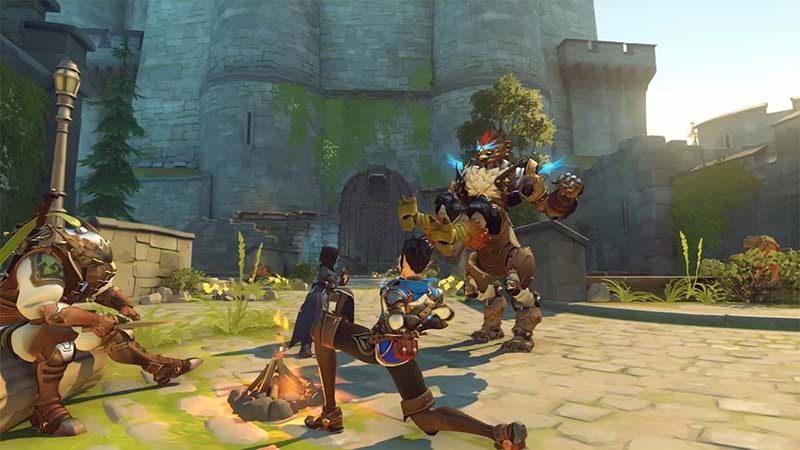
The “Waiting on another update” error usually occurs when there is another game updating in the background. Sometimes, updates for the Blizzard application can also cause this error in OW2. So, make sure to check these things first before trying the workarounds below.
Restart your Computer
The tried and tested method of restarting your PC can also help you fix the Waiting on another update error in Overwatch 2. Performing a quick reboot of your PC will resolve any problems caused by programs and services running in the background.
Update your Graphics Drivers
Outdated drivers can often be the core reasons behind errors such as “Waiting on another update” in OW2. To ensure this doesn’t happen, check for any updates. Developers like Nvidia, AMD and the likes usually release updates for their drivers from time to time. Here is how to update your graphics card:
- On the search bar, type “Device Manager”.
- Now, click on “Display adapters” and then right–click on your graphics driver.
- Click on “Update driver>Search automatically for drivers”.
Delete the Battle.net Tools Folder
Lastly, deleting the Tools folder of Battle.net can also help you fix Overwatch 2’s “waiting on another update” error. This will automatically help you rebuild outdated or corrupt files in the game.
That’s all there is you need to know in this guide. We hope you learned how to fix the “waiting on another update” error in Overwatch 2. In the meantime, you can also check out how to fix the error which keeps getting you kicked out of OW2 games. And for all other guides on the best heroes, counters, locations, and more, head to our Overwatch 2 section.











