
Vortex is a popular gaming mod manager for games such as Skyrim and other titles but whenever anyone tries to download mods from it, they get an error message that states “Download Failed” with a code 401. At other times, some users have also reported that they get another “Download Links Invalid” error while trying to download the Vortex mods. In this guide, we will tell you how to fix this Vortex downloading error on your Windows PC below.
Fix Vortex Download Failed 401 Error
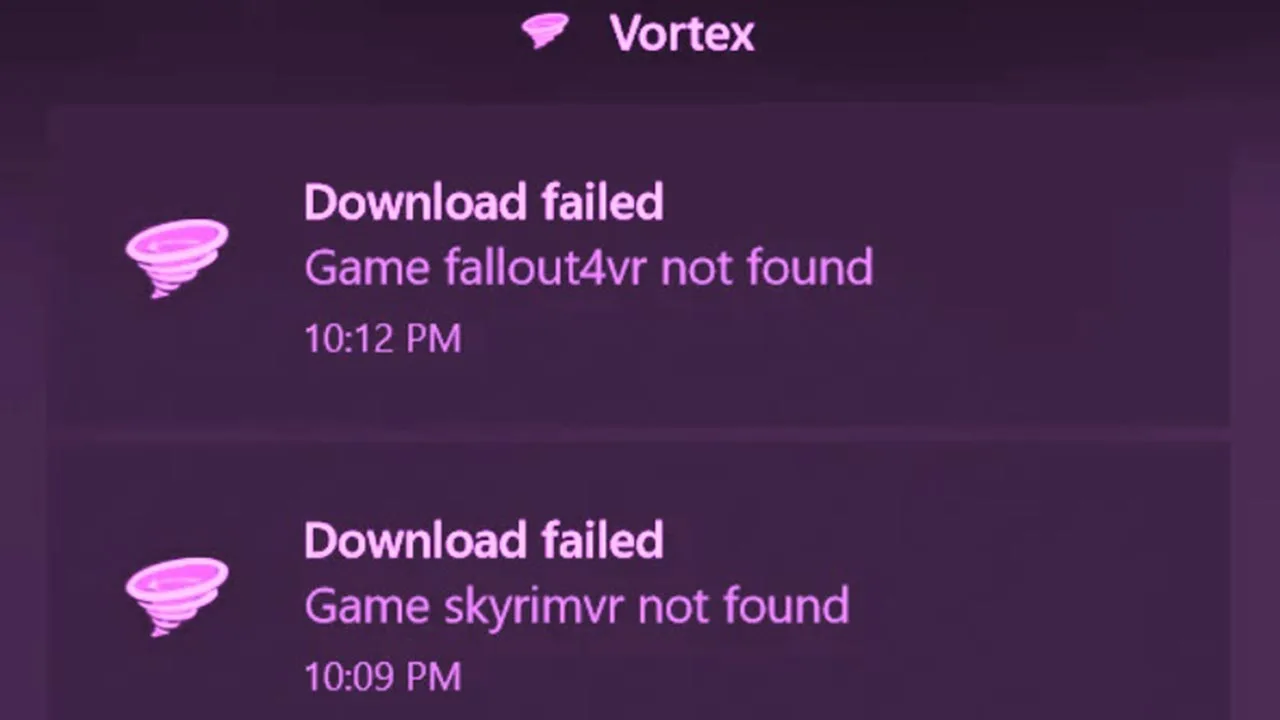
If you are getting Vortex “Download Failed” 401 error, you can try to follow some fixes given below to resolve the issues: Logging out and Logging in again, the Nexus website server is down so wait for some time, or try to manually download the mods, etc.
1. Log out and Log in again in your Vortex account
To fix the download failed “Error 401”, you can first try to log out and log in again in your Vortex account. By completely closing down Vortex and relaunching it, something in the Windows system gets cleared which usually causes the download problems. So, try this sign-in and sign-out method first to fix the issue, if this doesn’t work then try the next workaround mentioned below.
2. Nexus Server Down
If the Nexus server is down or there is a huge update pending, you might face problems when you try to download any mods in Vortex. So, all you need to do is just wait for some time to get the Nexus website server running up again (for a couple of hours), and then try to download mods without any error message.
3. Manually Download Mods in Vortex
Another fix for the Vortex “Download Failed” 401 error is to manually download the mods and see if that resolves the issue. If this method works, then you can simply drag-and-drop the mod archives over to the Vortex mods tab, which is located at the bottom near “Drop Files”. But if you are not able to view the drop files, you can just select the up arrow which is located in the bottom right corner.
That’s everything you need to know about how to fix Vortex Download Failed 401 error. If this guide helped you in any way, check out our other guides to find out Failed to get a list of collections Errors, and more Mod articles on Gamer Tweak.










