Nioh Collection is released on PS5. The collection includes Nioh and Nioh 2 and if you had purchased the same games on PS4 before you can move your game progress to the Nioh PS5 collection edition. Not having plans to play everything from start then why not easily transfer all the Nioh save game files from PS4 to PS5. It is not a complicated process, and above all, you will get all your weapons, and upgrades unlocked on the new console. Here is what you have to do to download Nioh & Nioh 2 PS4 progress on PS5 Nioh Collection.
How to transfer save files in Nioh and Nioh 2 from PS4 to PS5?
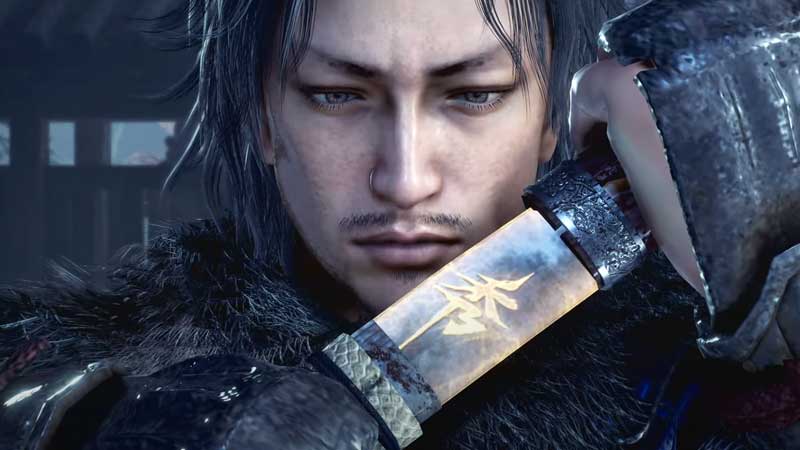
There is a two-step method to move Nioh PS4 save game files to Nioh PS5 edition. First, we will have to upload the saved games files to the cloud and then download them to the new console.
Step 1: Upload PS4 Save Game to Cloud
- Launch Nioh or Nioh 2 On PS4.
- Go to System Menu from the Game Screen.
- Scroll down for Cross-Save Management.
- Select Upload Save Data to Cloud.
- Select the Nioh/Nioh 2 Save Game file and Upload it.
Step 2: Download PS4 Save Game to PS5
- Launch Nioh Collection on PS5.
- Go to System Menu from the Game Screen.
- Scroll down for Cross-Save Management.
- Select Download Save Data to Cloud.
Make sure both consoles have the same PSN ID logged in. Or else the above steps will not work. PS5 will automatically detect the save game and will download it. In this way, you will get all your Nioh and Nioh 2 game progress on PS5, so that you don’t have to play everything from scratch.
Another thing, if you are playing Nioh 2 on PC and dealing with bugs, crashes and black screen then here is a troubleshooting guide for you. Some of the steps are also applicable for console troubleshooting. This Nioh 2 Troubleshooting Guide will help you to improve the game performance on the preferrable PC platform.
Cross-Save Management is supported by many games recently. It allows you to move your PS4 save game files to PS5 easily. And certain new games are offering a free PS5 upgrade, where you don’t really have to buy the same title again on the new console.