Close Menu
    Facebook X (Twitter) Instagram
    Gamer TweakGamer Tweak
    • GT Originals
    • Guides
      • AC Mirage
      • Starfield
      • Wordle
      • Mobile
      • GTA 6
      • AC Valhalla
      • Genshin Impact
      • Honkai Star Rail
      • Minecraft
      • Discord
      • Street Fighter 6
      • Project Slayers
      • The Sims 4
      • Lies of P
      • Zelda TOTK
    • Roblox
      • Roblox Codes
      • Blox Fruits
      • Type Soul
      • Grow a Garden
      • 99 Nights in the Forest
    • Review
    • Roblox Codes
    • BG3
    • CS2
    Gamer TweakGamer Tweak
    Home > Lost Ark > Can I Transfer My Character To Another Server In Lost Ark
    Lost Ark

    Lost Ark: Can I Transfer My Character To Another Server?

    DarwinBy DarwinAugust 26, 20222 Mins Read

    Lost Ark is an amazing MMORPG that a player can enjoy. Being an MMORPG, there are many Tasks, Quests, Dungeon Raids, etc that the players will be doing. Lost Ark allows the players to have Multiple Characters that they can use whenever they want. Although these characters are playable if you have selected the right servers. But sometimes, you want to change the current server you are in. How would you do that? In this guide, I will show you how to Transfer your Character to another Server in Lost Ark if it is possible.

    Can I Transfer my Character to another Server in Lost Ark?
    transfer character server lost ark

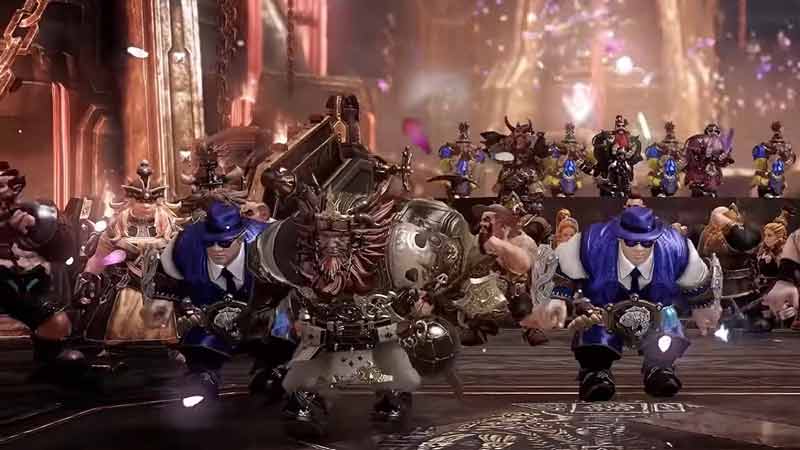
    There is an answer to this question & you may not like it. I hate to be the bearer of Bad News but you cannot Transfer any Character of yours to another Server. When you create a new Character, it is locked to the server you created. You get 6 free characters to use on any server you want. But once you make it on a certain server, it is locked to that server forever. Lost Ark has deliberately done this to manage the ever-growing number of Players coming to the game.

    If you want to play with a friend on another server, you will have to make another Character on that Server. As there are 5 Classes & 15 Sub-Classes, you shouldn’t feel limited but the progress on your current Character wont carry forward. Once Lost Ark can stabilize the Player Population growth on their Servers then you may be able to transfer your Characters. Nothing can be said though as this is just a speculation.

    This was all about how to transfer a Character to another Server in Lost Ark. Hopefully this guide has helped you. You can also check out our other guides like What Does Item Quality Mean in Lost Ark.
    Lost Ark Guides PC Tips and Tricks
    Share. Facebook Twitter Pinterest LinkedIn Tumblr Email Reddit
    Darwin
    • X (Twitter)

    Before you ask, yes my name is Darwin and no I am not Charles Darwin's cousin. But I do love everything Science, Games, and Anime. Think of me as your Baymax. Oh, I also like the Rubik's Cube.

    Related Posts

    Players Are Spending More Time in Virtual Worlds Than Ever Before, Showcasing the Largest Surge on Record

    December 3, 2025

    Unwritten Helldivers 2 Rules – Don’t Make These Mistakes!

    November 20, 2025

    Where Winds Meet Codes (December 2025)

    November 19, 2025

    User Experience in Quick Online Games – How to Retain Players

    November 11, 2025
    Latest Codes

    Anime Vanguards Codes (December 2025)

    December 4, 2025

    Last Letter Codes (December 2025)

    December 3, 2025

    The Forge Codes Roblox (December 2025)

    December 1, 2025

    Inazuma Strikers Codes (December 2025)

    November 26, 2025

    Deadly Delivery Codes (December 2025)

    November 26, 2025

    Roblox Hypershot Codes (December 2025)

    November 26, 2025
    Trending
    • NVIDIA India launches “You Vote, We Build” PC – community picks parts, winner takes the rig
    • Anime Vanguards Codes (December 2025)
    • How to Get Ruby in The Forge (Roblox)
    • Players Are Spending More Time in Virtual Worlds Than Ever Before, Showcasing the Largest Surge on Record
    © 2025 Gamertweak.
    • Advertise With Us
    • About Us
    • Team
    • Contact Us
    • Privacy Policy
    • Terms
    • Open Critic

    Type above and press Enter to search. Press Esc to cancel.