If you face the login glitch on Roblox where it says “Too Many Attempts” and looking for a fix, this guide will help you out. Try these steps to log into Roblox easily and play your favorite games without interruption.
Fix Too Many Attempts Errors in Roblox
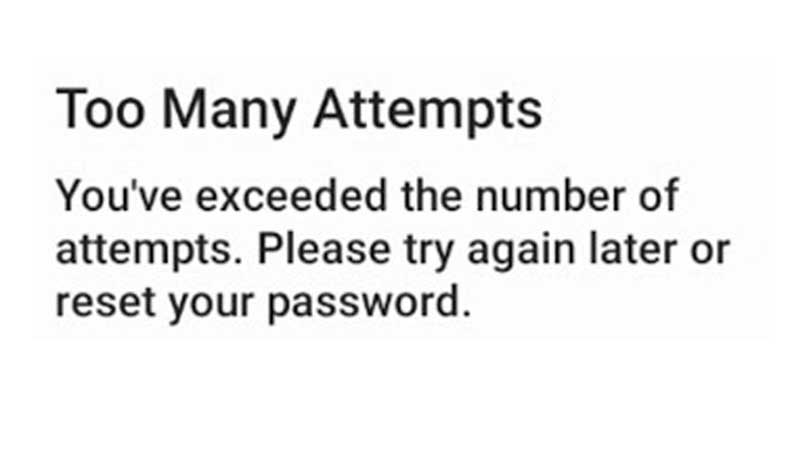
These are the things you need to check:
Check your Internet Connection
The first thing you need to check is your internet connection. If that’s where the problem is, make sure to reset your router and check again. In case your net is super slow, contact your ISP for an upgrade and see if it makes a difference. Try a wired connection or try with Mobile Data if possible.
Disable your Firewall and Antivirus
Disable your firewall and antivirus temporarily and check if it fixes the problem.
How to Disable Firewall on Windows 10
- Click the Start button on your PC
- Select Settings > Update & Security > Windows Security
- Now click on Firewall and Network Protection
- Open Windows Security settings
- Choose a Network profile
- Find Microsoft Defender Firewall
- Change the setting to Off.
Check if Roblox is down
If Roblox servers are having issues, you won’t be able to log in, or play any Roblox game. You might get kicked from experiences and it can get frustrating. Make sure to check the Roblox server status and wait until the outage or downtime is fixed.
Reset your Password
As you will see on the error pop-up, this is recommended by the devs. Here’s how to reset your Roblox password.
Use a VPN
- Download a trusted VPN.
- Connect to a server location via the VPN.
- Open your Roblox app and check if you are able to log in to your account.
Try to Login via Browser or App
If you usually log in via the Roblox app, try to log in via the browser to see if you are able to get in. Vice versa for browser users. This should help you narrow down if the problem lies with the app or Roblox itself.
Disable Extensions and Add-Ons
Extensions or add-ons can also cause issues sometimes. If they are interfering with the login process then disable them temporarily or remove them if possible.
Reinstall Roblox
If Roblox isn’t down and your friends are able to log in, the last resort should be to uninstall the Roblox app and reinstall it. Attempt to login again and check. If not, contact Roblox support and they will assist you further.
For more Roblox-related error fixes, game guides, and codes, be sure to check our linked category.