The most dreaded moment for fans of online games is when the servers go down. And in case you see a Servers not responding error message in Fortnite, and you’re looking for a fix to be able to jump into the game, here’s what PC, PlayStation, Xbox and Nintendo Switch players need to try.
Fortnite Servers Not Responding Error Fix?
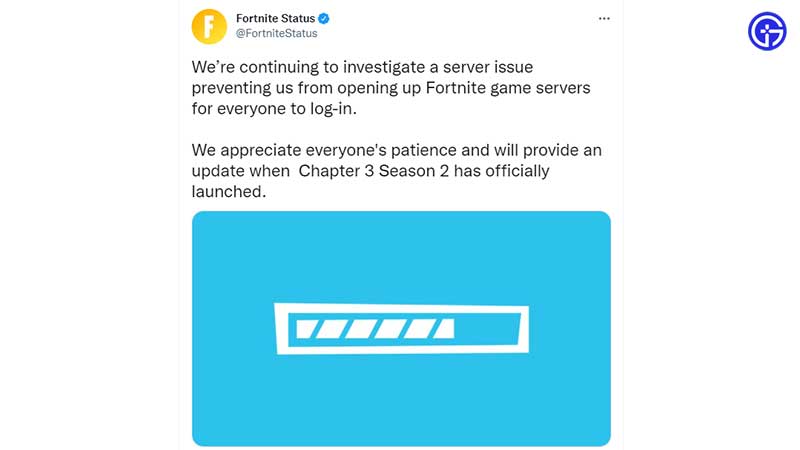
If Fortnite servers are not responding, you won’t be able to log in and matchmaking will be disabled as well.
Check if Fortnite Servers are Down
Here’s how to check Fortnite’s server status. If it’s a specific maintenance period and not a sudden outage, there will be a fixed duration for the server downtime, during which you won’t be able to play the game. But be sure to log in and check again after the time period is over to see if the servers are up and running again.
Follow @FortniteStatus
The best thing to do if you are facing connection issues is to swiftly head over to the @FortniteStatus Twitter account. This is where the devs will inform players about issues cropping up related to parties, matchmaking, and more. When the services return to normal, they will update the thread as well, so follow them and turn on notifications.
Check if the Platform is Down
Sometimes, it’s not the game – it’s the platform’s servers that are having issues. Check if PSN services, Xbox Live, Epic’s servers, and Nintendo Network are down at the moment. If that’s the case, all you can do is wait.
Restart your Router and your PC/Console
While most of the time, the problem is at the end of the developers, on some occasions, it could be the player. Make sure to restart your router and also restart your PC/console to flush out any bugs that may have reared their heads. With a fresh beginning, you might just be able to log in to the game. If this does not work, contact Fortnite Support for further assistance.
As you can tell, there are a few things you can do, but mostly – it’s all about patience. Don’t worry though, because Fortnite’s devs investigate issues very quickly and resolve them fast too.