
Home > Gaming Guides > Sea Of Thieves Services Lavenderbeard Fix

Sea Of Thieves Services Temporarily Unavailable Fix

Updated Date :

Sea Of Thieves players have been coming across a Lavenderbeard Services Temporarily Unavailable Error in the game. This issue is actually related to the servers of the game. However, there can be other factors that cause it as well. So, scroll down and find out how to reconnect to the game.

How to fix Sea Of Thieves Services Temporarily Unavailable Error?
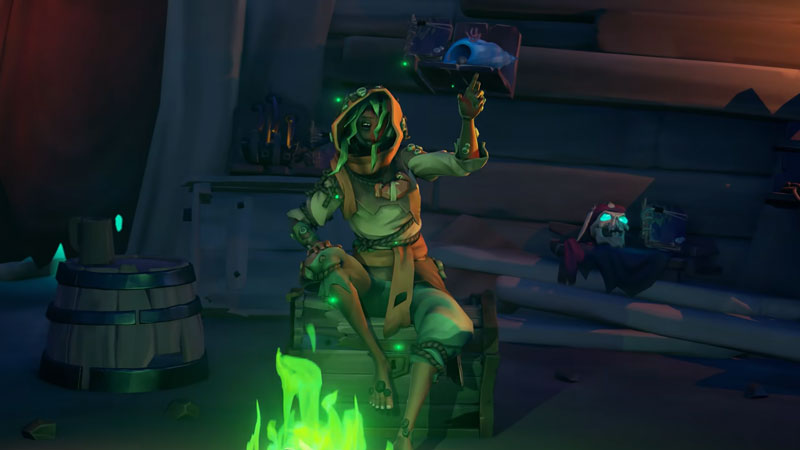
Sea Of Thieves Services Temporarily Unavailable Fix Solution

  • First, try turning the network connection on and off on your device.
  • Secondly, you can try restarting the router.
  • Thirdly, make sure there aren’t too many devices connected to the same network.
  • Ensure a stable network connection throughout.
  • Next, make sure the game is up to date with all the latest patches.
  • You can also keep reopening and closing the game again and again until you get somewhere.
  • The very last thing you can do is use a VPN and set the location to another server completely to fix the Sea Of Thieves Services Temporarily Unavailable Error.

Also Read: Where To Find Captains Of The Damned Journals In Sea of Thieves

This is a fix in case if you are facing connectivity issues of your own. However, if this too doesn’t work you can follow these steps:

  • Go to your Internet Explorer.
  • Once you are here, go to the settings option in the top right corner and choose Internet Options from the list.
  • Now, click on the Advanced tab from the next list.
  • Head over to the Security tab on the top and uncheck the SSL3.0 option.
  • Also, make sure that TLS 1.2 is checked.
  • Click on the Apply button and choose OK.
  • Now, open the game again and try to access it.

This is everything you need to know about how to fix the Sea Of Thieves Services Temporarily Unavailable Lavenderbeard Error. While you are here you can also have a look at How To Easily Get Ashen Keys In Sea Of Thieves.


  • Stream a Mukbang Codes (August 2026)

    Stream a Mukbang Codes (August 2026)

    Published Date :

    Mukbang games are gaining more popularity on Roblox these days, and Stream a Mukbang is where you eat food live, gain views, likes, followers, and earn cash for upgrades. As your live videos become more popular, you’ll need more resources to keep attracting new viewers, and that’s where free rewards can make a difference. Redeeming… Read More

  • Become an Anime Billionaire Codes (August 2026)

    Become an Anime Billionaire Codes (August 2026)

    Published Date :

    In Become an Anime Billionaire, you roll for anime characters, earn money, rebirth, climb the leaderboard and this journey becomes much easier when you have plenty of rewards. Thankfully, the developers release new Become an Anime Billionaire codes pretty regularly, such as free Units, Lucky Blocks, Cash, and more. Here’s the complete list of all… Read More

  • BikeLife Society Codes (August 2026)

    BikeLife Society Codes (August 2026)

    Published Date :

    Pulling off wheelies, upgrading your ride, and traveling across the city is what BikeLife Society is all about. As you unlock better bikes and customize them to match your style, you’ll need plenty of in-game resources to keep progressing. Free rewards can make that journey much easier, so it’s always worth redeeming the latest BikeLife… Read More

  • Coach a Fighter Codes (August 2026)

    Coach a Fighter Codes (August 2026)

    Published Date :

    In this boxing game, you don’t throw the punches yourself – you’re the coach who watches matches and helps train fighters. You’re tasked with upgrading your gym, improving your roster, and climbing through stronger leagues, which is why you’ll need every boost you can get. So, make sure to redeem these Coach a Fighter codes… Read More







