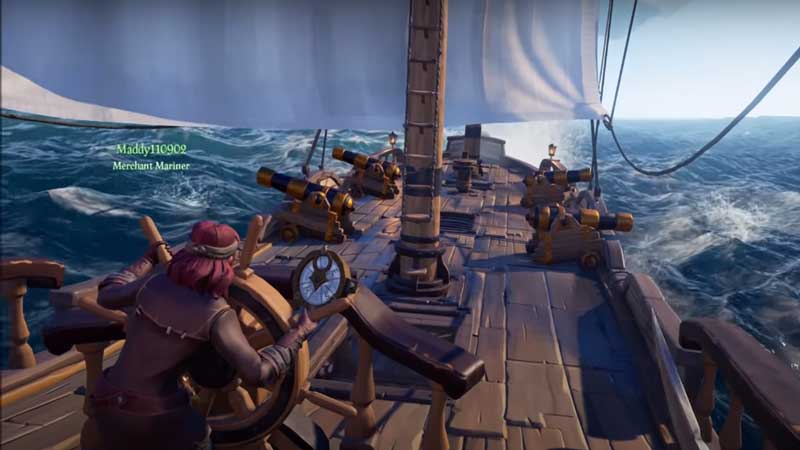
Sea of Thieves is a beautiful online multiplayer game that promises exciting gameplay and intense battles. The game has been popular with gamers ever since its release in 2018, with constant updates only making it better. As updates on PC need to sometimes be executed manually, in this article, we will show you exactly how to update the game on PC.
How to Update Sea of Thieves on PC?
- One of the biggest signs Sea of Thieves needs updating will be the BeigeBeard errors or game mismatch messages.
- You will need to quit Sea of Thieves in order to begin the updating process. Make sure to clear the game from the background as well.
- This method usually forces the game to update by downloading a patch.
- If that does not work, then you will need to force update Sea of Thieves on PC with the following steps:
- Head to the Microsoft Store.
- You will now need to click the three dots icon on the top-right of your screen.
- Here, select the Downloads and Updates option.
- Click on Get Updates.
- This process should hopefully force Microsoft to look for updates to any apps.
- This should result in Sea of Thieves receiving an update.
- Alternatively, if none of these steps work, you can visit the Sea of Thieves page on the Microsoft Store.
- Once you open the page, Sea of Thieves should begin to update automatically.
- Depending on whether these steps work or not, you might need to uninstall and then re-install Sea of Thieves on your PC to see if that will result in it being updated.
- If all of these steps fail to update Sea of Thieves on your PC, you might need to consider resetting your PC and re-trying all of the steps mentioned above (excluding uninstalling the game as that is a worst case scenario solution)
This brings us to the end of this guide on updating Sea of Thieves on PC. As you now know, updating this game can be pretty easy and usually takes very little time. You will only need to uninstall the game in the event of a worst case scenario.
Now that you have learnt how to update Sea of Thieves on PC, check out this guide on how to unlock the barrel disguise emote.