If you own a Samsung TV, then you can use your iPhone to cast high quality images and videos on it. This is done by using the Screen Mirroring feature which is common in all the latest TVs nowadays. For those who are new to the Apple ecosystem can find it difficult to cast their iPhone on a bigger screen, and that’s why we are here.
In this guide, we have mentioned the steps for Screen Mirroring iPhone on a Samsung TV easily. So if you want to watch your captured moments with your family, then be sure to stick to the end.
How to Mirror your iPhone Screen to Samsung TV (Wireless)
You can now connect your iPhone to your Samsung TV by using a few simple steps. This can be done using the AirPlay feature. However, it is necessary to understand that this option can be used only on a few Samsung TV models. We have mentioned them below:
| Year | Model |
| 2018 | Smart Full HDTV N5300, 4K UHD TV, QLED 4K, Frame TV |
| 2019 | Frame TV, Serif TV, 4K UHD TV, 8K, and 4K QLED TVs |
| 2020 | Crystal UHD TVs, Premiere Projector, Frame TV, Serif TV, 8K and 4K QLED TVs |
| 2021 | 8K and 4K QLED TVs, Frame TV, Crystal UHD TVs, 27-inch and 32-inch M5 Smart Monitors, 32-inch M7 Smart Monitor |
| 2022 | 8K and 4K QLED and OLED TVs, Frame, Sero, and Serif TVs |
| 2023 | Neo 8K and 4K QLED TVs, Frame, OLED, and QLED TVs |
After you have made sure your Samsung TV supports this feature, you can go ahead and start the process.
How to Enable AirPlay on your Samsung TV
For this, firstly you will have to open ‘Settings’ on your TV. You can either press the Settings button on your remote or directly click on the ‘Setting’ option, which will be present next to other options like Search and Source, on your TV. Once you open it, go to the ‘General’ section. From here, try and search for ‘Apple AirPlay Settings’ and click on it. Now make sure your AirPlay option is switched On.
How To Use AirPlay for Screen Mirroring on iPhone
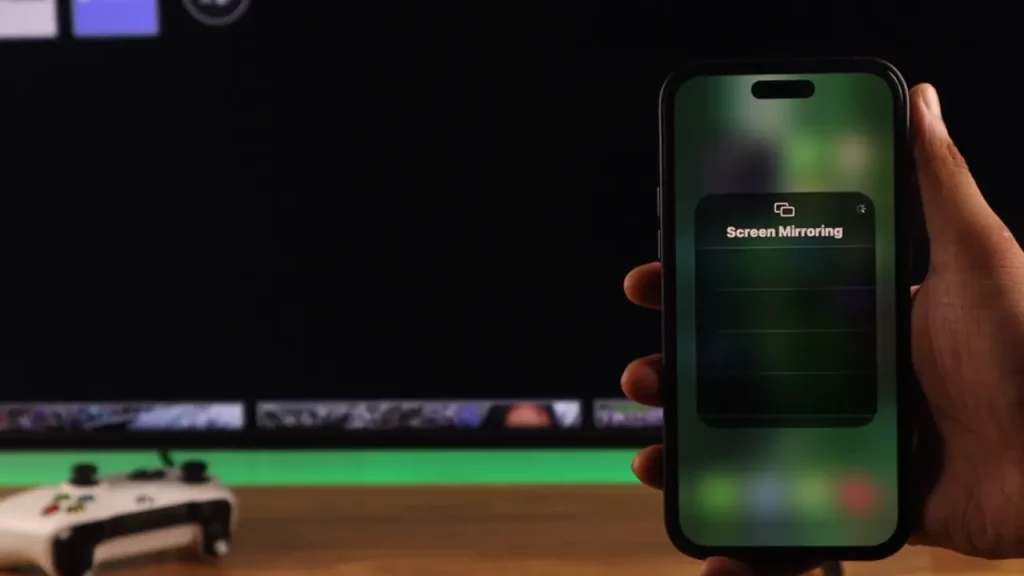
To do this, you will have to go to your Control Center. Once you have opened it you will see two interlinked rectangular icons, this will be the Screen Mirroring option. Tap on it and you will be able to see your TV name appear at the top of the list.
If this is your first time using this feature, there will be a code that will flash across your TV screen and you will have to enter it on your iPhone. Additionally, make sure your Samsung TV and your iPhone, both are connected to the same Wi-Fi network, otherwise, it might not work.
How to Screen Mirror iPhone Using HDMI & AV Adapter
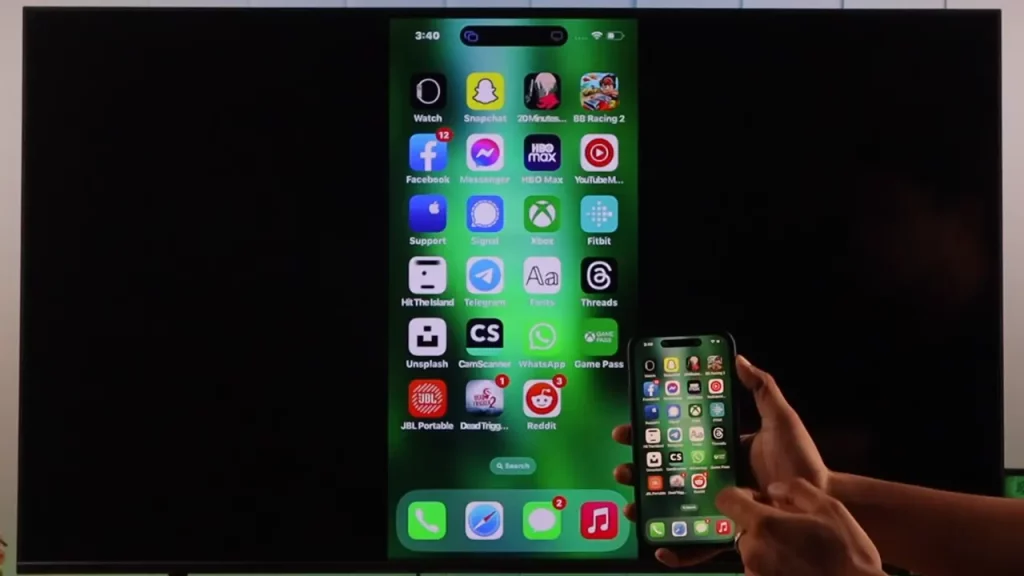
If for some reason you are not able to access the AirPlay feature, you can also use a HDMI cable to Mirror your iPhone Screen to your Samsung TV. However, for this to work, you will have to use a Lightning Digital AV Adapter in order to connect it to your iPhone.
On the AV Adapter, you should see the respective ports for connecting your iPhone and an HDMI Cable. Once you have connected them, plug the other end of the HDMI cable into your Samsung TV to start the Screen Mirroring. Although this option is not wireless, it serves as a great alternative.
This is everything you need to know in order to Screen Mirror your iPhone to your Samsung TV. Also make sure to check out how to Connect PS5 Controller to iPhone and our other Tech guides, right here on Gamer Tweak.