
PowerWash Simulator, as the name mentions is a simulation game where players assume the role of a small power washing business company and take jobs from various clients. While each clientele can be deemed as a level, once crossed they provide money that can be used to upgrade the tools. And while the game provides a sense of satisfaction and relaxation, it also gives relief from the typical grinding games. Although players have been having trouble with how to save the game and where to find the save location for PowerWash Simulator. It is not quite that hard, and this guide will show you what to do.
How to Save Game in PowerWash Simulator
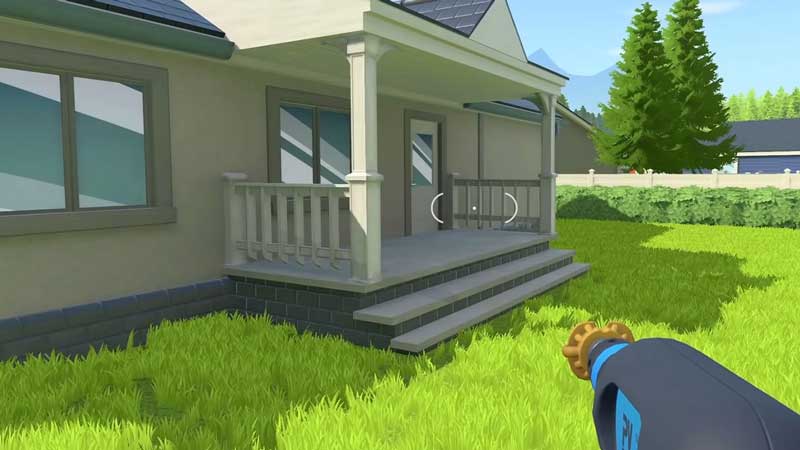
While there is no designated button, here’s what you need to do in PowerWash Simulator to save the game:
- Launch PowerWash Simulator and head to Options.
- While in the options menu, head to General Settings.
- Scroll down and locate the Autosave option and then turn it on. It will save the game immediately after any dirt is cleaned.
Additionally, when autosave is off, the game is saved when you switch levels or when you close the game.
How to Find Save File Location
Here’s what you need to do to find the save file location in PowerWash Simulator:
- Start by opening the File Explorer. On the top, click on View and tick the Hidden Items box to show the hidden files.
- Next, Go to Local Disk (C) and click on Users, and then click on the Username of your PC.
- After this, open App Data. The App Data folder is usually hidden so make sure you have followed the first step.
- While you are in the App Data folder, search for the FuturLab folder.
- Once you have found the folder, click on it and then click on the PowerWash Simulator folder to open the new window.
- While in the new window, click on SaveData and you will find the Save Game Location in PowerWash Simulator.
That’s all you need on how to save the game and where to find the save file location in PowerWash Simulator. While you are here make sure you check out our PowerWash Simulator guides at Gamer Tweak.











