Home > Lethal Company > Where Is The Lethal Company Save File Located?

Where Is The Lethal Company Save File Located?

Published Date :

In Lethal Company, the progress is automatically saved with the auto save feature and there are no options available for players to save it manually. Since you don’t want to lose out on all the progress of your journey through the abandoned moons as contracted workers due to corrupted files, backing up the save file is crucial. However, with the game’s auto-save feature, you might not be aware of where the game exactly saves all the files in the directory.

This can make navigating through the file directory confusing and time-consuming for players. Not to mention, there are some things that players will have to consider before backing up the save files in Lethal Company. So if you want to know the location of all the saves, here is a guide you should check out further.

Lethal Company Save File Location
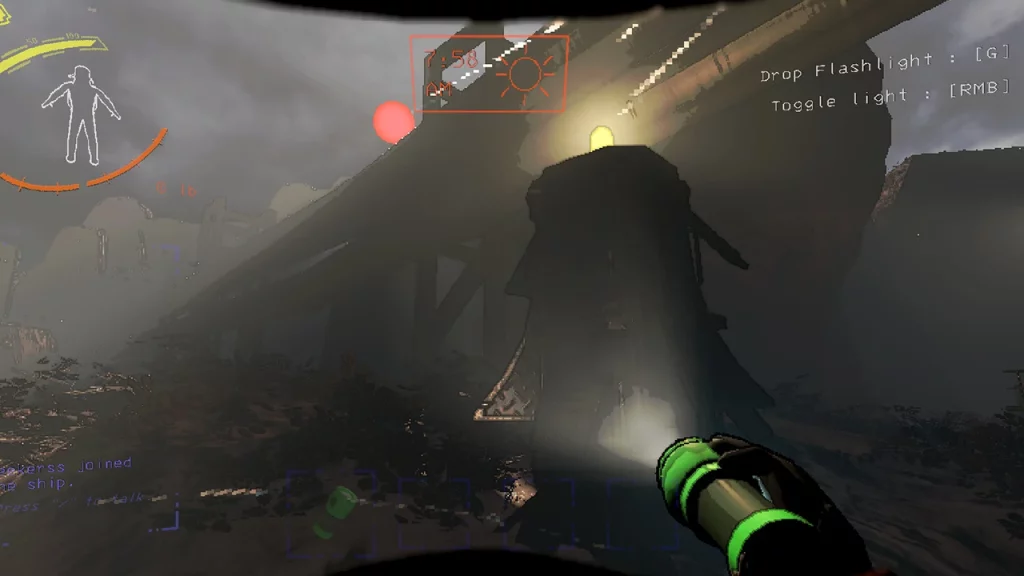
Where Is The Lethal Company Save File Located?
Image Source: Steam

Before going any further, it is worth mentioning that only the host of the lobby can back up all the saved files. With that being said, here are the steps you can follow to find the Lethal Company Save File on your PC:

  • Press Win + E to open File Explorer on your Windows device.
  • Once done, simply copy this C:\Users\YOURUSER\AppData\LocalLow\ZeekerssRBLX\Lethal Company and paste it into the address bar on the top.
  • You will have to fill up the YOURUSER with your account name.
  • After which, hit enter and you will be navigated to where the save files are located in the directory.
  • This is one of the general paths for all your Lethal Company Save File and you will be able to access it whenever you want.

To back up the save files, you can copy and paste them into a new folder in any desired location. We would suggest that you paste them in a location that you will be able to access easily in the directory.

That’s everything covered in this guide. If you find this guide helpful, check out more of our guides on our dedicated Lethal Company section, right here on Gamer Tweak.


  • Roll to Defend Codes (July 2026)

    Roll to Defend Codes (July 2026)

    Published Date :

    Roll to Defend codes can reward you with free Units, cash, and luck boosts to summon better Units to fight against zombies. Since upgrading your Backpack and unlocking new zones can take time, codes provide much-needed boosts, which is why we have a list of all the currently available rewards. Redeem them before they expire!… Read More

  • Anime Overseer Codes (July 2026)

    Anime Overseer Codes (July 2026)

    Published Date :

    Anime Overseer codes can give you free Gems, Gold, and Trait Rerolls to help you from the start. Since you’ll be summoning units, evolving them, and taking on challenging enemy waves, every free reward can make progression much easier. So, to help your journey, here’s the complete list of all the currently available codes. Last… Read More

  • Stay For Fortune Codes (July 2026)

    Stay For Fortune Codes (July 2026)

    Published Date :

    Stay For Fortune codes can give you free Cromerium, helping you unlock upgrades and progress without having to wait as long. Since the game revolves around staying in the server to earn rewards over time, every bit of free currency can help you get ahead faster. So, here’s the complete list of all the currently… Read More

  • +1 Speed Evolve Codes (July 2026)

    +1 Speed Evolve Codes (July 2026)

    Published Date :

    Speed-based games on Roblox will always stay popular, and this particular experience is quite addictive! Here, you play as an animal and your goal is to evolve into stronger animals, unlock new worlds, and be the fastest player on the server! +1 Speed Evolve codes offer free Speed and Win Boosts that can make your… Read More