In Roblox, Admin Commands let you do practically anything. You can sparkle, make your head big, loopkill, become invisible and so much more. But these commands can only be used by the game’s admin and those who are permitted by the admin. Plus, the game should have the Admin command module added for using the scripts.
There are many purchasable Admin modules you can add to your game. They all have their own set of scripts. But here we’ll be focusing on the free module and its script. Apart from the script commands, we have also given the steps to add them. So read till the end and become invincible in your game.
All Admin Commands List (Roblox Script)
- ;jump – Use to make anyone jump
- ;kill – Kill any player
- ;loopkill – Kills any player in a loop
- ;freeze – Use this to freeze any player
- ;minihead – Decrease the size of your head
- ;bighead – Increase the size of your head
- ;normalhead – Make the head normal again
- ;invisible – Become invisible
- ;visible – Become visible
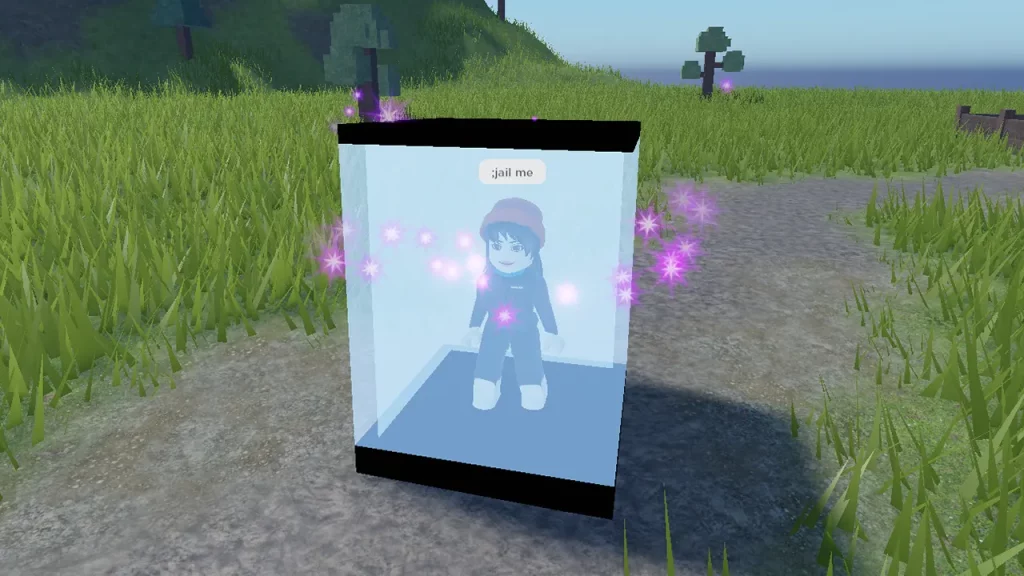
- ;jail – Put anyone in jail
- ;unjail – Take them out of the jail
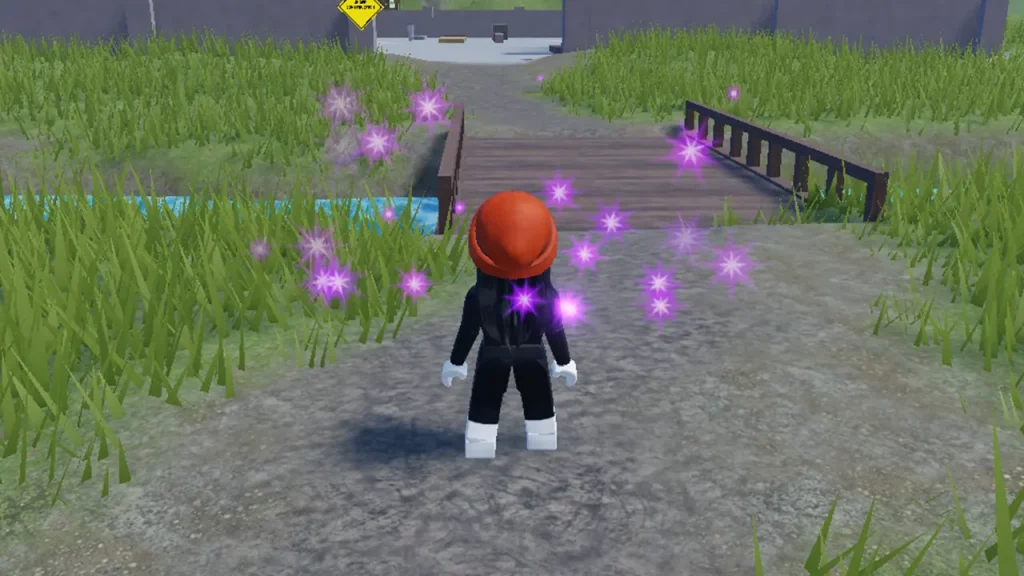
- ;sparkles– Add the sparkle effect on someone
- ;unsparkles – Remove the sparkle effect
- ;god mode – No one can kill you
- ;ungod mode – Undo the God Mode
- ;ff – Use this to create a force field around yourself or others.
- ;unff – Use this to remove the force field
- ;givetools – Get Starter Pack tools
- ;removetools – Removes Starter Pack tools
- ;fire – Sets another player on fire
- ;unfire – Extinguish the fire
- ;smoke – Use this to add a smoke effect around a player
- ;unsmoke – Removes the smoke effect
- ;trip – Trip any player
- ;sit – Force another player to sit
- ;explode – Explode anyone
- ;merge – Merge others
- ;kick – Make the player leave the game
- ;admin – Let someone use the command script
- ;unadmin – Remove the permission to use admin commands
How to Use Admin Commands in Roblox
- If you are looking for a free Admin Command modules, you can get the HD Admin.
- Hit the green-colored “Get” button and press the Get it Now button as you head there.
- Then, head to the game you made and launch it in Roblox Studio.
- There in the Toolbox search HD Admin. Place it anywhere in the experience.
- Save and publish the game.
- Now, launch and try these commands.
To use these scripts, simply open the chat box inside the game. And then paste the command with me if you want to use it on yourself. Or use the player name to whom you want to apply this command. For example, if you want to sparkle, use “;sparkles me“. Want to put another player in jail, use “;jail (player name)“. You can activate multiple scripts one after another. As you can see in the picture above.
That’s all on the Roblox free Admin commands and how to use them. If you found this guide helpful and are looking for more Roblox guides, check out our Roblox section right here on Gamer Tweak.