If you look up the word nostalgia, you will see the PS2 on it. The PS2 was the best gaming console of its time and many of us grew up with it. Although this Console was one of the best, it did have its fair share of technical issues. One of the common ones was Disc Read Error. This error popped up on many occasions as a result is pretty easy to fix. In today’s article, I will explain how to fix PS2 Disc Read Error.
How to Fix the PS2 Disc Read Error
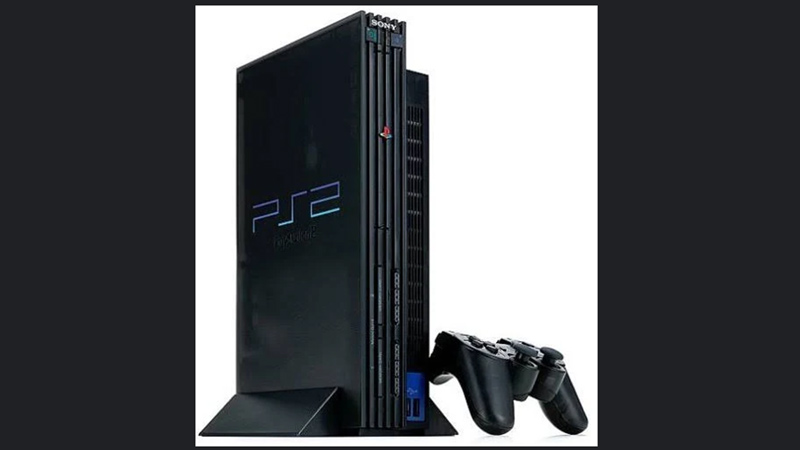
The PS2 Disc Read Error is the issue that arises when the console cannot read the game disc. This can be due to multiple reasons like the disc could be scratched, the reading laser of the PS2 is unable to read, the Console is ajar, and the list goes on. Whatever the reason may be, the error exists and the solution to it is listed below.
Steps to Fix the Error
- Insert a disc to check if it’s working. If it’s not working, eject it and check for any dust or dirt on the disc itself.
- If the error still exists after reading the disc, insert another disc and check if that’s working.
- This is to check if the error lies with the PS2 or the game disc itself.
- If the problem lies on the disc, then you can get a disc repair kit. If this is the case then the problem is not with your PS2.
- That may not be the case, check if multiple disks are not working. If so, see what color they are.
- If they are a certain color then the reading laser is unable to process the disc.
- You will need to clean the lens of the laser. This should fix the disc read error after that.
- If that’s not the case then the PS2 is slightly ajar. What I mean by this is the PS2 does not close the entire way. It is slightly opened to where the PS2 is unable to read the disc. A temporary fix to this could be putting a weighted object on top of the PS2.
- Another solution that weirdly works is to turn the PS2 over after inserting the disc.
- The best way to see the problem is to open up the PS2 if you are up for the task. By opening it up will give us a better understanding of what is wrong.
- If after all of that the problem persists then you will have to consider the option of either repairing a broken part or replacing the PS2 entirely.
This was all about fixing the Disc Read Error in PS2. Hopefully, this guide helped fix your PS2. You can also check out our guides on Insomniac Games List and Fixing the Drift on the PS4 & PS5.