
Home > Gaming Guides > How To Fix PlayStation Error WS-37469-9? (Answered)

How To Fix PlayStation Error WS-37469-9? (Answered)

Published Date :

The PS4 or PS5 error code ws-37469-9 can be frustrating. It’s that dreaded error that comes up when your Playstation fails to connect to the server. And if you’ve been planning to play games with a friend online, this will bring those plans to a grinding halt. Don’t worry, here’s what you can do to fix this issue from your end.

How to Fix the PlayStation Error ws-37469-9?
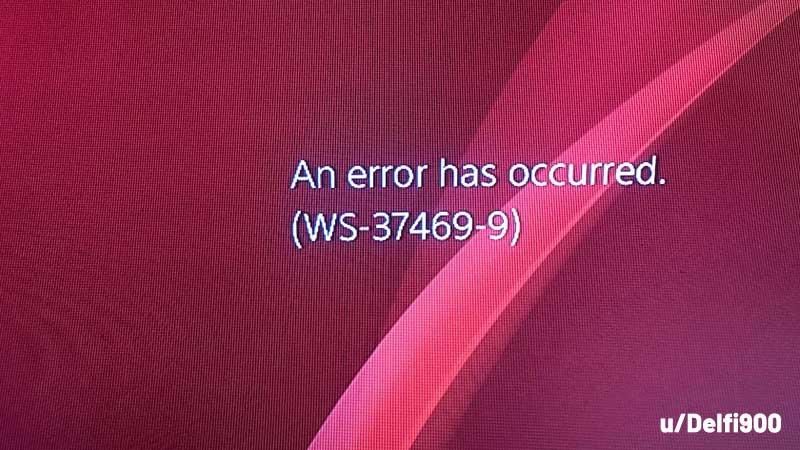
ps4 ps5 ws 37469-9 error

  • Turn off your router and wait for 5 minutes. Restart it and check if the error is coming up again.
  • Find out if PSN servers are down at the moment. Sometimes the PlayStation Network faces an outage which causes various services such as PlayStation Now, PlayStation Store, PlayStation Video, Account Management and Gaming to go down.

If servers are down, there’s nothing you can do other than simply wait it out. You will encounter issues while signing into your account, accessing the content in the store, sending a message to a player and more. Some players might be able to play an online match or two, but there’s no guarantee that it will work smoothly throughout the game. Your connection might get interrupted midway as well.

On some occasions, the PSN status could show that the services are up and running but in reality, they are not. DownDetector will come to your rescue if you start wondering whether it’s a widespread issue or it’s just happening to you. To know more, you can head to the comments of DownDetector or find a Reddit thread about it. You will see comments such as “PS4 won’t let me connect to PSN” or “getting a disconnection message” etc that will give you an idea about what’s happening.
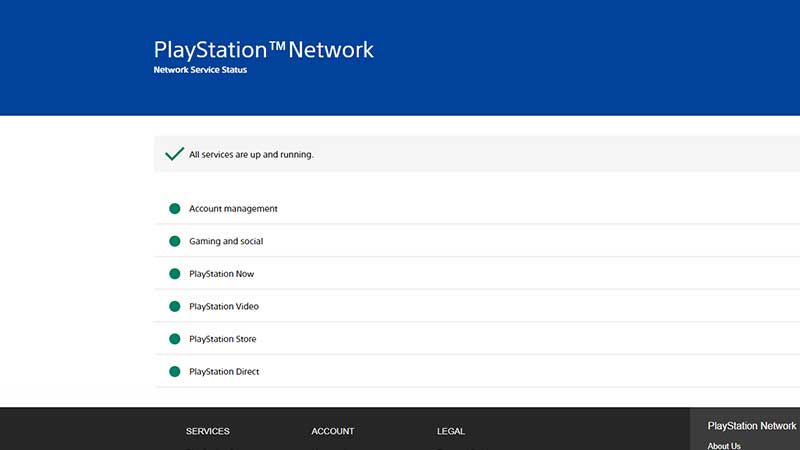
psn service status

Usually such problems are fixed by PlayStation pretty quickly, unless it’s a major outage that may take hours to fix. In case you are a frequent player of a certain game, head over to the official Twitter account of the game to see if they have posted anything about this PSN outage. Once things are back on track, head to the status page and you will see that all services are up and running.


  • CookieRun: Crumble Codes (August 2026)

    CookieRun: Crumble Codes (August 2026)

    Published Date :

    The Devsisters Corporation is back with another Cookie adventure, and like other games, there is a code redemption system in CookieRun: Crumble too! This means we can expect to get regular rewards as drops to help you assemble a team of adorable yet powerful Cookies. Here’s a list of everything currently available. Last checked for… Read More

  • Smiles Codes (August 2026)

    Smiles Codes (August 2026)

    Published Date :

    Smiles is a multiplayer survival mascot horror game where you join other players, complete objectives and survive the dangers lurking in the dark. To make the game more interesting, you can unlock emojis, animations, and more that require in-game currency (Fluff), but it can be quite a grind to earn. Don’t worry, you can redeem… Read More

  • Decaying Winter Codes (August 2026)

    Decaying Winter Codes (August 2026)

    Published Date :

    In Decaying Winter, you’re stranded on EDEN-277 where you need to survive not just scavengers, raiders and supernatural enemies but also the hostile environment. Since it’s a roguelike co-op survival experience, every little boost helps, and that’s where Decaying Winter codes will come in handy. Luckily, there is a code redemption mechanic in the game,… Read More

  • Fishing Tower Defense Codes (August 2026)

    Fishing Tower Defense Codes (August 2026)

    Published Date :

    Fishing Tower Defense codes can help you build a stronger defense by rewarding you with free Diamonds, Dice, and other useful items. Unlike the usual tower defense games, this Roblox experience has you catching unique fish and deploying them as living towers to stop waves of invading humans. As you unlock rarer fish and upgrade… Read More







