Home > Age Of Empires 4 > How To Play Age Of Empires IV On Mac

How To Play Age Of Empires 4 On Mac

Published Date :

Age of Empires 4 has been released and you can get it through Steam or Xbox game pass. But while these options are there for you to get the game, you cannot play it on a Mac. At least not directly but there is a workaround for it. So in this guide let us take a look at how to play Age of Empires 4 (AOE4) on your Mac device.

How to Play Age of Empires 4 on Mac
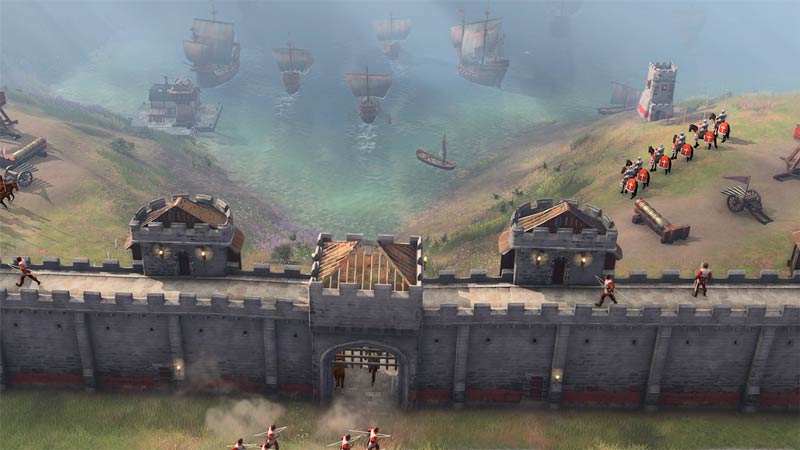
how to play age of empires 4 on mac

To Play AOE4 on your Mac, you need to install windows on it. And once you do that simply play as if you would on your Windows system. There are many different ways you can install Windows on your Mac like using a Virtual Machine, Remote desktop, and more. But for this guide, we will take the help of Boot Camp. So here are the steps to install Windows on your Mac to play Age of Empires 4.

Prerequisites:

  • You need a blank USB drive formatted as MS-DOS (FAT), the recommended size for your USB is 16GB.
  • And you also need to download the Windows 10 (ISO File) disc image.

Steps to Install:

  1. Connect the USB Drive to your Mac
  2. Open Boot Camp Assistant. You can find it under Applications then Utilities.
  3. At the select tasks step, click continue after selecting all the tasks.
  4. Choose the USB drive and the Windows ISO image at the Create Bootable USB drive for Windows. Now click Continue.
  5. Create a partition for your windows you need a minimum of 20GB space but we recommend partitioning 50GB space. This step is important as once you create a partition you cannot resize it later.
  6. Finally, install Windows. Once windows installation is complete. All that is left to do is download Steam and install Age of Empires 4. If you follow the above steps correctly you should be able to play AOE4 on your Mac in no time.

That sums up this guide on how to play Age of Empires 4 on Mac. If you like playing this game be sure to check out our other guides on how to link Xbox live account and civilizations list for Age of Empires 4.


  • Bending Grounds Codes (August 2026)

    Bending Grounds Codes (August 2026)

    Published Date :

    Bending Grounds is a Roblox fighting game where you use different elemental abilities, complete quests and take part in PvP battles. You can experiment with various bending styles, and improve your character as you keep playing. Spins are useful for getting new options, so redeeming the available codes can give you a few extra chances.… Read More

  • Sell Ores Codes (August 2026)

    Sell Ores Codes (August 2026)

    Published Date :

    Mining and processing ores is the main way to earn cash in Sell Ores. You can upgrade your setup, unlock new machines, and work toward getting better ores as your operation grows. Since progress can take time, free rewards from codes can help you move ahead a little faster and so, here are the latest… Read More

  • Build a Military Base Codes (August 2026)

    Build a Military Base Codes (August 2026)

    Published Date :

    Build a Military Base lets you create and upgrade your own military base while unlocking new tanks, helicopters, jets and more. As your base grows, you can prepare for battles against other players. Free Premium Crates and other rewards can help you unlock useful items without spending extra resources, so here are all the Build… Read More

  • Karinderya Codes (August 2026)

    Karinderya Codes (August 2026)

    Published Date :

    Running a busy karinderya (a Filipino Restaurant) means you have a lot to keep up with. You need to cook meals, serve customers, improve your kitchen, and make enough Cash to keep upgrading your small food stall. The good news is that a few free rewards can make the early grind easier, especially if you’re… Read More