
Dota 2 requires players to ping locations on the map often during matches. These are meant to help teammates out be it for attack or to get them to retreat. Here’s all you need to know to ping in DOTA 2.
How to Ping in DOTA 2?
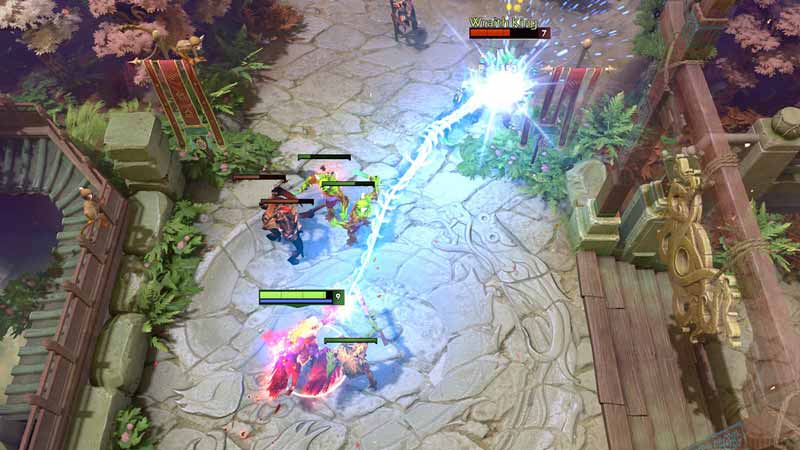
To ping in DOTA 2, you need to hold down ALT and the Left Mouse Button at the same time to bring up a sword icon that indicates an attack aka Exclamation ping as placed by you on the map. Similarly, For defense aka Cross ping retreat, Hold down Ctrl + Alt with the Left Mouse Button. You need to be swift with these controls in order to fully utilize the need of pinging a location in Dota 2. Here’s a little more regarding the use of the same in-game using a custom function.
Custom Ping Locations DOTA 2
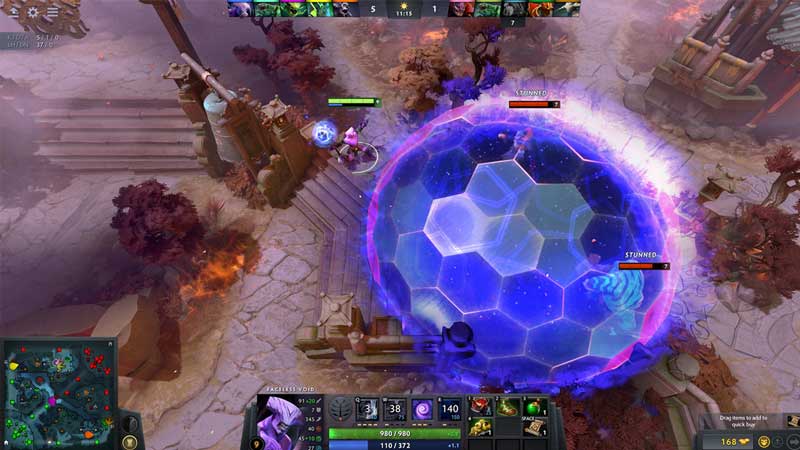
Pinging as specified above has 2 modes in DOTA 2. In addition to these two, the game enables you to trace your own path which is a very advanced sort of ping option. “Pinging” a location basically means to point out an explicit spot on the map that has some sort of information, enemy presence, safe zone, etc. If you hold down Ctrl and click the Left Mouse Button, you’ll be able to trace a path by drawing lines on the minimap. What’s important here is to be informed and keep your team informed as well. Therefore, be clear about the lines you trace. To make things easier to remember for you while you’re in the game, here are all the ping controls by default in DOTA 2 that you can use to your advantage.
| Ping Type | Control |
| Offensive (Exclamation Sword) | Alt+Left Mouse Button |
| Defensive (Cross Retreat) | Ctrl + Alt + Left Mouse Button |
| Path Trace | Ctrl+ Left Mouse Button |
That’s all there is to know about how to ping in DOTA 2. We hope this guide was of assistance to you. If you like playing the game, here’s a guide to help you deny creeps in DOTA 2. Furthermore, some players have the preference of locking cameras in DOTA 2 which you can check out and try in-game.











