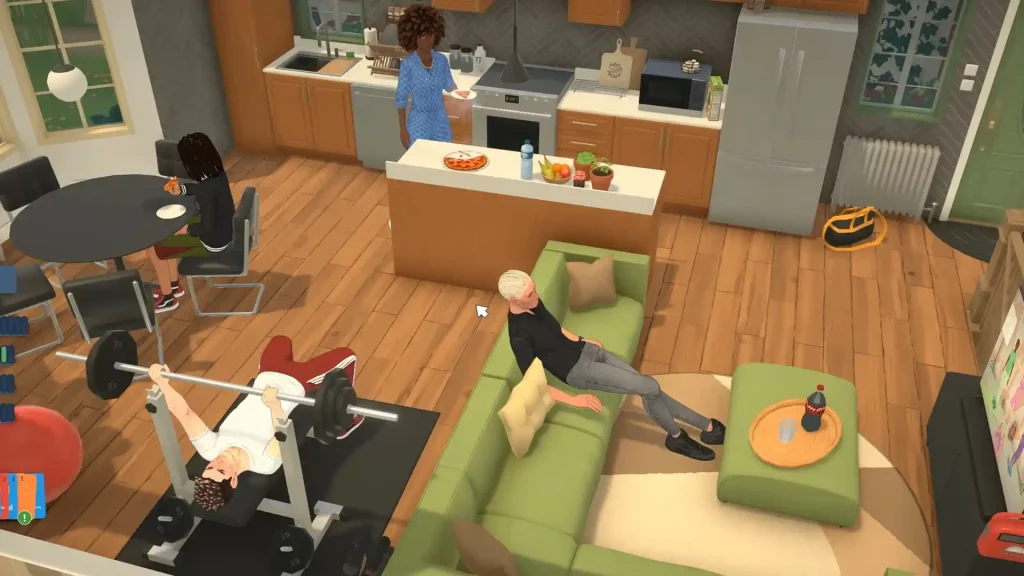
A life sim like Paralives just would not feel complete without cheat codes, especially when instant money cheats can save hours. Luckily, the game already includes a wide range of console commands that let you control everything from household funds and time progression to occupations, relationships, aging, pregnancy, and much more. Below, you’ll find the full list of available cheats along with the steps to use them in-game.
Paralives Cheat Codes
| Cheat Command | Description |
| PIGGYBANK | Adds 1,000 Paradimes to the active household funds. |
| MAKEITRAIN | Gives the household 10,000 extra Paradimes instantly. |
| JACKPOT | Rewards a large payout of 50,000 Paradimes. |
| LOTTERY | Grants a random amount of Paradimes. |
| PRINTMONEY [amount] | Increases household money by the entered value. |
| SETMONEY [amount] | Changes total household funds to the chosen number. |
| PAYDAY | Pays the selected Para their normal salary immediately. |
| CLEARBILLS | Removes all unpaid household bills. |
| ADVANCEDAY | Advances the game clock by one full day. |
| ADVANCEHOUR | Skips time ahead by a single hour. |
| SETHOUR [hour] | Sets the in game hour manually. |
| SKIPTO5MINUTESBEFOREWORK | Jumps time to five minutes before work starts. |
| AFTERNOONSUN | Changes world lighting to an afternoon setting. |
| CLEARSUN | Applies clear daytime lighting conditions. |
| DAWNSUN | Switches the sky lighting to dawn. |
| DUSKSUN | Applies dusk themed lighting. |
| MIDNIGHTSUN | Sets the environment lighting to midnight. |
| NOONSUN | Changes the world lighting to midday. |
| CAUSEOUTAGE | Triggers a utility outage on the lot. |
| EDITCHARACTER | Opens Paramaker to modify the selected Para. |
| SETAGE [value] | Assigns a new age to the selected Para. |
| NEXTLIFESTAGE | Ages the selected Para into the next life phase. |
| PREVIOUSLIFESTAGE | Reverts the selected Para to the previous life phase. |
| NEXTGROWTHSPURT | Moves a child Para into the next growth stage. |
| PREVIOUSGROWTHSPURT | Returns a child Para to the earlier growth stage. |
| KILLCHARACTER | Instantly kills the selected Para. |
| REVIVEALLSELECTEDCHARACTERS | Revives every selected dead Para. |
| GETPREGNANT [1-3] | Makes the selected Para pregnant with up to three babies. |
| GIVEBIRTH | Immediately completes the pregnancy process. |
| MAKEBABIES | Creates a baby for the selected Paras. |
| PREGNANTSTATUS | Displays current pregnancy information. |
| SHOWCHARACTERRELATIONSHIPS | Lists all relationships linked to the selected Para. |
| BECOMEACQUAINTANCEWITHEVERYONE | Makes the selected Para acquaintances with everyone. |
| REMOVERELATIONSHIP FROM [A] TO [B] | Deletes relationship labels between two Paras. |
| REMOVESTRANGERRELATIONSHIPS | Clears all stranger relationship tags. |
| RESETRELATIONSHIPSFORSELECTEDCHARACTER | Restores the selected Para’s relationships to default. |
| SHOWSTATUSEFFECTS | Displays all active status effects on the selected Para. |
| CLEARSTATUSEFFECTS | Removes all active effects from the selected Para. |
| CLEARSTATUSEFFECTSONALLCHARACTERS | Clears effects for every Para currently loaded. |
| RELIEFALLNEEDS | Fully restores all needs for the selected Para. |
| RELIEFALLNEEDSOFALLCHARACTERS | Maxes out needs for every Para. |
| RELIEFALLWANTS | Satisfies every active Want for the selected Para. |
| CLEARWANTCOOLDOWNS | Removes Want cooldown timers instantly. |
| COMPLETECURRENTWANTS | Automatically finishes all current Wants. |
| CHANGENEED [need] [value] | Sets a specific need to the chosen value. |
| RELIEFNEED [need] | Completely fills a selected need meter. |
| DECAYNEED [need] | Lowers a chosen need level. |
| GAINSTORYCARD | Gives the player a Story Card. |
| LEVELUPPERSONALITY | Increases personality progression by one level. |
| GAINEXPERTISE [skill] | Boosts expertise in the specified skill. |
| SHOWSKILLS | Displays every available skill and expertise type. |
| UPGRADEOCCUPATIONS | Unlocks the next occupation upgrade. |
| ADDSTRIKETOOCCUPATIONS | Adds a strike to the Para’s job record. |
| CLEARSTRIKES | Removes all occupation strikes. |
| CLEARALLOCCUPATIONS | Deletes every active occupation for the selected Para. |
| ADDVACATIONDAY | Gives the Para an additional vacation day. |
| ENDWORKDAY | Instantly ends the current work shift. |
| BRINGBACKSELECTEDCHARACTERSFROMSOCIALSERVICES | Returns removed Paras from social services. |
| EXTINGUISHALLFIRES | Puts out every active fire in the world. |
| EXTINGUISHSELECTEDCHARACTERSONFIRE | Stops the selected Para from burning. |
| SETITEMONFIRE | Ignites the selected object. |
| SETITEMSTATE | Changes the selected object’s state manually. |
| SETSELECTEDCHARACTERSONFIRE | Sets the selected Para on fire. |
| REPAIRALLITEMS | Repairs every damaged object. |
| UNSPOILALLITEMS | Removes spoilage from all food items. |
| DELETEALLNEWSPAPERISSUES | Deletes every newspaper issue in the world. |
| GENERATENEWSPAPER | Instantly creates a fresh newspaper edition. |
| GENERATEMAIL | Forces all queued mail to arrive immediately. |
| RESETMAILBOX | Empties all mailbox contents. |
| SETMUSEUMDONATIONS [number] | Changes the total number of museum donations. |
| RESETMUSEUMDONATIONS | Clears all museum donation progress. |
| TOGGLEEDITTOWN | Enables or disables town editing mode. |
| UNSTUCK | Moves the selected Para to a valid location if stuck. |
| UNSTUCKALL | Fixes pathing issues for all stuck Paras. |
| CANCELALLCHARACTERSINTERACTIONS | Cancels every queued interaction for all Paras. |
| SHOWCURRENTCHARACTERGUID | Displays the GUID of the selected Para. |
| ALIASES | Lists every available command alias. |
| CLEAR | Clears the cheat console window. |
| HELP | Shows the complete cheat command list. |
| SCHEDULE [command] | Repeats a command continuously every frame. |
| STOP | Stops the active scheduled command. |
How to Use Paralives Cheat Codes
Using commands in Paralives is simple:
- Launch Paralives and load into your save file.
- Press CTRL + F1 to open the cheat console.
- Type any cheat command into the text field.
- Press Enter to activate the cheat.
Some commands may require a selected Para or object before they work properly.