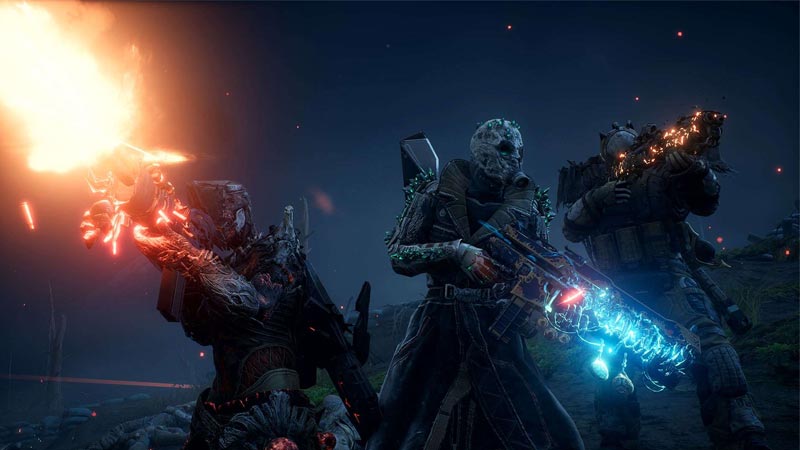
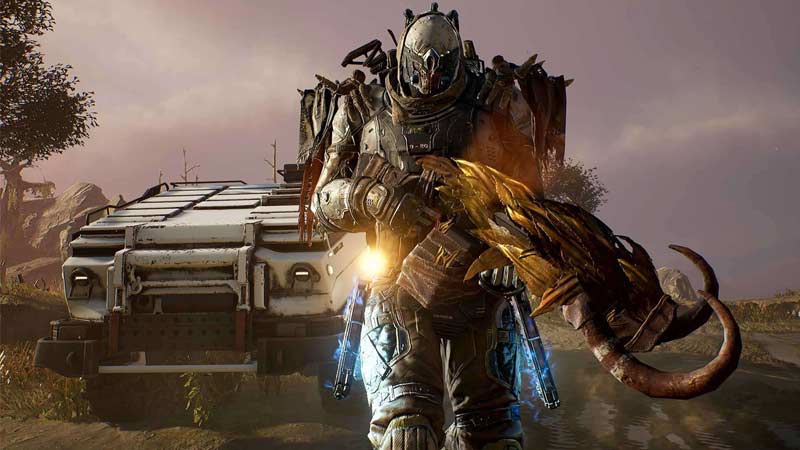
Outriders has everyone hooked since the release of its demo and after the full version is out, the game has been a must-have on every gamer’s list. Outriders is like Christmas for loots and you will find some of the coolest weapons and gear around every corner. However, some of these weapons may suit some other character class than your current one. It would be devastating to know that this amazing weapon that you came across was better suited for Technomancer instead of the Pyromancer. Luckily, the game allows multiple character slots and the best part is that you can transfer weapons and weapon mods between your characters in Outriders. Here’s how you can do it easily.
How to Share Weapons and Weapon Mods in Outriders
Check out how to switch your gear and weapons between your characters.
Transfer Weapons In Outriders
When you come across a loot that your think is more suitable for a different character class than your current one, simply grab the loot. Once you got your loot, open your stash and you can see that you will be able to toggle between your backpack and stash on the same page. Go to the backpack tab. Then select all the weapons that you want to share with your other character class. Then select ‘Move to stash’. Once the items are in the stash tab, go to your lobby and switch the character to the one you want to transfer the weapons to. Open this character’s stash and you will see your weapons there. Highlight the ones you want to give to this character class and select the ‘Take Out’ option. This will move the selected weapons from the stash to this character class’s backpack and now this character can use it.
Transfer Weapon Mods in Outriders
Weapon mods are also transferrable. Go to your crafting library and apply a mod on the weapon that is not very useful. Once the mod is applied, follow the same steps as above to transfer the item to stash. Then switch your character from the lobby. Once switched, transfer the weapon to the backpack of the switched character. Once your desired character has this modded weapon, just dismantle it and your character will now have this mod.
So that is how you can transfer weapons and weapon mods among all character classes in Outriders. The is one of the features that will come in very handy and make your gaming experience even more fun. We have also covered an article on Outriders Beginner’s Tips and tricks, have a look because you may find something you didn’t know about leveling up in the game. Also, check out our Outriders: How To Change Skills article to know about the skill swaps.